
TrioCheerio - Minecraft Skins & Skin History
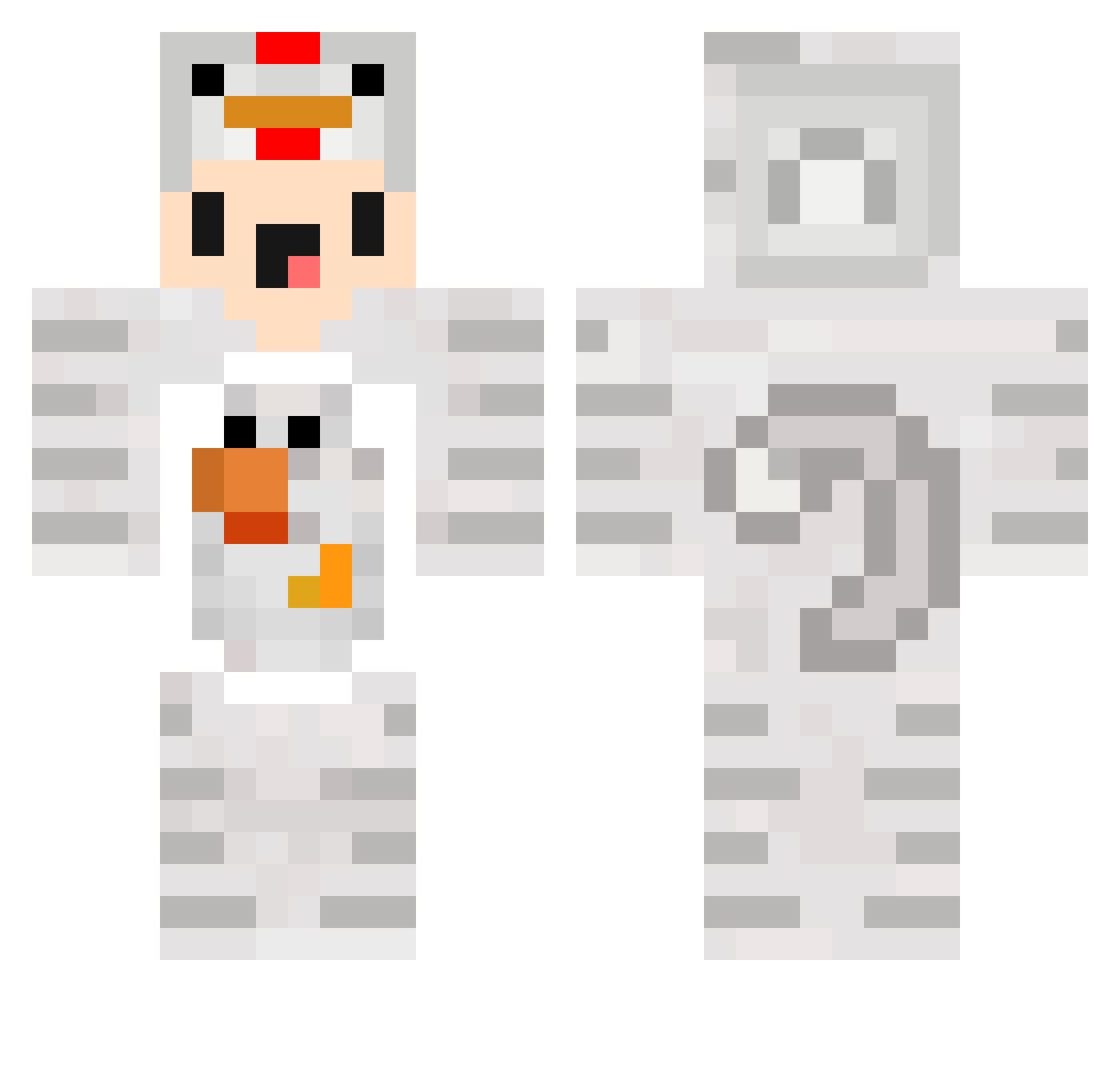
Current Minecraft skin of the player TrioCheerio, loaded from the official Mojang API. Rotate the 3D model with your mouse or finger, then download the skin as a PNG file and use it in Minecraft: Bedrock Edition or Java Edition for free. When TrioCheerio changes their skin, this page updates automatically and the old skin stays in the history below.
Other players with this skin (134)
TrioCheerio was the 116th player we have seen with this skin, first spotted on 25.10.2026. The same skin was seen on these players. Open a nickname to see their current skin and skin history.
 Gey_Seyoon NoWayPlays happy_capy1 Robyn61 yuweiii Cream_Biscuit yuuuu0704 Paelzen DracoHDXDLP miko53 BlockbauerJan AAAOOOI PG_FeArLeSs stbrocrafter Gum_Gum_Irector Minimichicker dierese Ceeey Yeomreo SAKUOooo koerber2 ExplosionsCr3ep xXDIEBUBEN2002Xx minjea04 WildoXD HaitorTillas Braingon _ZWEMMER_ KKAGI gammelfleisch_06 harleychow BillieBob Kimmyx47 WrldOfKillua ImagineLoosing__ xXDIEBUBEN2005Xx Karaaju haruka517 binz1122 daohejh HahaDuOpfer69 Clouvis iminyourface Pitayazzi CanSG_V2 mustard0423 THR10C tranqabuzer rezayy68 go0re JunTaztic Techno_CK iwavveee LHC2007 highdeeche87 Maxleberger ColoLlames SeytanTT Lara0018 minimiNickYT
More Chicken Minecraft skins
How to install the TrioCheerio skin
- Press the Download button above to save the skin as a PNG file.
- Minecraft: Bedrock Edition (PE): open the Dressing Room from the main menu (or tap your character → Edit Character), go to Classic Skins → Owned, press the + (new skin) button, choose the downloaded PNG and pick the Classic (Steve) model. Works on PC and mobile; consoles cannot import custom skins.
- Minecraft: Java Edition: open the Minecraft Launcher, go to the Skins tab, click New Skin, load the PNG, pick the Classic (Steve) model and press Save & Use. You can also upload it at minecraft.net → Profile → Change Skin.
The skin does not show up after import - what should I do?
Restart Minecraft and open the Dressing Room again - imported skins sometimes appear only after a restart. Also make sure you selected the imported skin and picked the Classic (Steve) model.
Which model should I choose, Classic or Slim?
This skin is designed for the Classic (Steve) model. If you pick the wrong model, the arms of the skin will look stretched or squeezed.
Is the skin of TrioCheerio free to download?
Yes. Press Download, save the PNG file and use it in Minecraft: Bedrock Edition or Java Edition - no payment or registration needed. The skin also works on multiplayer servers and Realms.
More skins
Looking for more? Go back to all Minecraft skins and check the top skins of the week, month and all time, or find any player's skin by nickname.