
Trarsheise - Minecraft Skins & Skin History
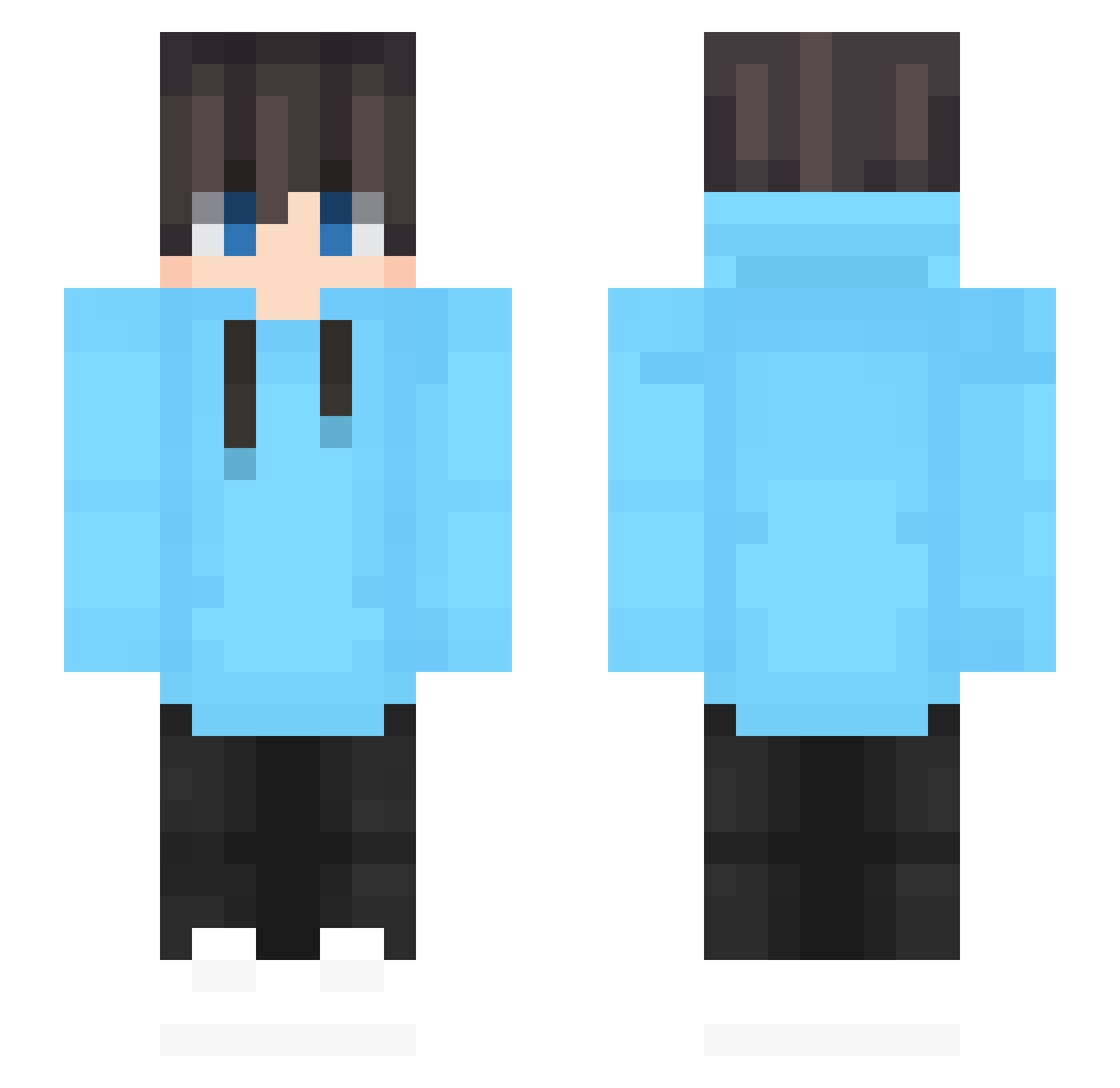
Current Minecraft skin of the player Trarsheise, loaded from the official Mojang API. Rotate the 3D model with your mouse or finger, then download the skin as a PNG file and use it in Minecraft: Bedrock Edition or Java Edition for free. When Trarsheise changes their skin, this page updates automatically and the old skin stays in the history below.
Other players with this skin (620)
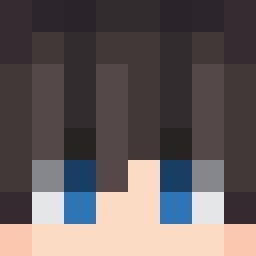
Trarsheise was the 229th player we have seen with this skin, first spotted on 07.09.2026. The same skin was seen on these players. Open a nickname to see their current skin and skin history.
 jailbuster8 idtii ste1_0503 Champdhe hbusby11 Scorpion067487 Gye_g0g JayOG_1 wsjs zhanshuang Afare89 JustJeremy13 K00ki EstebanGT18 R_Qiu ClassicGuitar48 emptylzl Glockq xNikooo TaterTot092 Itz_King00 q9n2 Dv_D striner1 DunkenDunkar X1Artic 01_Robin R0sa1es MusaHasanYT chen_huang Yang_Diogo Prism_lj BlazeFire1863 Gandon_ dazzler0209 kim_bob0602 MCMuchen1314 haya000 Flurocy Goldbursch Choi_X Hennessy_Barker Boss_C_ RaffaGame Charlie_did1111 Librasnake myDYD Calzinohh__ WanjaiBento Geoffrey072 Abartik kerwen6666 Camara155 Decgum lxoyvhe CyraxJr frostiiiiiiiii TBEMSBMBE jamatos bissvv
How to install the Trarsheise skin
- Press the Download button above to save the skin as a PNG file.
- Minecraft: Bedrock Edition (PE): open the Dressing Room from the main menu (or tap your character → Edit Character), go to Classic Skins → Owned, press the + (new skin) button, choose the downloaded PNG and pick the Slim (Alex) model. Works on PC and mobile; consoles cannot import custom skins.
- Minecraft: Java Edition: open the Minecraft Launcher, go to the Skins tab, click New Skin, load the PNG, pick the Slim (Alex) model and press Save & Use. You can also upload it at minecraft.net → Profile → Change Skin.
The skin does not show up after import - what should I do?
Restart Minecraft and open the Dressing Room again - imported skins sometimes appear only after a restart. Also make sure you selected the imported skin and picked the Slim (Alex) model.
Which model should I choose, Classic or Slim?
This skin is designed for the Slim (Alex) model. If you pick the wrong model, the arms of the skin will look stretched or squeezed.
Is the skin of Trarsheise free to download?
Yes. Press Download, save the PNG file and use it in Minecraft: Bedrock Edition or Java Edition - no payment or registration needed. The skin also works on multiplayer servers and Realms.
More skins
Looking for more? Go back to all Minecraft skins and check the top skins of the week, month and all time, or find any player's skin by nickname.