
Tornquist1054 - Minecraft Skins & Skin History
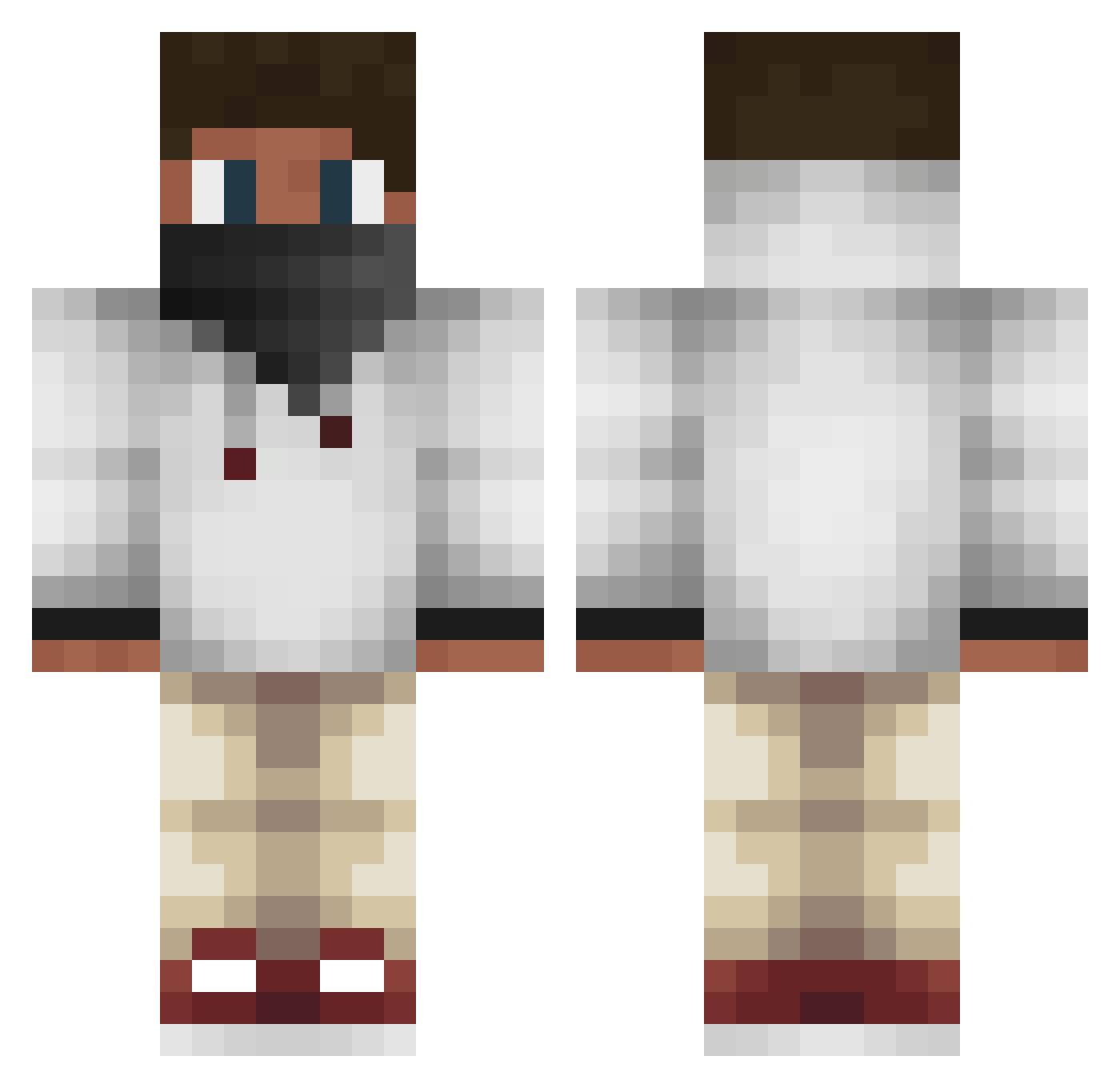
Current Minecraft skin of the player Tornquist1054, loaded from the official Mojang API. Rotate the 3D model with your mouse or finger, then download the skin as a PNG file and use it in Minecraft: Bedrock Edition or Java Edition for free. When Tornquist1054 changes their skin, this page updates automatically and the old skin stays in the history below.
Other players with this skin (573)
Tornquist1054 was the 242nd player we have seen with this skin, first spotted on 14.09.2026. The same skin was seen on these players. Open a nickname to see their current skin and skin history.
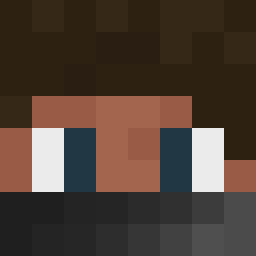 Trxstan BlackViperz Michaelnumber10 L0uiz nayuni Davidb23 Fireflame9111 z312 MatchuWok EliTheHermit YanoGaming DanteHeartRip JTheDominator Madafix ImThatOneGuy HistoryOfTouches xXPhilipDoesMcXx jasper011 DCG_Muffin jybob martinsimmonds KingBoss4E_AJay xBlvckViperPvP Raskle4 ultrapiglet killcourse101 kosen1234 AppleMeme justinjulien14 Liquidblitz Silly_Shlok _Bassem_ jon2606 professor_dwarf Thelises ToxicDiamond43 xOltsux Exchanger Mc_ToxicWarrior RobertoSuperio Bossa073 4_sparta xAquill_ DikkeTyg killaj12 rookie2206 LitenApa forderman123 LostLilLucky Raynert UmarPlayz Magana MotionlessMiner BlackBoyOC Kuiill McMatasLTU Malcolm_Slayer chinoxchris Smilie_XD StoneClock21
More Face Mask Minecraft skins
How to install the Tornquist1054 skin
- Press the Download button above to save the skin as a PNG file.
- Minecraft: Bedrock Edition (PE): open the Dressing Room from the main menu (or tap your character → Edit Character), go to Classic Skins → Owned, press the + (new skin) button, choose the downloaded PNG and pick the Classic (Steve) model. Works on PC and mobile; consoles cannot import custom skins.
- Minecraft: Java Edition: open the Minecraft Launcher, go to the Skins tab, click New Skin, load the PNG, pick the Classic (Steve) model and press Save & Use. You can also upload it at minecraft.net → Profile → Change Skin.
The skin does not show up after import - what should I do?
Restart Minecraft and open the Dressing Room again - imported skins sometimes appear only after a restart. Also make sure you selected the imported skin and picked the Classic (Steve) model.
Which model should I choose, Classic or Slim?
This skin is designed for the Classic (Steve) model. If you pick the wrong model, the arms of the skin will look stretched or squeezed.
Is the skin of Tornquist1054 free to download?
Yes. Press Download, save the PNG file and use it in Minecraft: Bedrock Edition or Java Edition - no payment or registration needed. The skin also works on multiplayer servers and Realms.
More skins
Looking for more? Go back to all Minecraft skins and check the top skins of the week, month and all time, or find any player's skin by nickname.