
TonyLaSauces - Minecraft Skins & Skin History
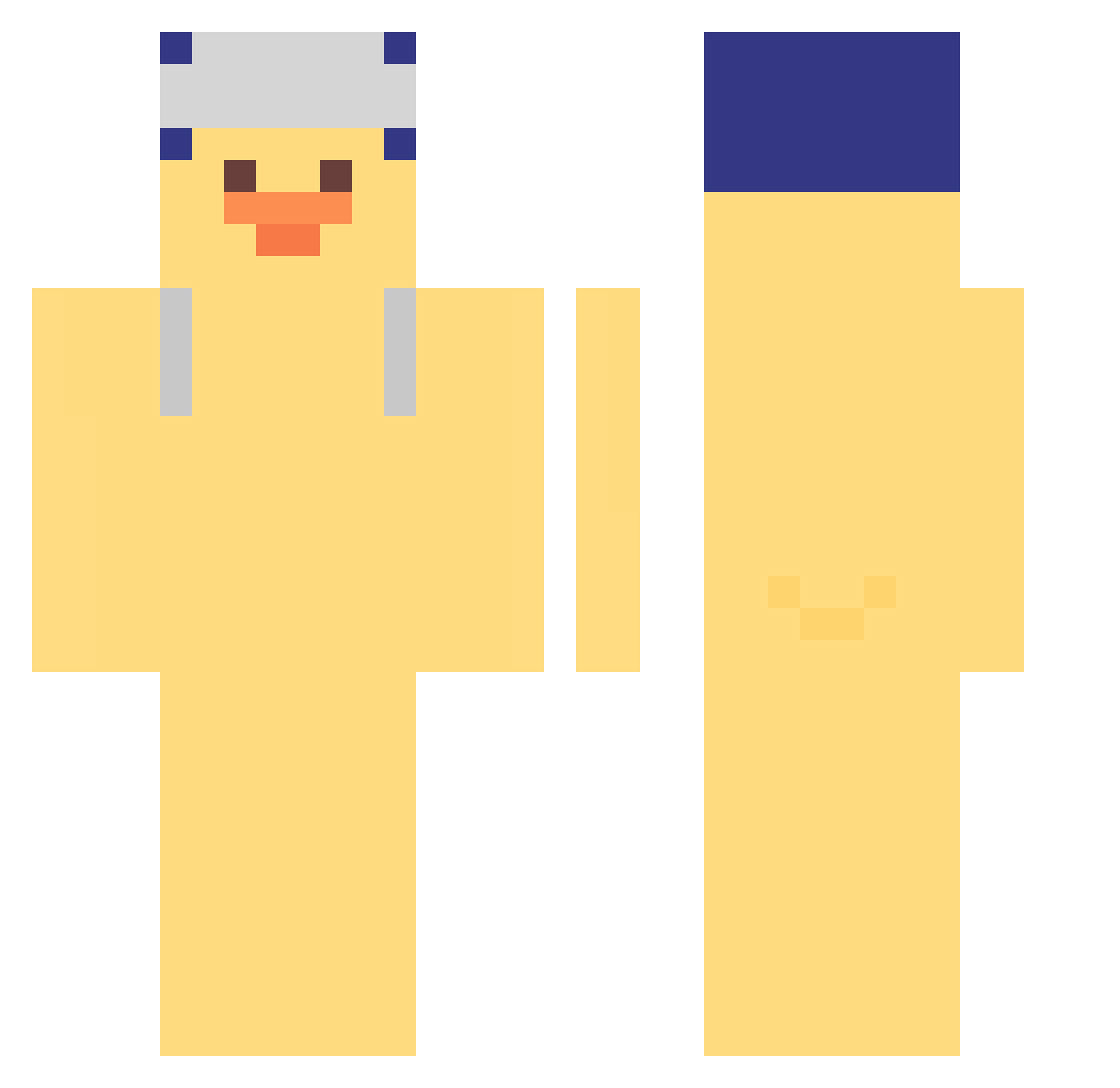
Current Minecraft skin of the player TonyLaSauces, loaded from the official Mojang API. Rotate the 3D model with your mouse or finger, then download the skin as a PNG file and use it in Minecraft: Bedrock Edition or Java Edition for free. When TonyLaSauces changes their skin, this page updates automatically and the old skin stays in the history below.
Other players with this skin (381)
TonyLaSauces was the 304th player we have seen with this skin, first spotted on 18.10.2026. The same skin was seen on these players. Open a nickname to see their current skin and skin history.
 malaytb North__Ming Kazetabb Frinzy xuxuppppp Xx_oX AKADZD Lippethegod SPACE_GAOT silbe_on_033 Poole13 PrepWar error0018 ggoggo12323 yalishandahu J4naB JadeFox8682 oatess Kumja ji_yo3 michaeleog N4pt0 Guidus_k OldfoxV AL3XX07 yejin_zzang nos165 15ffplz rymmmm DOFILZ TANIKLINDO CHOMYOUNGTAN Tubaki_01 xfarasx kyuxxrx iammatsu 16PM doloc baboben 816zzz rnanjuuuuu MOLLY0317 tatty2011 Thecaiox_1 mikaya00 WTITW iruyass Pollo2419 JIPSSA atom5678 E_P_E_D lashimani WhosBoe Divine_04 Jeyongkim iALTEZZA WarioTT kikicho1 Gustavo152016 Beaver_0
More Duck Minecraft skins
How to install the TonyLaSauces skin
- Press the Download button above to save the skin as a PNG file.
- Minecraft: Bedrock Edition (PE): open the Dressing Room from the main menu (or tap your character → Edit Character), go to Classic Skins → Owned, press the + (new skin) button, choose the downloaded PNG and pick the Classic (Steve) model. Works on PC and mobile; consoles cannot import custom skins.
- Minecraft: Java Edition: open the Minecraft Launcher, go to the Skins tab, click New Skin, load the PNG, pick the Classic (Steve) model and press Save & Use. You can also upload it at minecraft.net → Profile → Change Skin.
The skin does not show up after import - what should I do?
Restart Minecraft and open the Dressing Room again - imported skins sometimes appear only after a restart. Also make sure you selected the imported skin and picked the Classic (Steve) model.
Which model should I choose, Classic or Slim?
This skin is designed for the Classic (Steve) model. If you pick the wrong model, the arms of the skin will look stretched or squeezed.
Is the skin of TonyLaSauces free to download?
Yes. Press Download, save the PNG file and use it in Minecraft: Bedrock Edition or Java Edition - no payment or registration needed. The skin also works on multiplayer servers and Realms.
More skins
Looking for more? Go back to all Minecraft skins and check the top skins of the week, month and all time, or find any player's skin by nickname.