
To4rup - Minecraft Skins & Skin History
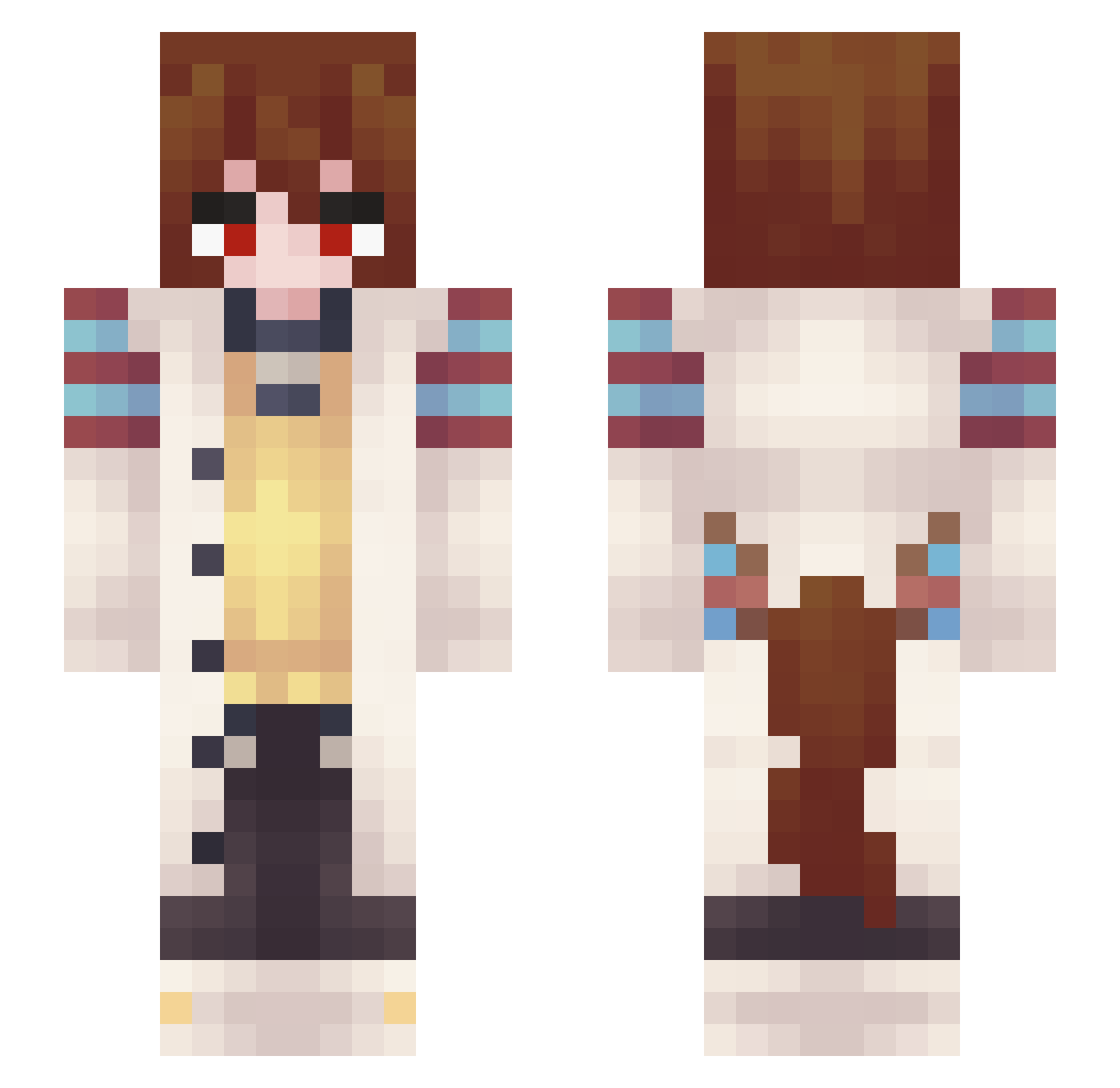
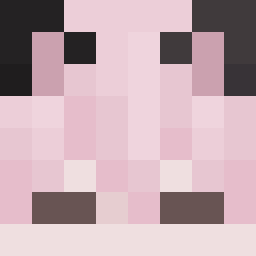
Current Minecraft skin of the player To4rup, loaded from the official Mojang API. Rotate the 3D model with your mouse or finger, then download the skin as a PNG file and use it in Minecraft: Bedrock Edition or Java Edition for free. When To4rup changes their skin, this page updates automatically and the old skin stays in the history below.
Other players with this skin (349)
To4rup was the 53rd player we have seen with this skin, first spotted on 08.08.2026. The same skin was seen on these players. Open a nickname to see their current skin and skin history.
 Noxsaris sduu ChocChipVelforne Lajtyn HiddenDetection Wxveey SorakaEnjoyer Hawasari Vikuuuu Skully930 ManMove
 Milwo Alteps0
 twoflameer Ellenke Digo6385
 Xyvier arthropodenjoyer ritsusakuma Noxtz Zilocen B0NERFART69 chxl_
 FanYT sen_bro BeastOfThisWorld
 VacatedTitan547
 inuuuuuuuuuuuuuu Mototed Felipe8706 The_Cool_Potato 27358
 CesarMori gatomichi421
 Cervaster colorcasted daniel85415 Agnes_TayChyon szojhb tekvto TaraKe_Bingus Kzuma_840
 ShadowAkuma8756 MrMcChickenn M0RPH1N3 Ian_XE Actually_th0 Fireza Caveman47 DavidIsa Mona_Celica Suirr Yunojik sinofcringe AJU55I _Breadtao Simowniak alex_gt2345
 KN1GHT_T1me gogogo1132
Previous skins of To4rup
Skins that To4rup wore before, newest first. Click a skin to open its page and download it.
More Anime Girl Minecraft skins
See all 13709 Anime Girl skins
How to install the To4rup skin
- Press the Download button above to save the skin as a PNG file.
- Minecraft: Bedrock Edition (PE): open the Dressing Room from the main menu (or tap your character → Edit Character), go to Classic Skins → Owned, press the + (new skin) button, choose the downloaded PNG and pick the Slim (Alex) model. Works on PC and mobile; consoles cannot import custom skins.
- Minecraft: Java Edition: open the Minecraft Launcher, go to the Skins tab, click New Skin, load the PNG, pick the Slim (Alex) model and press Save & Use. You can also upload it at minecraft.net → Profile → Change Skin.
The skin does not show up after import - what should I do?
Restart Minecraft and open the Dressing Room again - imported skins sometimes appear only after a restart. Also make sure you selected the imported skin and picked the Slim (Alex) model.
Which model should I choose, Classic or Slim?
This skin is designed for the Slim (Alex) model. If you pick the wrong model, the arms of the skin will look stretched or squeezed.
Is the skin of To4rup free to download?
Yes. Press Download, save the PNG file and use it in Minecraft: Bedrock Edition or Java Edition - no payment or registration needed. The skin also works on multiplayer servers and Realms.
More skins
Looking for more? Go back to all Minecraft skins and check the top skins of the week, month and all time, or find any player's skin by nickname.