
Tiengow - Minecraft Skins & Skin History
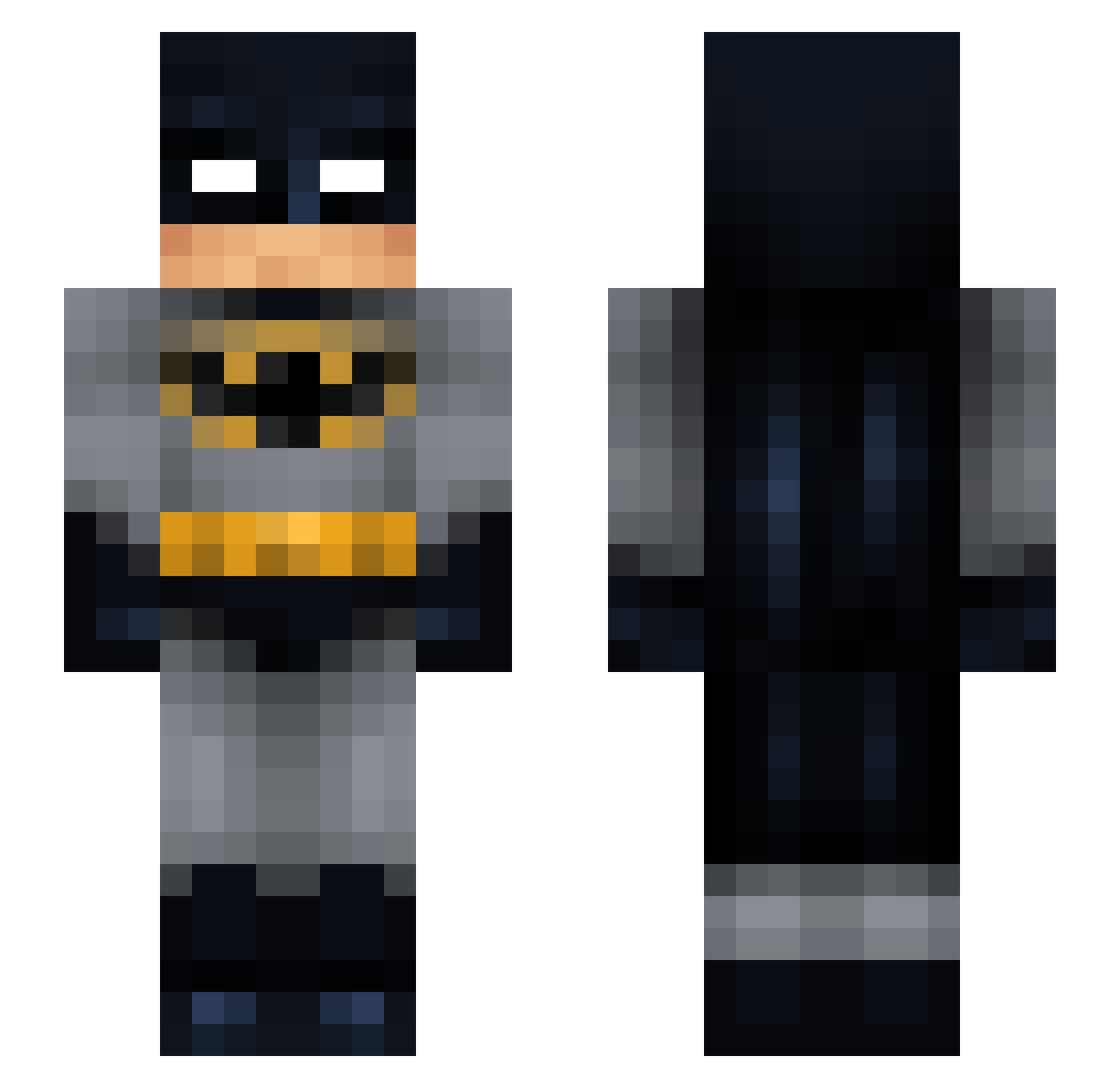
Current Minecraft skin of the player Tiengow, loaded from the official Mojang API. Rotate the 3D model with your mouse or finger, then download the skin as a PNG file and use it in Minecraft: Bedrock Edition or Java Edition for free. When Tiengow changes their skin, this page updates automatically and the old skin stays in the history below.
Other players with this skin (58)
Tiengow was the 15th player we have seen with this skin, first spotted on 28.08.2026. The same skin was seen on these players. Open a nickname to see their current skin and skin history.
 yElcio YellowFireGaming Stiglitz1 karateboy95 Arbzzo BloodyBaran El_Boog Sinestt O11v3R Pohlizei BlackWeed90 Dede_55 ElTlacuache unsub2me metehandroos Mieliin Jeroentje_ TOMNY im_asian420 skiiitzo snusspardevejs ChiefFudge_ jacolop AngeaG PCEatsyou Kartoffelkatt strogat TST0 WaterToaster704 Ging_Giing Punter BatmanBoob Hunde_man321 xaramaria N0tW1lly mrMCDONALDS23848 MarkFernando Thehillswatcher6 Zepittas Kakan2003 Atraco Lasiotus im_not_amiiir Maximum_fortnite RizznastyPants edox117 thirdquarter zoesmc Arrowboi1590 JaredThePenguin_ ThisNiiKz YBcN DinMammaFet Kalric TheJackV Lala_Pirutin jacozzparkour Meth_420
More Batman Minecraft skins
How to install the Tiengow skin
- Press the Download button above to save the skin as a PNG file.
- Minecraft: Bedrock Edition (PE): open the Dressing Room from the main menu (or tap your character → Edit Character), go to Classic Skins → Owned, press the + (new skin) button, choose the downloaded PNG and pick the Slim (Alex) model. Works on PC and mobile; consoles cannot import custom skins.
- Minecraft: Java Edition: open the Minecraft Launcher, go to the Skins tab, click New Skin, load the PNG, pick the Slim (Alex) model and press Save & Use. You can also upload it at minecraft.net → Profile → Change Skin.
The skin does not show up after import - what should I do?
Restart Minecraft and open the Dressing Room again - imported skins sometimes appear only after a restart. Also make sure you selected the imported skin and picked the Slim (Alex) model.
Which model should I choose, Classic or Slim?
This skin is designed for the Slim (Alex) model. If you pick the wrong model, the arms of the skin will look stretched or squeezed.
Is the skin of Tiengow free to download?
Yes. Press Download, save the PNG file and use it in Minecraft: Bedrock Edition or Java Edition - no payment or registration needed. The skin also works on multiplayer servers and Realms.
More skins
Looking for more? Go back to all Minecraft skins and check the top skins of the week, month and all time, or find any player's skin by nickname.