
TheBlazeGame8150 - Minecraft Skins & Skin History
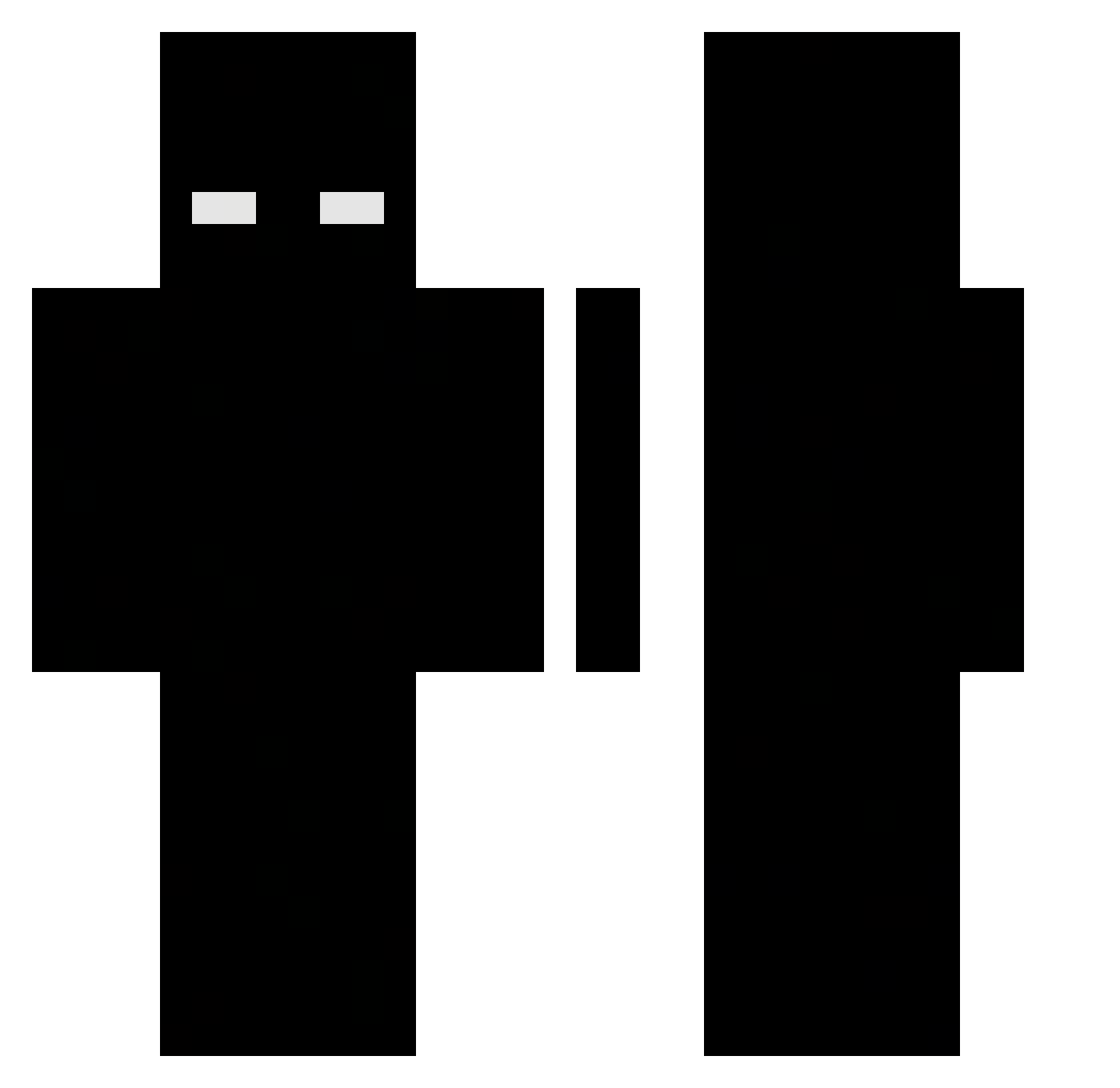
Current Minecraft skin of the player TheBlazeGame8150, loaded from the official Mojang API. Rotate the 3D model with your mouse or finger, then download the skin as a PNG file and use it in Minecraft: Bedrock Edition or Java Edition for free. When TheBlazeGame8150 changes their skin, this page updates automatically and the old skin stays in the history below.
Other players with this skin (474)
TheBlazeGame8150 was the 273rd player we have seen with this skin, first spotted on 25.09.2026. The same skin was seen on these players. Open a nickname to see their current skin and skin history.
 Jojo99_ad ZELAZNY_KUBA Eingefrorenes FRZ040113 Motylek_LOL remy rlk777 voolz Blasco93 Leoxyz_R ExplotaPapo2330 02GANGSTER Hxx3 Gheat PhotoDynamics 368M ShardK1 OvalAnteater698 trashrealguy krywz0 CCRJ Ka1czor BOSKOOOO Dim_69 nicoLovesnether Gagoznx shalswns101217 kutAIIM Nyz59 MrAksoy S6D mirac_eet_kaas bartx67 JJAN2 Shuvro Antqrew Tan_Lan_ kisin19 Lunatic_08 DantsMC yooooooooooo5451 vixar66 DashEU ItzRyz3n paichaijun StormyBao A_LiteSuper cyscoBR jacob2352 SigmaAgus flintflin byt2 just_zero_okay IgnSabre Og_Qzax kickM6R77 PrexKamikaze Tomall337 ataclapedyou corlorlessRose
More Herobrine Minecraft skins
How to install the TheBlazeGame8150 skin
- Press the Download button above to save the skin as a PNG file.
- Minecraft: Bedrock Edition (PE): open the Dressing Room from the main menu (or tap your character → Edit Character), go to Classic Skins → Owned, press the + (new skin) button, choose the downloaded PNG and pick the Classic (Steve) model. Works on PC and mobile; consoles cannot import custom skins.
- Minecraft: Java Edition: open the Minecraft Launcher, go to the Skins tab, click New Skin, load the PNG, pick the Classic (Steve) model and press Save & Use. You can also upload it at minecraft.net → Profile → Change Skin.
The skin does not show up after import - what should I do?
Restart Minecraft and open the Dressing Room again - imported skins sometimes appear only after a restart. Also make sure you selected the imported skin and picked the Classic (Steve) model.
Which model should I choose, Classic or Slim?
This skin is designed for the Classic (Steve) model. If you pick the wrong model, the arms of the skin will look stretched or squeezed.
Is the skin of TheBlazeGame8150 free to download?
Yes. Press Download, save the PNG file and use it in Minecraft: Bedrock Edition or Java Edition - no payment or registration needed. The skin also works on multiplayer servers and Realms.
More skins
Looking for more? Go back to all Minecraft skins and check the top skins of the week, month and all time, or find any player's skin by nickname.