
Tertius - Minecraft Skins & Skin History
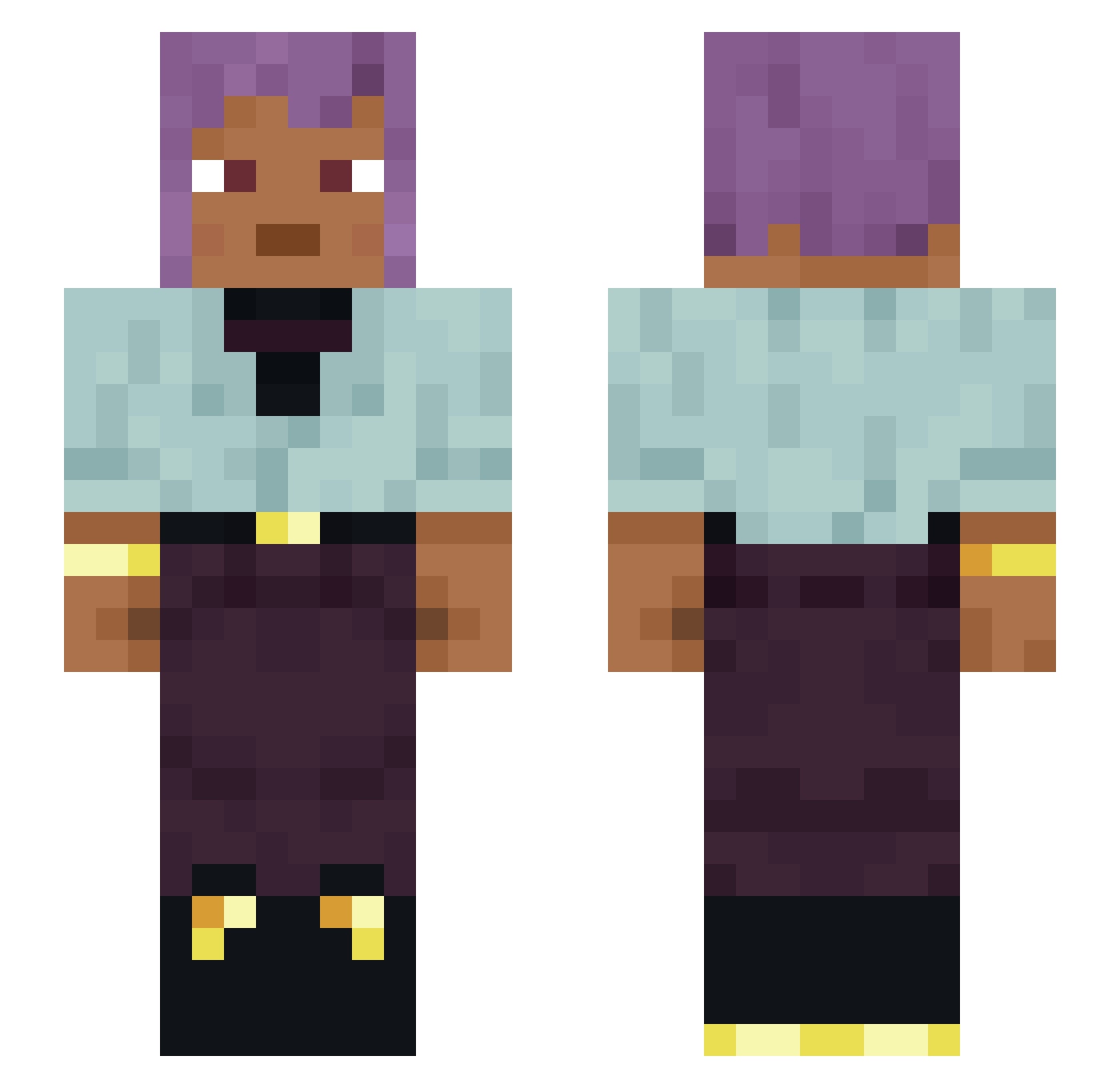
Current Minecraft skin of the player Tertius, loaded from the official Mojang API. Rotate the 3D model with your mouse or finger, then download the skin as a PNG file and use it in Minecraft: Bedrock Edition or Java Edition for free. When Tertius changes their skin, this page updates automatically and the old skin stays in the history below.
Other players with this skin (1405)
Tertius was the 598th player we have seen with this skin, first spotted on 14.09.2026. The same skin was seen on these players. Open a nickname to see their current skin and skin history.
 Kingzy224 SuperKlach Qwenchana OVODESU HiveArc 4ubz sommerdag Kbbsta StorbaSMucho ashxu wessieh Luci_Goosey420 Tigerfoot MortalSlayer tiou VinNi7 molybdite ItsNotJulian_ brandiron MadMike18 0_Invisble condores sami1331 villota PlagiaristiC AverseBear Skuuuh adenolipomatosis MelleMakeCombo Blake1_ Turkish_0003 gabeissanta vassbonn002 Sachalechat1 james1978 wackyhouse74 Salchipapon BlacksyncNF so_musubu kilerek1 Seidel ouistiti Entrapments northerliness TIEKSON isobar bagooner mought ThatTeddZ zekeydapeppo HatchetMan Retribution block_boi LuciXz agorasoueu Rummish Faenas Rubens mesohippus Pavone
How to install the Tertius skin
- Press the Download button above to save the skin as a PNG file.
- Minecraft: Bedrock Edition (PE): open the Dressing Room from the main menu (or tap your character → Edit Character), go to Classic Skins → Owned, press the + (new skin) button, choose the downloaded PNG and pick the Slim (Alex) model. Works on PC and mobile; consoles cannot import custom skins.
- Minecraft: Java Edition: open the Minecraft Launcher, go to the Skins tab, click New Skin, load the PNG, pick the Slim (Alex) model and press Save & Use. You can also upload it at minecraft.net → Profile → Change Skin.
The skin does not show up after import - what should I do?
Restart Minecraft and open the Dressing Room again - imported skins sometimes appear only after a restart. Also make sure you selected the imported skin and picked the Slim (Alex) model.
Which model should I choose, Classic or Slim?
This skin is designed for the Slim (Alex) model. If you pick the wrong model, the arms of the skin will look stretched or squeezed.
Is the skin of Tertius free to download?
Yes. Press Download, save the PNG file and use it in Minecraft: Bedrock Edition or Java Edition - no payment or registration needed. The skin also works on multiplayer servers and Realms.
More skins
Looking for more? Go back to all Minecraft skins and check the top skins of the week, month and all time, or find any player's skin by nickname.