
 COCARRIII Ivory1one 6877 5hR1Mpy Scioli Chonolith EcuGamer Briquette Pepi1337 Eudyptes Claye Marisbo MasterBombadil Blote ChrisTotem Damnified Gunite Unaccessible Sick_Bastard Exonerates VANIA_ZHU Nateynate985 Finalization scuffer Tertius essy4877 MadMike18 BelovedMod HumbleBee Cougys Roquelaure MortalSlayer Nigelgel so_musubu Outmost hamperer wackyhouse74 molybdite avi00000 machtspiele Braxton556 beehod mariomike7 kel00022 huguera_ OHMNIKRON JaDe_Gray Bellite NAKOO sergimalsori BlackHoopz IntraCranial Sawtooth Nonnegative Evfist Valetudinarian agorasoueu Milo NicoCai2014 Apray
Minecraft skin of Alessandra. Rotate the 3D model with your mouse or finger to view the skin from every angle, then download it as a PNG file and use it in Minecraft: Bedrock Edition or Java Edition for free. Rate the skin with stars to help other players find the best skins in our collection.
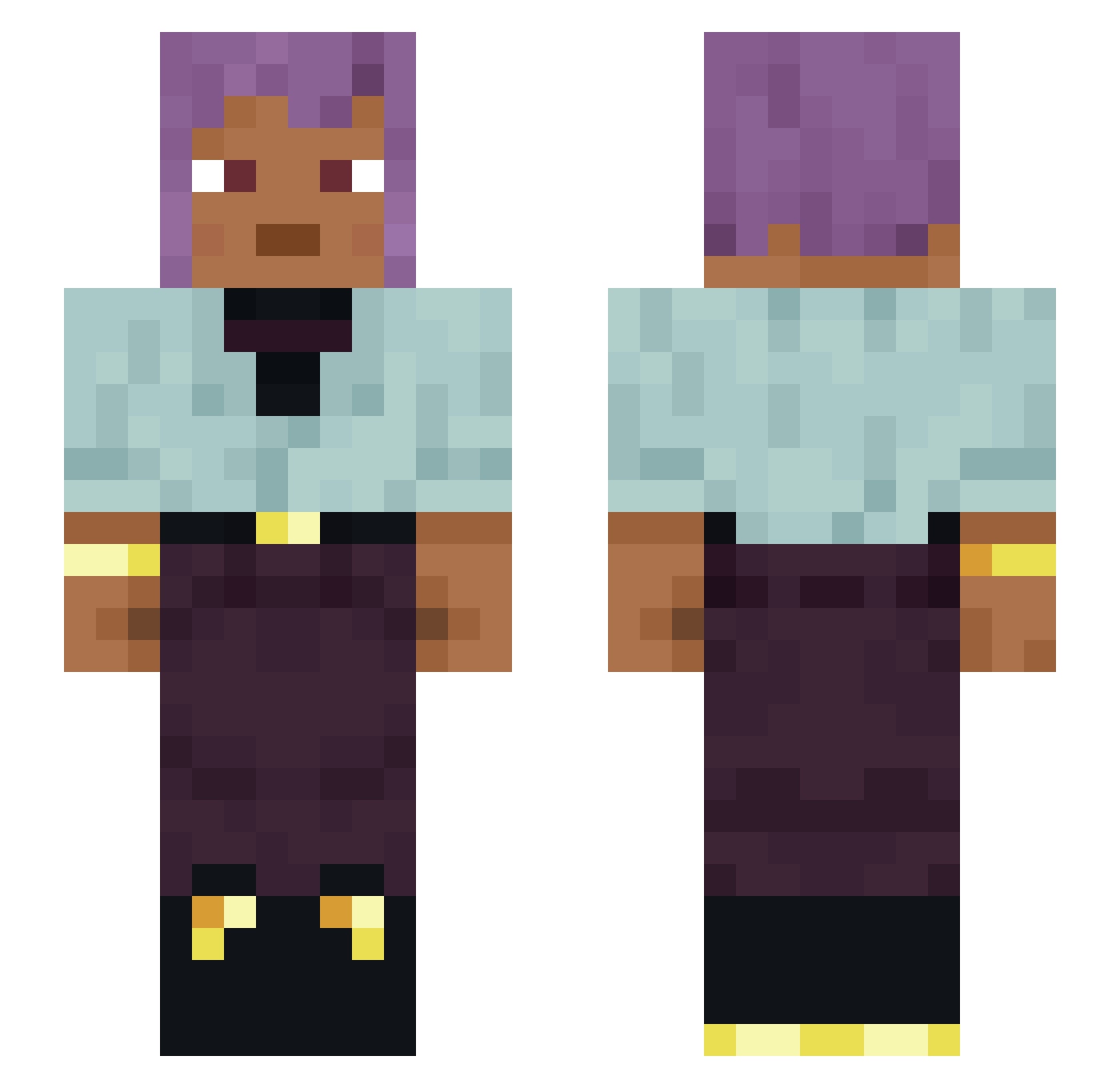
How to install the Alessandra skin
- Press the Download button above to save the skin as a PNG file.
- Minecraft: Bedrock Edition (PE): open the Dressing Room from the main menu (or tap your character → Edit Character), go to Classic Skins → Owned, press the + (new skin) button, choose the downloaded PNG and pick the Slim (Alex) model. Works on PC and mobile; consoles cannot import custom skins.
- Minecraft: Java Edition: open the Minecraft Launcher, go to the Skins tab, click New Skin, load the PNG, pick the Slim (Alex) model and press Save & Use. You can also upload it at minecraft.net → Profile → Change Skin.
The skin does not show up after import - what should I do?
Restart Minecraft and open the Dressing Room again - imported skins sometimes appear only after a restart. Also make sure you selected the imported skin and picked the Slim (Alex) model.
Which model should I choose, Classic or Slim?
This skin is designed for the Slim (Alex) model. If you pick the wrong model, the arms of the skin will look stretched or squeezed.
Is this skin free to use?
Yes. Press Download, save the PNG file and use it in Minecraft: Bedrock Edition or Java Edition - no payment or registration needed. The skin also works on multiplayer servers and Realms.
More skins
Looking for more? Go back to all Minecraft skins and check the top skins of the week, month and all time, or find any player's skin by nickname.