
Fajcannon - Minecraft Skins & Skin History
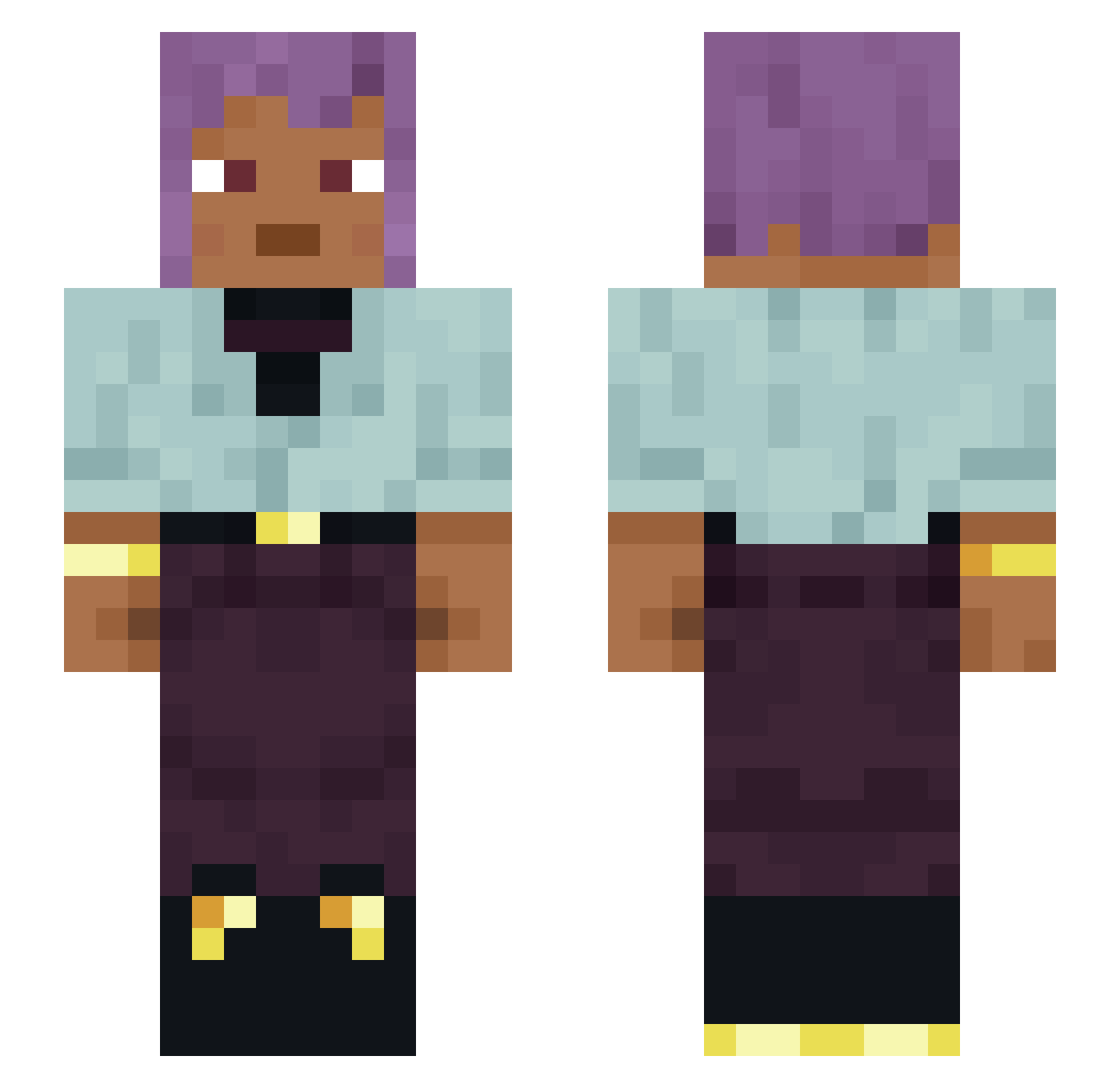
Current Minecraft skin of the player Fajcannon, loaded from the official Mojang API. Rotate the 3D model with your mouse or finger, then download the skin as a PNG file and use it in Minecraft: Bedrock Edition or Java Edition for free. When Fajcannon changes their skin, this page updates automatically and the old skin stays in the history below.
Other players with this skin (1483)
Fajcannon was the 1435th player we have seen with this skin, first spotted on 08.11.2026. The same skin was seen on these players. Open a nickname to see their current skin and skin history.
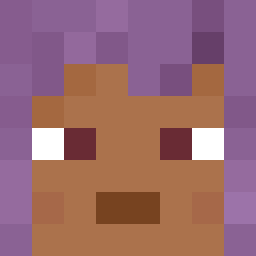 jimisgaming CARANNA Wysticx IRaN MemeQueen3 LordAxo Unmagical trichoplax Mutandis kromm1 pro_vax123 get_out_ casecolt Nondeadly Domer _OsamaBinHiding_ Danielv_ baiiiin zazified Loxer20 Hall FoxyBeast Slade_Games chitlins 119nodt bxn_exot01 Presound Nick_Gamiing WEGOTPRIME sr_matado Linna123 Ohlawn zRezz1 Ultragrave deliquesce Z4_k jeremy94200 AbnerHCalori afterwise Assass1n__ Sophists Loggings Derstille0 CornCakes EyeAmHim VladZzZzZ lFairoxX Vidar69 ChiLpS VerySchlump Omura86 Mon1p yu17xiu anikabala Cowpokes nathbrdo NikiciaOnTop cuquita3001 Extraneousness JaeYoung121
How to install the Fajcannon skin
- Press the Download button above to save the skin as a PNG file.
- Minecraft: Bedrock Edition (PE): open the Dressing Room from the main menu (or tap your character → Edit Character), go to Classic Skins → Owned, press the + (new skin) button, choose the downloaded PNG and pick the Slim (Alex) model. Works on PC and mobile; consoles cannot import custom skins.
- Minecraft: Java Edition: open the Minecraft Launcher, go to the Skins tab, click New Skin, load the PNG, pick the Slim (Alex) model and press Save & Use. You can also upload it at minecraft.net → Profile → Change Skin.
The skin does not show up after import - what should I do?
Restart Minecraft and open the Dressing Room again - imported skins sometimes appear only after a restart. Also make sure you selected the imported skin and picked the Slim (Alex) model.
Which model should I choose, Classic or Slim?
This skin is designed for the Slim (Alex) model. If you pick the wrong model, the arms of the skin will look stretched or squeezed.
Is the skin of Fajcannon free to download?
Yes. Press Download, save the PNG file and use it in Minecraft: Bedrock Edition or Java Edition - no payment or registration needed. The skin also works on multiplayer servers and Realms.
More skins
Looking for more? Go back to all Minecraft skins and check the top skins of the week, month and all time, or find any player's skin by nickname.