
TenguAya_114 - Minecraft Skins & Skin History
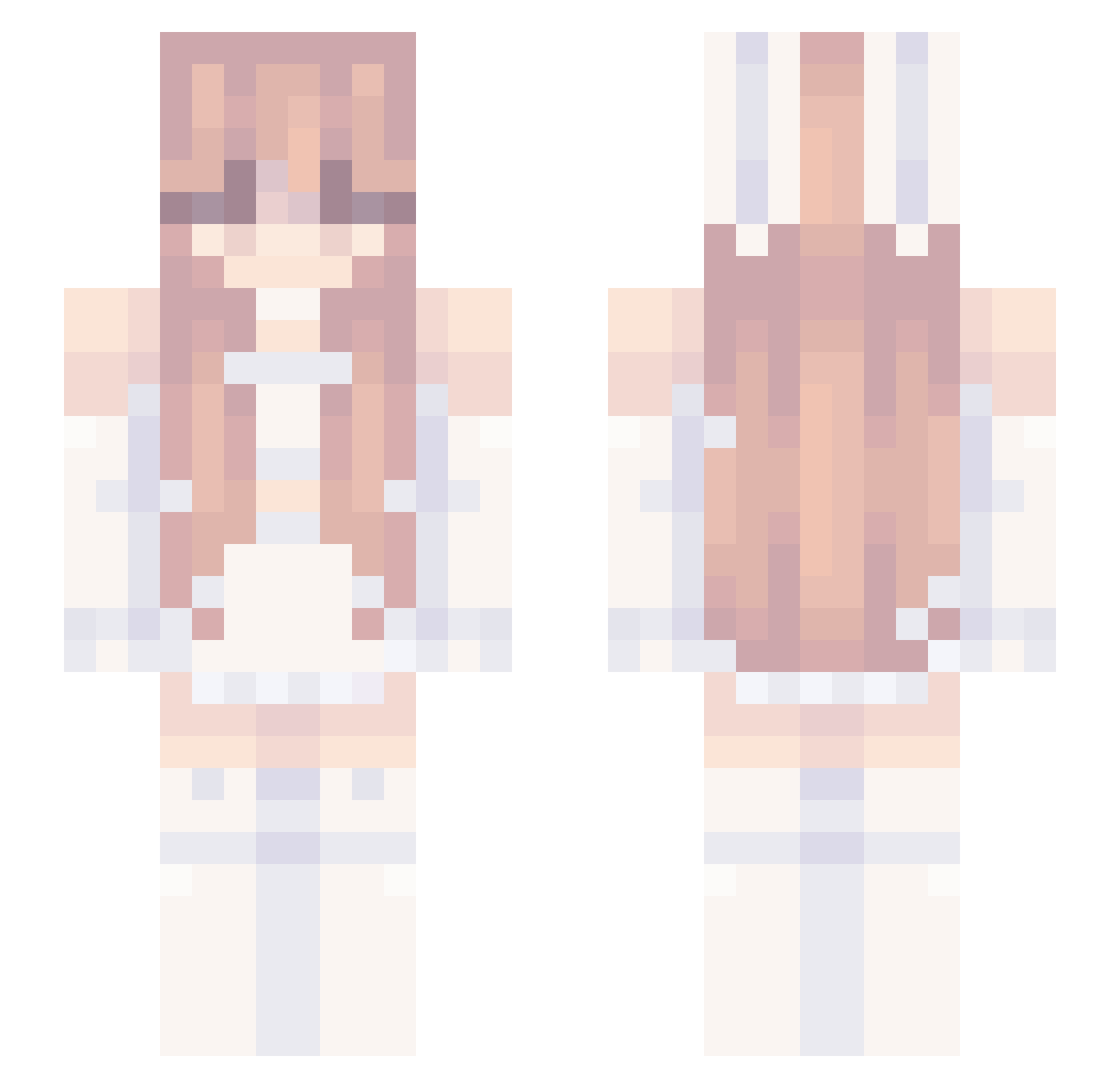
Current Minecraft skin of the player TenguAya_114, loaded from the official Mojang API. Rotate the 3D model with your mouse or finger, then download the skin as a PNG file and use it in Minecraft: Bedrock Edition or Java Edition for free. When TenguAya_114 changes their skin, this page updates automatically and the old skin stays in the history below.
Other players with this skin (239)
TenguAya_114 was the 44th player we have seen with this skin, first spotted on 09.08.2026. The same skin was seen on these players. Open a nickname to see their current skin and skin history.
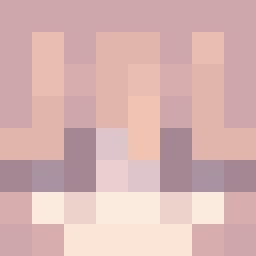 asakuragf Rebvu Lyn24 _Sakura_195_
 Jannek666 Bluejay7204222 7a7fsnumber1fan Keakori Rinegone MineMan8888 skyy973 clungofin ACTPA
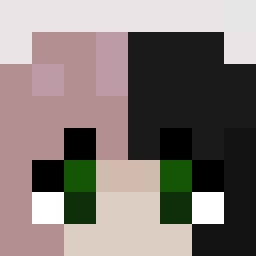 tiny_thing69 just1JonAS
 cutecat44 Jessiex_ iLoveGiuliaSL Jettejernbat yujaa6748 matthenry16 Karate_Duck
 elixonw YourSight Vzne pearlcannon Mx_Nothing m1000zxc 14YoE_Girl jingzhaoo
 NDGR_16 Vespxra kaiexo KloKlo_Is_Da_Bst chloe_tea xiaowang06 IgnacyU 17Cent
 kaileigh445
 MeliX5010 Mike86859700 Kogobo lCOKEl fwddy
 xShivanii SimpleLake SleepyMegan meowmiu01
 alsiaa fawnsque AthleticLobster Magicallyz diti223 Sweedie3D SantaMuppet Sunlit_HM chenkie Raccoq NkofloCpvp Kctan36
More Bunny Ears Minecraft skins
How to install the TenguAya_114 skin
- Press the Download button above to save the skin as a PNG file.
- Minecraft: Bedrock Edition (PE): open the Dressing Room from the main menu (or tap your character → Edit Character), go to Classic Skins → Owned, press the + (new skin) button, choose the downloaded PNG and pick the Slim (Alex) model. Works on PC and mobile; consoles cannot import custom skins.
- Minecraft: Java Edition: open the Minecraft Launcher, go to the Skins tab, click New Skin, load the PNG, pick the Slim (Alex) model and press Save & Use. You can also upload it at minecraft.net → Profile → Change Skin.
The skin does not show up after import - what should I do?
Restart Minecraft and open the Dressing Room again - imported skins sometimes appear only after a restart. Also make sure you selected the imported skin and picked the Slim (Alex) model.
Which model should I choose, Classic or Slim?
This skin is designed for the Slim (Alex) model. If you pick the wrong model, the arms of the skin will look stretched or squeezed.
Is the skin of TenguAya_114 free to download?
Yes. Press Download, save the PNG file and use it in Minecraft: Bedrock Edition or Java Edition - no payment or registration needed. The skin also works on multiplayer servers and Realms.
More skins
Looking for more? Go back to all Minecraft skins and check the top skins of the week, month and all time, or find any player's skin by nickname.