
TemperG4mes_ - Minecraft Skins & Skin History
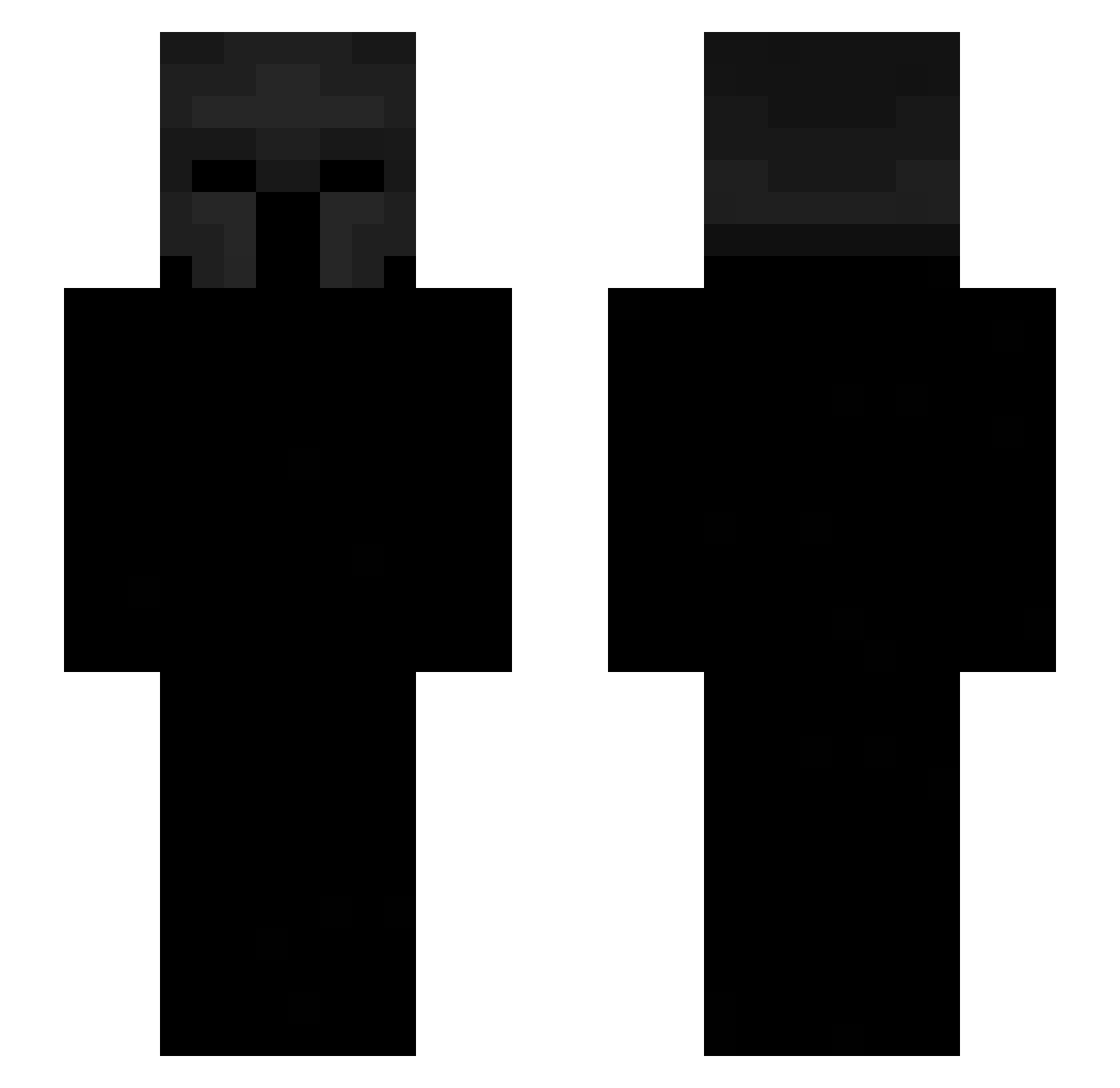
Current Minecraft skin of the player TemperG4mes_, loaded from the official Mojang API. Rotate the 3D model with your mouse or finger, then download the skin as a PNG file and use it in Minecraft: Bedrock Edition or Java Edition for free. When TemperG4mes_ changes their skin, this page updates automatically and the old skin stays in the history below.
Other players with this skin (442)
TemperG4mes_ was the 73rd player we have seen with this skin, first spotted on 09.08.2026. The same skin was seen on these players. Open a nickname to see their current skin and skin history.
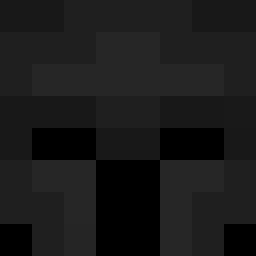 ayroh
ayroh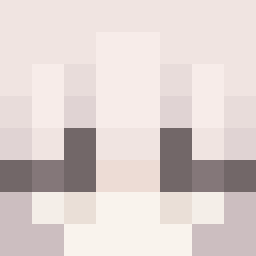 LeavingPrawn438 PlonkReaper ernestos R3surrect Drrewty kwigg_ Floppy_0 Hanne2011 saltfish771 BntRollr
 gg_krebble460206 vampiriism zaralilyporterx
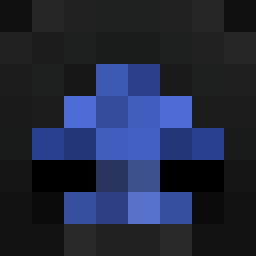 Knotworks Gluglumeh nooblessboi mr3bontop NowackOn
 OverHaul164 Exp1os1on JuanCHIO
 EnvyGabe DizzG Nosetalgia braydor21
 W0lfram_ qwi1t001 JohnnyBravo769
 MiniBcy SKELLYpl rebdd JacketChicken 2vas Nurvonic Perroroncino Zaplng m4yB Wakuri_ 1oren Zeronicx Apostraphee pmkhanh cooldude7441
 Zterapz_ xnzvv Eliot208 WanTokyo Scrvby gg777ik ulkpay MysticCage Rhearie RomanTheDeadly Abdu1423 AnToNiOLV1109 jozufr SMS191 garbisCole
 TekkyLando
More Spartan Minecraft skins
How to install the TemperG4mes_ skin
- Press the Download button above to save the skin as a PNG file.
- Minecraft: Bedrock Edition (PE): open the Dressing Room from the main menu (or tap your character → Edit Character), go to Classic Skins → Owned, press the + (new skin) button, choose the downloaded PNG and pick the Slim (Alex) model. Works on PC and mobile; consoles cannot import custom skins.
- Minecraft: Java Edition: open the Minecraft Launcher, go to the Skins tab, click New Skin, load the PNG, pick the Slim (Alex) model and press Save & Use. You can also upload it at minecraft.net → Profile → Change Skin.
The skin does not show up after import - what should I do?
Restart Minecraft and open the Dressing Room again - imported skins sometimes appear only after a restart. Also make sure you selected the imported skin and picked the Slim (Alex) model.
Which model should I choose, Classic or Slim?
This skin is designed for the Slim (Alex) model. If you pick the wrong model, the arms of the skin will look stretched or squeezed.
Is the skin of TemperG4mes_ free to download?
Yes. Press Download, save the PNG file and use it in Minecraft: Bedrock Edition or Java Edition - no payment or registration needed. The skin also works on multiplayer servers and Realms.
More skins
Looking for more? Go back to all Minecraft skins and check the top skins of the week, month and all time, or find any player's skin by nickname.