
Sworv - Minecraft Skins & Skin History
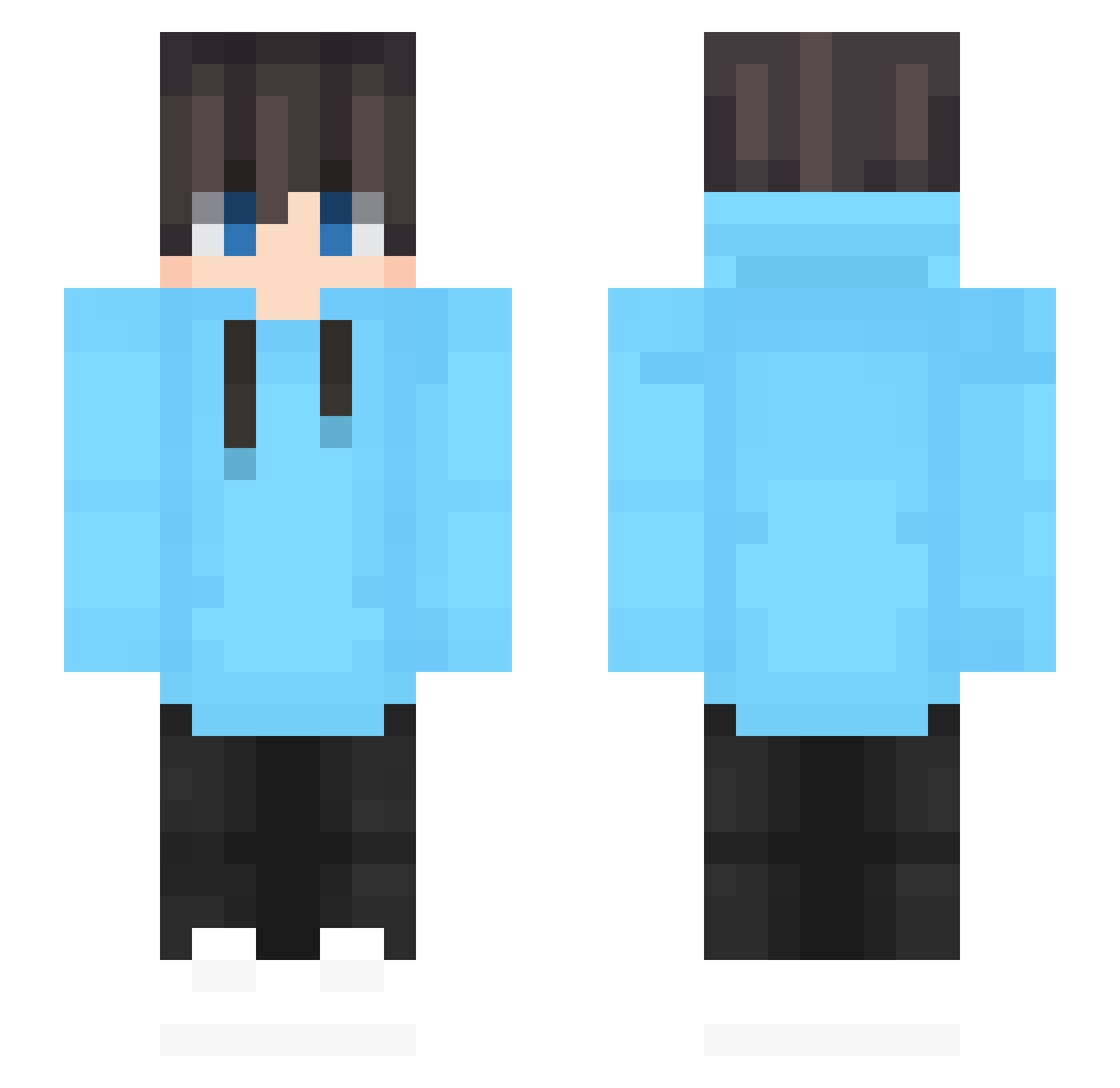
Current Minecraft skin of the player Sworv, loaded from the official Mojang API. Rotate the 3D model with your mouse or finger, then download the skin as a PNG file and use it in Minecraft: Bedrock Edition or Java Edition for free. When Sworv changes their skin, this page updates automatically and the old skin stays in the history below.
Other players with this skin (620)
Sworv was the 427th player we have seen with this skin, first spotted on 10.10.2026. The same skin was seen on these players. Open a nickname to see their current skin and skin history.
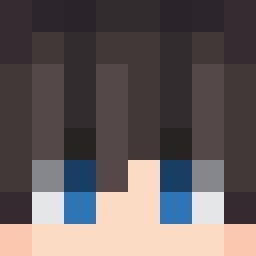 rongao Psxcho2812 CraftermanL CiaranFristi LEXXIMUS JujuBee78 Rvase WangYJhh Aigger_Promax Carlino66 Corveo TheCady123 Yorvn Lele6670 leeho8665 DandingGUGUGU Kubiczek_1 faq194 kim0210 Seven7891 a_r_raiyan ItsLabs zijieya SplashingCod MayaLeTacoo kapi_diff Alanixxd ZeroGoldmin Isotopp koxiu5M Perolix Mininoah2011 BaiChaQWQ sirFreakoIsGone Revitalize24 Kreber Vyro_5 bazaronski macrochirus_ Amir4333 ZhiSheng2 FerociousTCA LumboJacko Frederic4556 Ilsecco nerbird EmileGolden B4RETT DanisKleineWelt Payungia123 djxiao233 Elias74 PED0R Sunlighttts JHANAEL PastaFrolla44 Myles3627 Fliora AZAzc ItzDeshIN
How to install the Sworv skin
- Press the Download button above to save the skin as a PNG file.
- Minecraft: Bedrock Edition (PE): open the Dressing Room from the main menu (or tap your character → Edit Character), go to Classic Skins → Owned, press the + (new skin) button, choose the downloaded PNG and pick the Slim (Alex) model. Works on PC and mobile; consoles cannot import custom skins.
- Minecraft: Java Edition: open the Minecraft Launcher, go to the Skins tab, click New Skin, load the PNG, pick the Slim (Alex) model and press Save & Use. You can also upload it at minecraft.net → Profile → Change Skin.
The skin does not show up after import - what should I do?
Restart Minecraft and open the Dressing Room again - imported skins sometimes appear only after a restart. Also make sure you selected the imported skin and picked the Slim (Alex) model.
Which model should I choose, Classic or Slim?
This skin is designed for the Slim (Alex) model. If you pick the wrong model, the arms of the skin will look stretched or squeezed.
Is the skin of Sworv free to download?
Yes. Press Download, save the PNG file and use it in Minecraft: Bedrock Edition or Java Edition - no payment or registration needed. The skin also works on multiplayer servers and Realms.
More skins
Looking for more? Go back to all Minecraft skins and check the top skins of the week, month and all time, or find any player's skin by nickname.