
SuperSlaphead - Minecraft Skins & Skin History
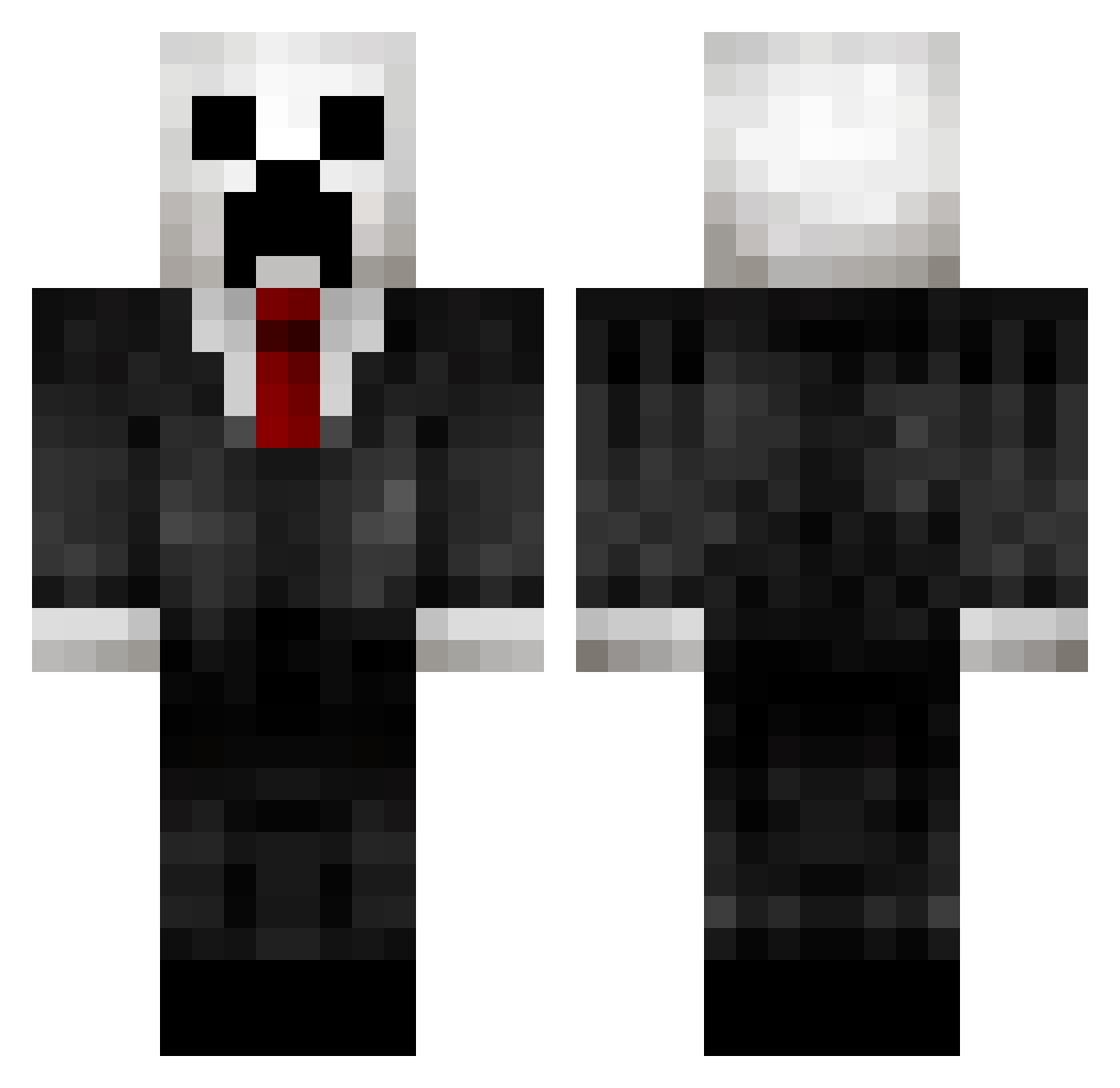
Current Minecraft skin of the player SuperSlaphead, loaded from the official Mojang API. Rotate the 3D model with your mouse or finger, then download the skin as a PNG file and use it in Minecraft: Bedrock Edition or Java Edition for free. When SuperSlaphead changes their skin, this page updates automatically and the old skin stays in the history below.
Other players with this skin (432)
SuperSlaphead was the 243rd player we have seen with this skin, first spotted on 02.10.2026. The same skin was seen on these players. Open a nickname to see their current skin and skin history.
 DrnMC_ ECreeper03 Riticule YetiMeThis jimber23 caseydestroyer bobmeister10 Filipponga Xander_Craft comrade627 Hunter_19XX NalleKarhu18 Tantrika lionboy9868 Angiwyn Ostapovich Strikebox419 at0mic_ninja Joseman_13 brochach0 Mingsonto dailybumming Hallutation Bad_fade_wolf SynapZzzz xWBDBx Nospaca LordKillingSpree SsamWee Abokarsha MikeYAJ DoktorArif landondye nuuska_annos Dhen henrytsui hatanksa msarosy18 ccrean warwick64 THE_GOLDEN_36 Spike751 killerabs23 BlooregardQ Jukthomas KingdomKiller305 diduk Krinit bruster1213 JOSEGSS26 Herr_Sneaky watawatakou origamiman2012 tbone1703 jurgenpower Muzzzza96 TrombonerXD SoulReaperH Woifal000 YaBoyEd
More Creeper Minecraft skins
How to install the SuperSlaphead skin
- Press the Download button above to save the skin as a PNG file.
- Minecraft: Bedrock Edition (PE): open the Dressing Room from the main menu (or tap your character → Edit Character), go to Classic Skins → Owned, press the + (new skin) button, choose the downloaded PNG and pick the Classic (Steve) model. Works on PC and mobile; consoles cannot import custom skins.
- Minecraft: Java Edition: open the Minecraft Launcher, go to the Skins tab, click New Skin, load the PNG, pick the Classic (Steve) model and press Save & Use. You can also upload it at minecraft.net → Profile → Change Skin.
The skin does not show up after import - what should I do?
Restart Minecraft and open the Dressing Room again - imported skins sometimes appear only after a restart. Also make sure you selected the imported skin and picked the Classic (Steve) model.
Which model should I choose, Classic or Slim?
This skin is designed for the Classic (Steve) model. If you pick the wrong model, the arms of the skin will look stretched or squeezed.
Is the skin of SuperSlaphead free to download?
Yes. Press Download, save the PNG file and use it in Minecraft: Bedrock Edition or Java Edition - no payment or registration needed. The skin also works on multiplayer servers and Realms.
More skins
Looking for more? Go back to all Minecraft skins and check the top skins of the week, month and all time, or find any player's skin by nickname.