
SuliFPS - Minecraft Skins & Skin History
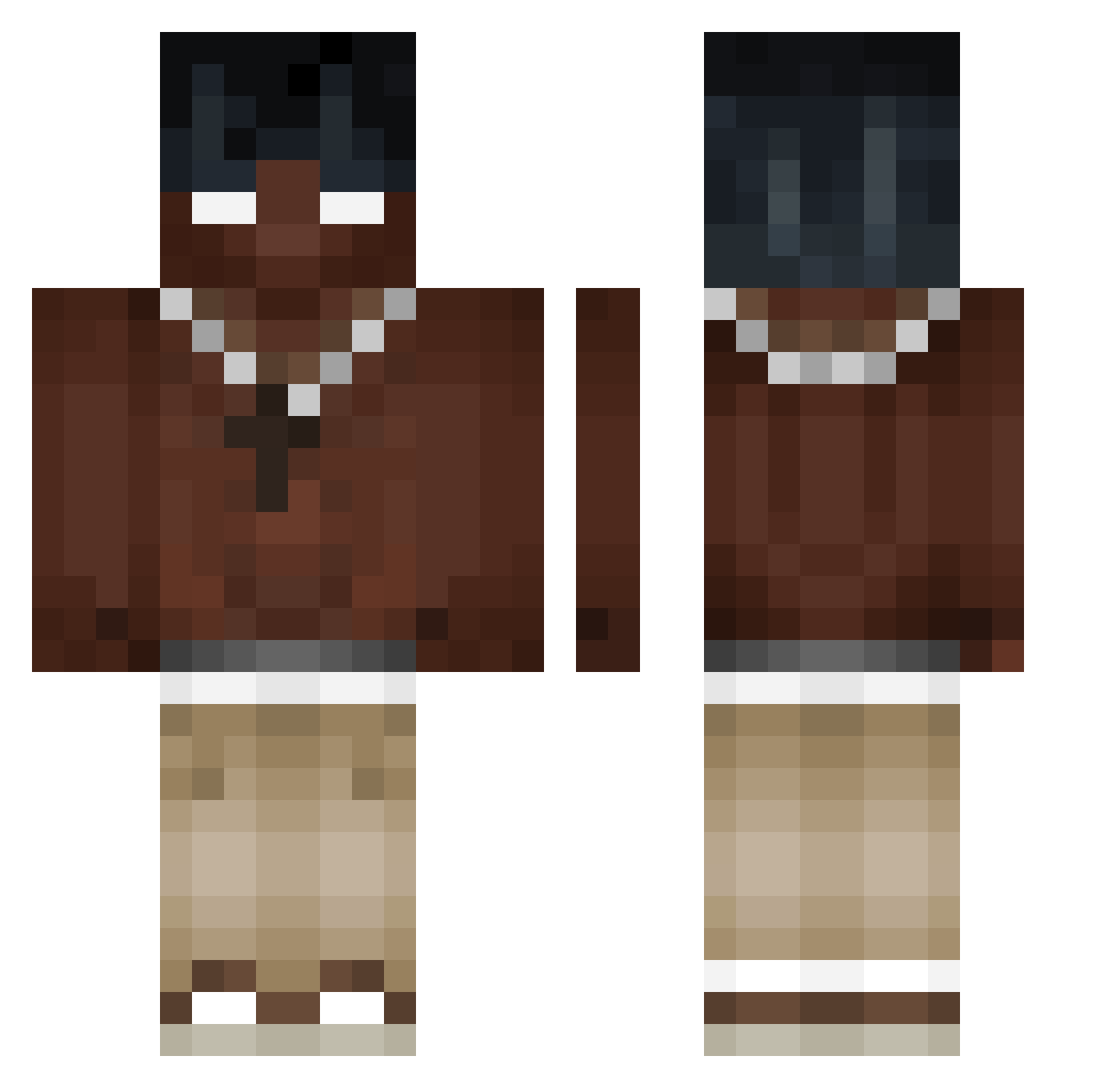
Current Minecraft skin of the player SuliFPS, loaded from the official Mojang API. Rotate the 3D model with your mouse or finger, then download the skin as a PNG file and use it in Minecraft: Bedrock Edition or Java Edition for free. When SuliFPS changes their skin, this page updates automatically and the old skin stays in the history below.
Other players with this skin (451)
SuliFPS was the 425th player we have seen with this skin, first spotted on 10.11.2026. The same skin was seen on these players. Open a nickname to see their current skin and skin history.
 NatexRL Ben0074 dreamsoa EmilioVD xexio590 Guapzzzzz fatalityREI voiplii Dext3rios jidango Jerzaa shiromoto steve_spams69 Tweakss Piratta Joadiaz__ maciekxvr PGW_ IsaacTheLegend43 Galac_21 Programus40 _Hoffa SpiralOut69 MrMyst3r10us lev3680 Casper103909 Fakika WhyUpset untac19 light_dying Aksuposkari fideles__ _D10S 22_robie_drivt ozzerf wayyluvv goku_dios12 AUNIX667 EdosNeverTrips iTrapped__ 92130 IamPippo_ SGA33 ProsteWojta TLSiwy NeverDead46 TiknokSpeechless pass1onfruit_ WizzBird j4az virtual1345 Majer_ Chaos_Trill Duzz_me quigrem Wenyse LeLoupDeMer6387 ghingu BaDJuxX TequaGod
More Necklace Minecraft skins
How to install the SuliFPS skin
- Press the Download button above to save the skin as a PNG file.
- Minecraft: Bedrock Edition (PE): open the Dressing Room from the main menu (or tap your character → Edit Character), go to Classic Skins → Owned, press the + (new skin) button, choose the downloaded PNG and pick the Classic (Steve) model. Works on PC and mobile; consoles cannot import custom skins.
- Minecraft: Java Edition: open the Minecraft Launcher, go to the Skins tab, click New Skin, load the PNG, pick the Classic (Steve) model and press Save & Use. You can also upload it at minecraft.net → Profile → Change Skin.
The skin does not show up after import - what should I do?
Restart Minecraft and open the Dressing Room again - imported skins sometimes appear only after a restart. Also make sure you selected the imported skin and picked the Classic (Steve) model.
Which model should I choose, Classic or Slim?
This skin is designed for the Classic (Steve) model. If you pick the wrong model, the arms of the skin will look stretched or squeezed.
Is the skin of SuliFPS free to download?
Yes. Press Download, save the PNG file and use it in Minecraft: Bedrock Edition or Java Edition - no payment or registration needed. The skin also works on multiplayer servers and Realms.
More skins
Looking for more? Go back to all Minecraft skins and check the top skins of the week, month and all time, or find any player's skin by nickname.