
Sub2JustLewn - Minecraft Skins & Skin History
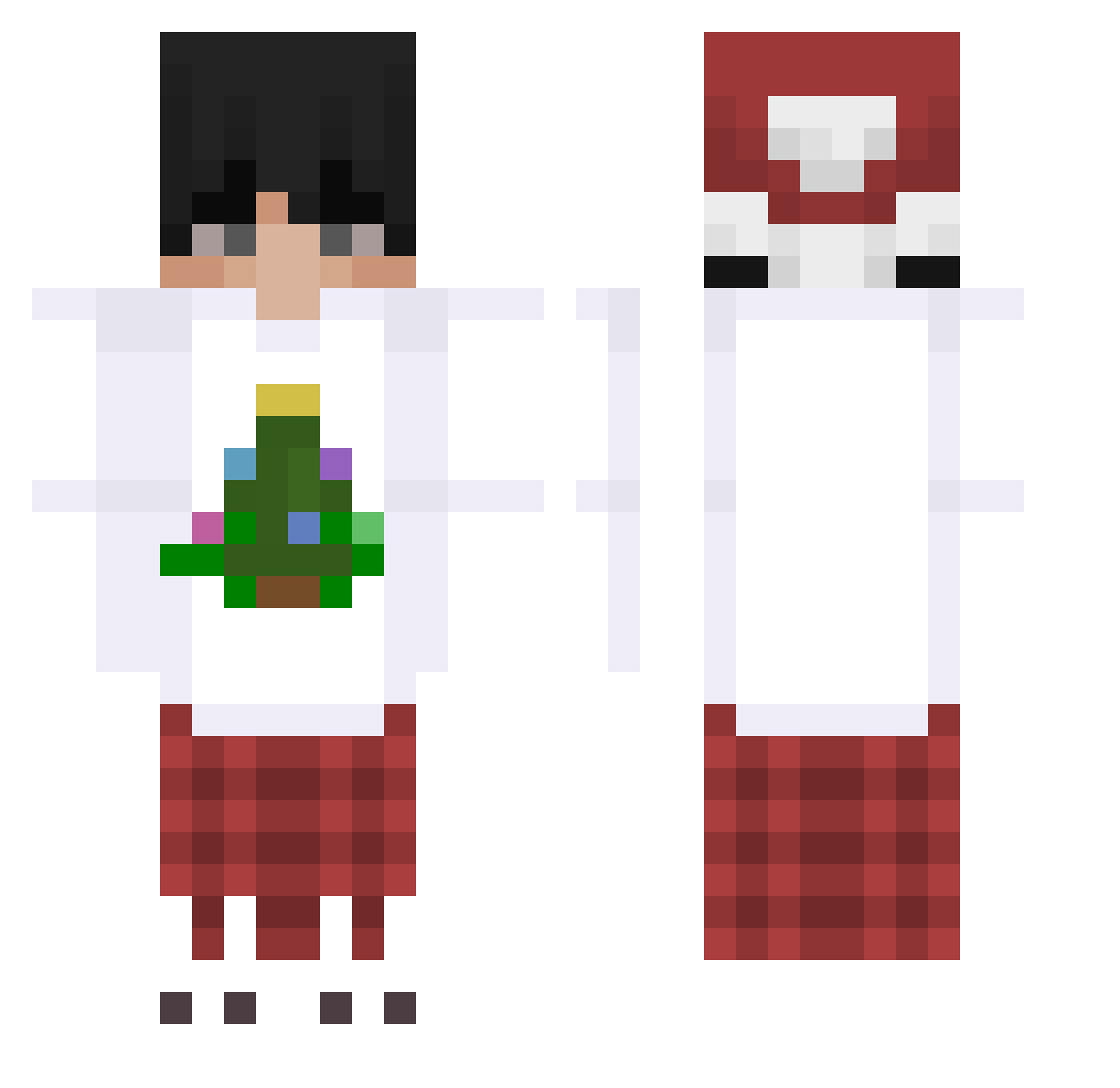
Current Minecraft skin of the player Sub2JustLewn, loaded from the official Mojang API. Rotate the 3D model with your mouse or finger, then download the skin as a PNG file and use it in Minecraft: Bedrock Edition or Java Edition for free. When Sub2JustLewn changes their skin, this page updates automatically and the old skin stays in the history below.
Other players with this skin (168)
Sub2JustLewn was the 123rd player we have seen with this skin, first spotted on 11.10.2026. The same skin was seen on these players. Open a nickname to see their current skin and skin history.
 jacek2115_2137 H_avoc Clouds17 Vittor1 zFeliix_YT Jacky2018 Kawaneki honey2k0ng od6s SADBOMBPLANTER Shao0o Xtroleknulnul1 maxxxxyy MIYUTSI BigFasa25 _Coy_ Jessjoy11 vsedh Dzn_XD potato4664 RPTryhards MaksymTF Mix0nek RealXYati danwuzhere CutePachi Wosoe pitusi xCastri23 I_Niki_I N_an666 hqreszero txtPiva NRuuuuuuu DemonRaid ok__ok antrplx GMBP Neka1102 Nadoooo 50screen LILBEANB0I chancC 1late1 YuyeGu EQA129 kascod5 Kaktu12344 Baenzli5000 NinjaDawn Nypelek sobecky Faber_ADR Przeney 1XONNNE1_ jangjala Flobbins therealbraindead tuscanbear72 Asia_2010
More Winter Minecraft skins
How to install the Sub2JustLewn skin
- Press the Download button above to save the skin as a PNG file.
- Minecraft: Bedrock Edition (PE): open the Dressing Room from the main menu (or tap your character → Edit Character), go to Classic Skins → Owned, press the + (new skin) button, choose the downloaded PNG and pick the Classic (Steve) model. Works on PC and mobile; consoles cannot import custom skins.
- Minecraft: Java Edition: open the Minecraft Launcher, go to the Skins tab, click New Skin, load the PNG, pick the Classic (Steve) model and press Save & Use. You can also upload it at minecraft.net → Profile → Change Skin.
The skin does not show up after import - what should I do?
Restart Minecraft and open the Dressing Room again - imported skins sometimes appear only after a restart. Also make sure you selected the imported skin and picked the Classic (Steve) model.
Which model should I choose, Classic or Slim?
This skin is designed for the Classic (Steve) model. If you pick the wrong model, the arms of the skin will look stretched or squeezed.
Is the skin of Sub2JustLewn free to download?
Yes. Press Download, save the PNG file and use it in Minecraft: Bedrock Edition or Java Edition - no payment or registration needed. The skin also works on multiplayer servers and Realms.
More skins
Looking for more? Go back to all Minecraft skins and check the top skins of the week, month and all time, or find any player's skin by nickname.