
StrykerR7500 - Minecraft Skins & Skin History
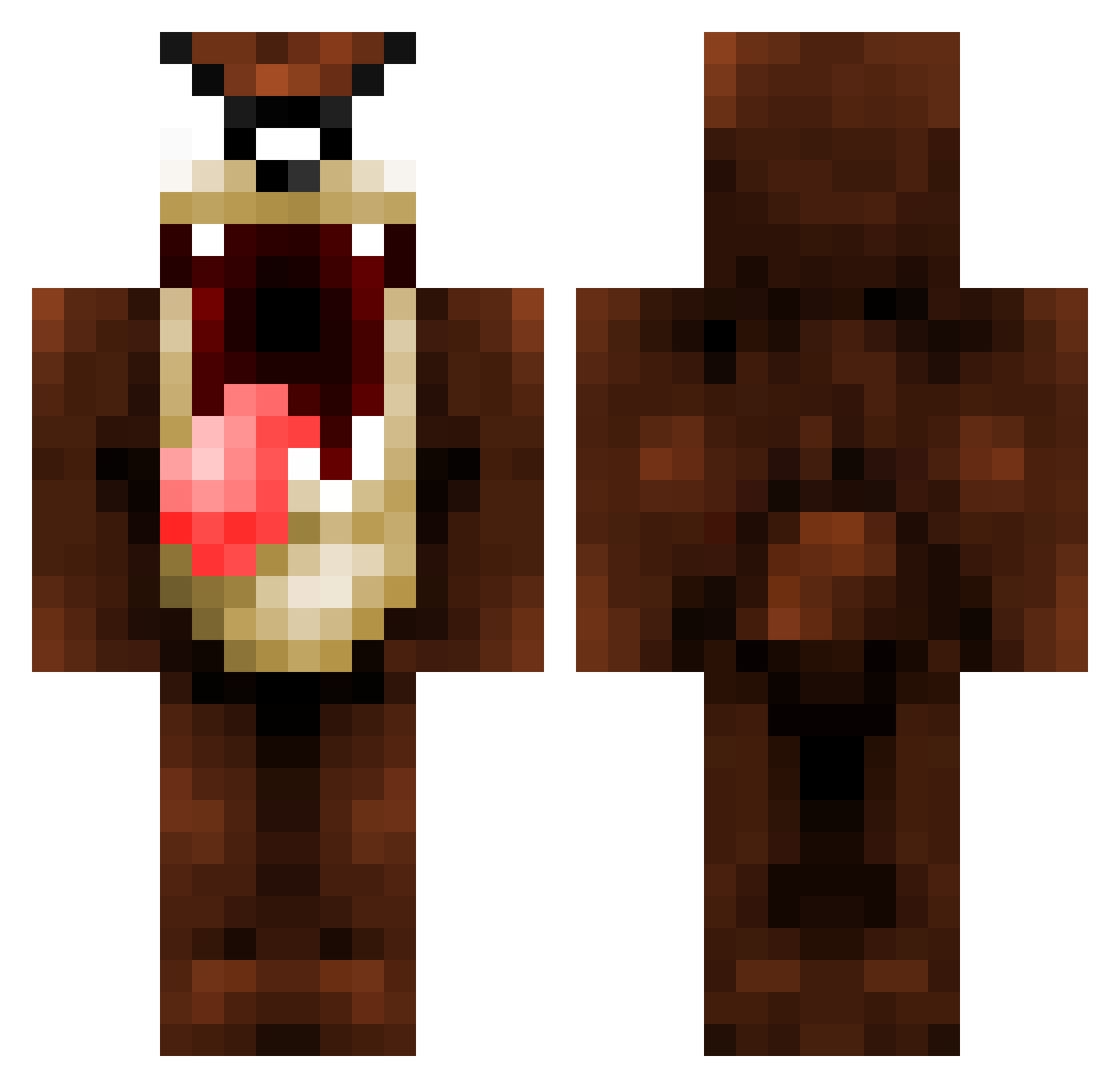
Current Minecraft skin of the player StrykerR7500, loaded from the official Mojang API. Rotate the 3D model with your mouse or finger, then download the skin as a PNG file and use it in Minecraft: Bedrock Edition or Java Edition for free. When StrykerR7500 changes their skin, this page updates automatically and the old skin stays in the history below.
Other players with this skin (1320)
StrykerR7500 was the 1136th player we have seen with this skin, first spotted on 05.11.2026. The same skin was seen on these players. Open a nickname to see their current skin and skin history.
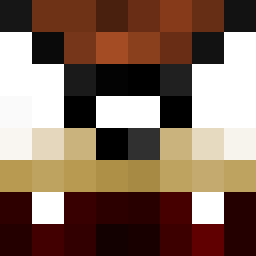 Wingman72 bibz89 Roxhayate MR_baschassel LoupFurtif21 300KingLeonidas Ommytay conclin131 nubtubert potefis chrisb13456 smoshy15 BD20K massacrre boomboom30 peaky1988 PullisGaming mikkel123421 Guard_kieran MaGic_Pancakemix sotoj TheRealLillelas RodneyCopperBot Almanach BananaK12 Sixtomagno Zhangmu skenz40 MarkOfZen gallocamillo TheRealBeurne superb123456 KisakexD KimTay RICKST20 game_is_loading SergeantBruun karlhogh shanecats Gier_NL Karug Taz_LG PaoloGaymer Magnusfogh123 VapeIsLife15 Color9 duffyboby Nowzinzica34 dolphindan17 Ohmybeef fuzzysmurf GalaxyT10 Latruffe42 mxkamnty pickyeater1 FUMSEC02 Bulternet dan_rankin xxh4rrymxx Golfpunk49
More Taz Minecraft skins
How to install the StrykerR7500 skin
- Press the Download button above to save the skin as a PNG file.
- Minecraft: Bedrock Edition (PE): open the Dressing Room from the main menu (or tap your character → Edit Character), go to Classic Skins → Owned, press the + (new skin) button, choose the downloaded PNG and pick the Classic (Steve) model. Works on PC and mobile; consoles cannot import custom skins.
- Minecraft: Java Edition: open the Minecraft Launcher, go to the Skins tab, click New Skin, load the PNG, pick the Classic (Steve) model and press Save & Use. You can also upload it at minecraft.net → Profile → Change Skin.
The skin does not show up after import - what should I do?
Restart Minecraft and open the Dressing Room again - imported skins sometimes appear only after a restart. Also make sure you selected the imported skin and picked the Classic (Steve) model.
Which model should I choose, Classic or Slim?
This skin is designed for the Classic (Steve) model. If you pick the wrong model, the arms of the skin will look stretched or squeezed.
Is the skin of StrykerR7500 free to download?
Yes. Press Download, save the PNG file and use it in Minecraft: Bedrock Edition or Java Edition - no payment or registration needed. The skin also works on multiplayer servers and Realms.
More skins
Looking for more? Go back to all Minecraft skins and check the top skins of the week, month and all time, or find any player's skin by nickname.