
Strongish - Minecraft Skins & Skin History
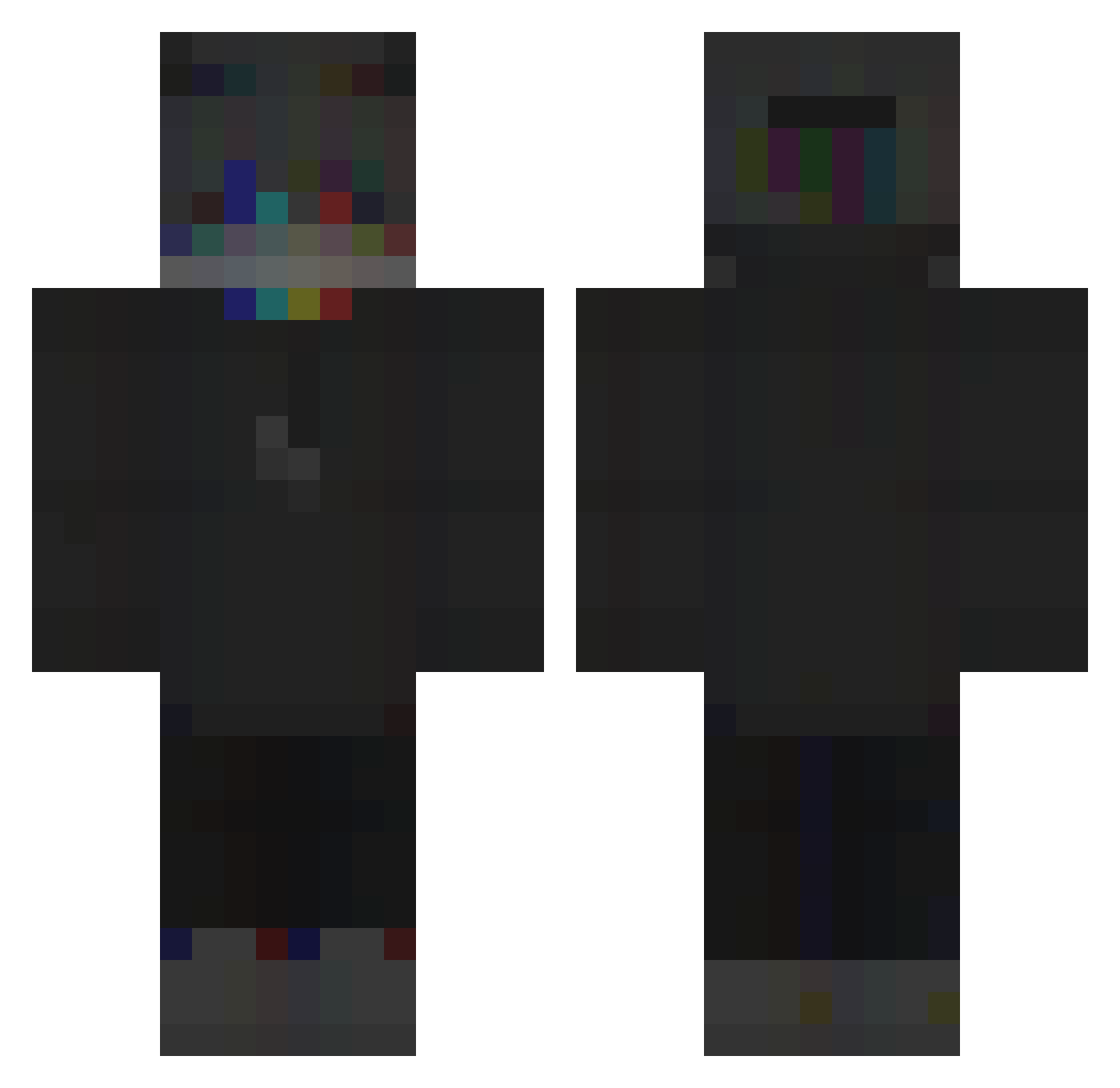
Current Minecraft skin of the player Strongish, loaded from the official Mojang API. Rotate the 3D model with your mouse or finger, then download the skin as a PNG file and use it in Minecraft: Bedrock Edition or Java Edition for free. When Strongish changes their skin, this page updates automatically and the old skin stays in the history below.
Other players with this skin (115)
Strongish was the 75th player we have seen with this skin, first spotted on 06.10.2026. The same skin was seen on these players. Open a nickname to see their current skin and skin history.
 KomischerStein IK_Kuzo lordDex NikuTimbo Dalinari_ UnknownTimYT x_matyy argyellan IBreno kubixonekgaming Happy_Wang2 Karmelek_N MrOccult cryptoMoeda Gianbott77_ kmnnmm xGusHyPeR Kiodos SpekiChan Pyro052010 Alexyyzzz L2PH CR_G4m3r fefecrz Jskesk nicxsonWRLD Groenzo AkBaRZfS Tributors NOMIS1215 Sofrimentos ReQ_Polend Lost2Flex x6_Liro NichtGeil bijoux_ DavydWhat StarDrt 666xSz Squid13kk Rub878 s6y_ allen_ww TheKamil123 KruegarPG zRangeG0D kanato0609 Striley SquishyButterLeg Itemlimit HeyAmAK DongHoHo x9c xXLyDaKaXx GH_Mina iLyJolly Caluster Arty_666 Baguesqu ERROR_YM0
More Glitch Minecraft skins
How to install the Strongish skin
- Press the Download button above to save the skin as a PNG file.
- Minecraft: Bedrock Edition (PE): open the Dressing Room from the main menu (or tap your character → Edit Character), go to Classic Skins → Owned, press the + (new skin) button, choose the downloaded PNG and pick the Classic (Steve) model. Works on PC and mobile; consoles cannot import custom skins.
- Minecraft: Java Edition: open the Minecraft Launcher, go to the Skins tab, click New Skin, load the PNG, pick the Classic (Steve) model and press Save & Use. You can also upload it at minecraft.net → Profile → Change Skin.
The skin does not show up after import - what should I do?
Restart Minecraft and open the Dressing Room again - imported skins sometimes appear only after a restart. Also make sure you selected the imported skin and picked the Classic (Steve) model.
Which model should I choose, Classic or Slim?
This skin is designed for the Classic (Steve) model. If you pick the wrong model, the arms of the skin will look stretched or squeezed.
Is the skin of Strongish free to download?
Yes. Press Download, save the PNG file and use it in Minecraft: Bedrock Edition or Java Edition - no payment or registration needed. The skin also works on multiplayer servers and Realms.
More skins
Looking for more? Go back to all Minecraft skins and check the top skins of the week, month and all time, or find any player's skin by nickname.