
Steve1265 - Minecraft Skins & Skin History
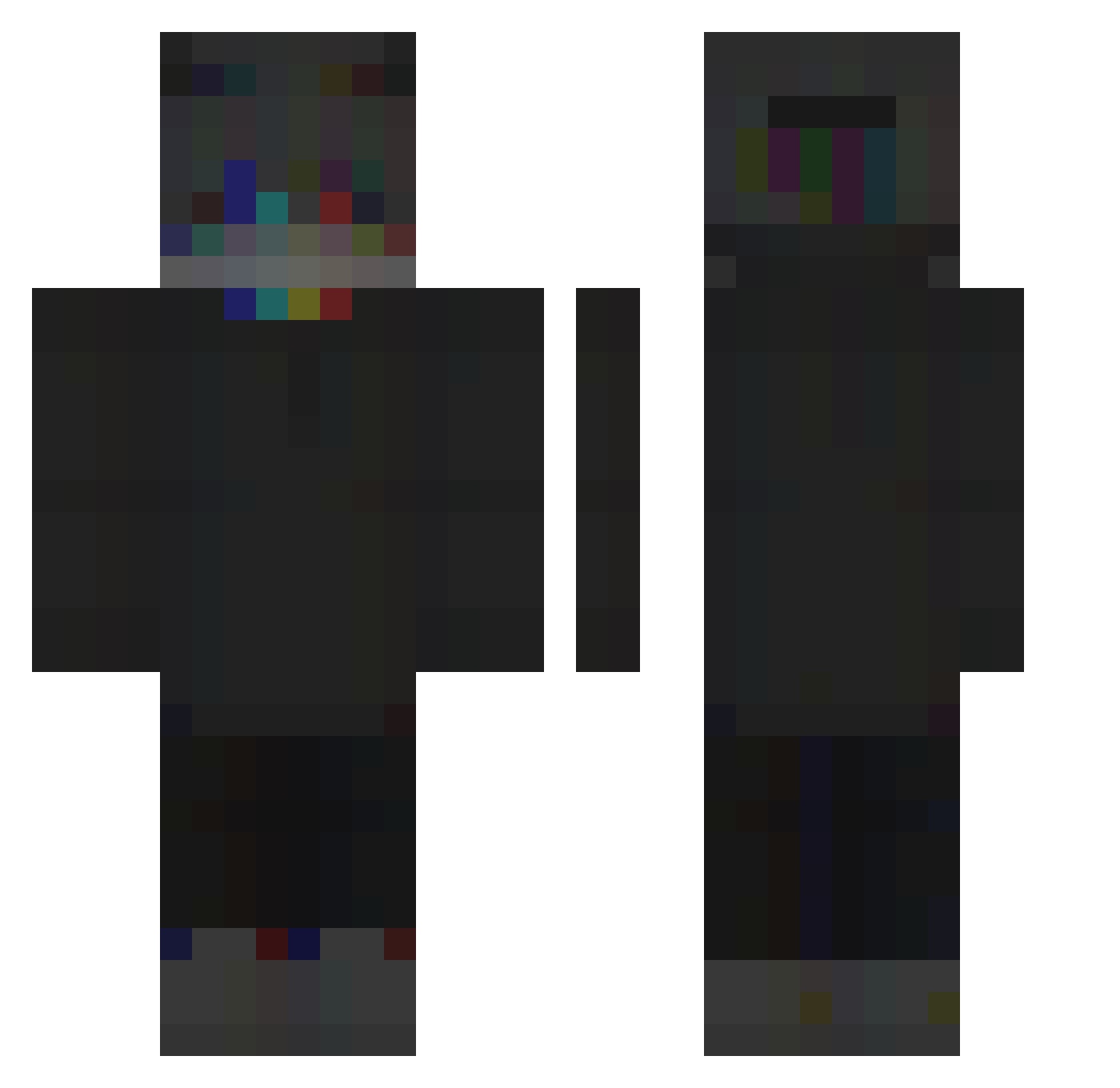
Current Minecraft skin of the player Steve1265, loaded from the official Mojang API. Rotate the 3D model with your mouse or finger, then download the skin as a PNG file and use it in Minecraft: Bedrock Edition or Java Edition for free. When Steve1265 changes their skin, this page updates automatically and the old skin stays in the history below.
Other players with this skin (259)
Steve1265 was the 175th player we have seen with this skin, first spotted on 06.10.2026. The same skin was seen on these players. Open a nickname to see their current skin and skin history.
 Sneakyreindeer SilasDerSchade IoYqJi_YT its_acey flexxtape Utilman42 deankleijneh046 Noobmaster9k LonzyHero KingTalagomic AlersTheWorst FallenRipper zombieman0979 stevethepie DarkBean27 JustJoe2019 Kegzi3 WitheWare PferdeFreund_ Mansterboy007 Jukoow OCEANONTOP 99chicco99 SuperMega25 bazza26 Poweredbypower Mr_Warden SzymonLubi pjuradx teatime31 DarkTik yimin677 JuliMonteblack StoicHeretic littytiddie swimzey SmallestYeti spiin17 Jonas2004_ 3tmeh Die_Laughing Dribble16 D1egoenix gierciu_ Feriereiser bluejay6275 xMikusiqq MAXx3107 leinadwyz KaynOtp971 shrimplau TrashDaug HardenGamer Confringo6697 21kJeffx Simxn Runiru SchwertOhr25552 Quesalvess drakewalsh
How to install the Steve1265 skin
- Press the Download button above to save the skin as a PNG file.
- Minecraft: Bedrock Edition (PE): open the Dressing Room from the main menu (or tap your character → Edit Character), go to Classic Skins → Owned, press the + (new skin) button, choose the downloaded PNG and pick the Classic (Steve) model. Works on PC and mobile; consoles cannot import custom skins.
- Minecraft: Java Edition: open the Minecraft Launcher, go to the Skins tab, click New Skin, load the PNG, pick the Classic (Steve) model and press Save & Use. You can also upload it at minecraft.net → Profile → Change Skin.
The skin does not show up after import - what should I do?
Restart Minecraft and open the Dressing Room again - imported skins sometimes appear only after a restart. Also make sure you selected the imported skin and picked the Classic (Steve) model.
Which model should I choose, Classic or Slim?
This skin is designed for the Classic (Steve) model. If you pick the wrong model, the arms of the skin will look stretched or squeezed.
Is the skin of Steve1265 free to download?
Yes. Press Download, save the PNG file and use it in Minecraft: Bedrock Edition or Java Edition - no payment or registration needed. The skin also works on multiplayer servers and Realms.
More skins
Looking for more? Go back to all Minecraft skins and check the top skins of the week, month and all time, or find any player's skin by nickname.