
StealthNilozz - Minecraft Skins & Skin History
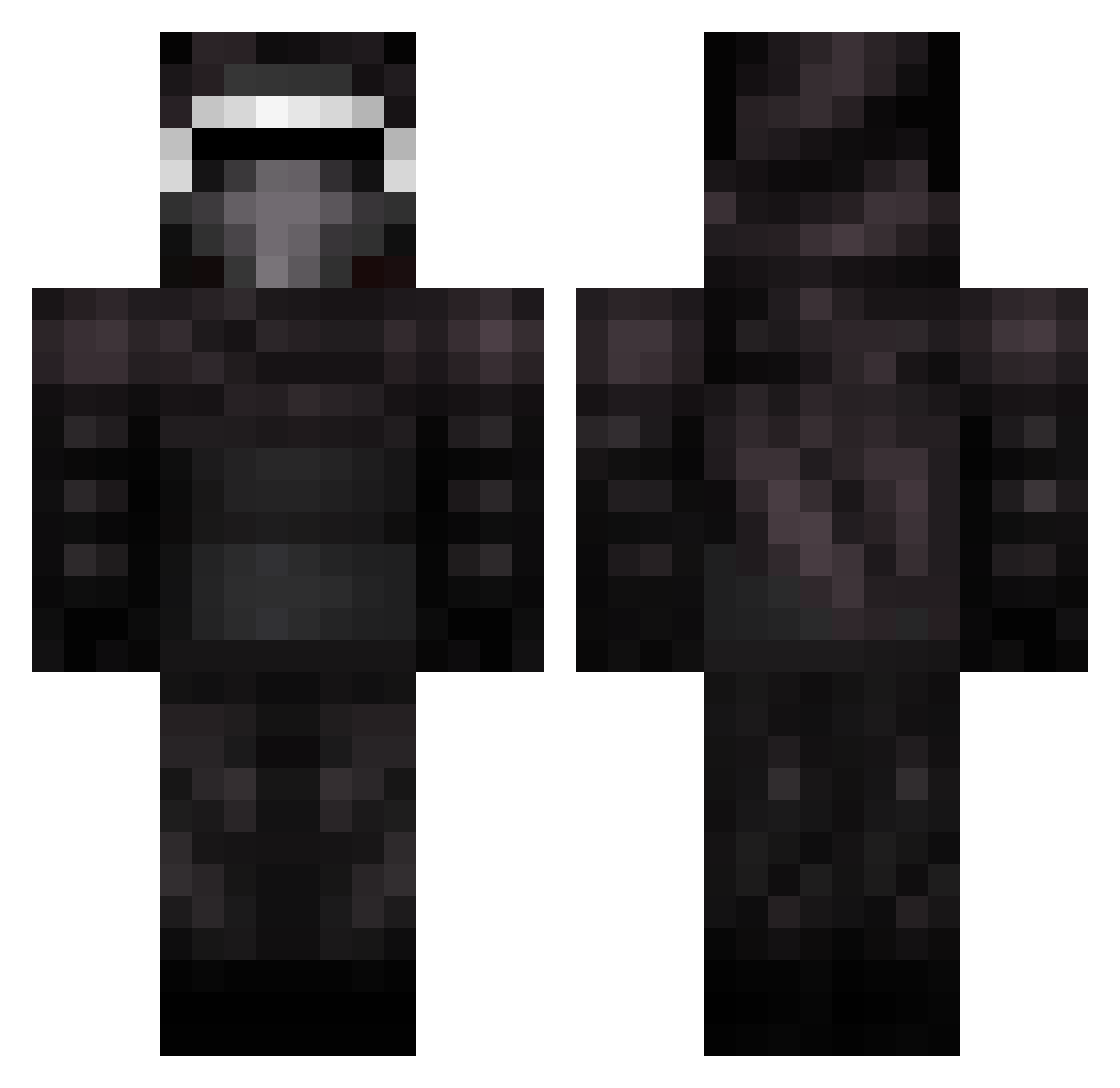
Current Minecraft skin of the player StealthNilozz, loaded from the official Mojang API. Rotate the 3D model with your mouse or finger, then download the skin as a PNG file and use it in Minecraft: Bedrock Edition or Java Edition for free. When StealthNilozz changes their skin, this page updates automatically and the old skin stays in the history below.
Other players with this skin (399)
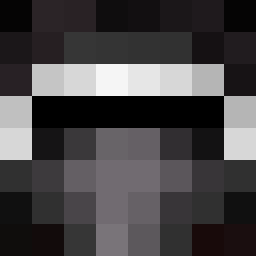
StealthNilozz was the 167th player we have seen with this skin, first spotted on 15.09.2026. The same skin was seen on these players. Open a nickname to see their current skin and skin history.
 HFK_MrChaplin Punchinbag AkariRocks DARKYPlay __REMOR__ drogann Haskooo Wolvestorm hellfire2005 afrocherry Michaelhuang1718 TheM3KThe Flaresoflight evilwil KyloRen11 Alister2005 Birdflu2008 vascove th3fr33z3r samuel2478 IDaredevilI Sheepy9223 aaron889 else4567 JakeTheSnake022 devine_33 gaunte Maladeshi Ray_23000 wailinghost DrLerkin Decesion stephenmriley macattack013 ImSweh SilentAnubis JayWee141 __Olivier1__ Awesomechris1050 JediTechCrafter KingenOlli Jazzerdoherty connorms11 sharkboy101 MathiasP227 Kylo_Ren___ superminx MagnusLund04 speedysnail04 lennymine2 BottleRockett_ 4kBotnet Seymour601 S_T_R_I_K_E surdito Hinzaal EthanCMG Knuspertoasty 13barks Lagann1
More Kylo Ren Minecraft skins
How to install the StealthNilozz skin
- Press the Download button above to save the skin as a PNG file.
- Minecraft: Bedrock Edition (PE): open the Dressing Room from the main menu (or tap your character → Edit Character), go to Classic Skins → Owned, press the + (new skin) button, choose the downloaded PNG and pick the Classic (Steve) model. Works on PC and mobile; consoles cannot import custom skins.
- Minecraft: Java Edition: open the Minecraft Launcher, go to the Skins tab, click New Skin, load the PNG, pick the Classic (Steve) model and press Save & Use. You can also upload it at minecraft.net → Profile → Change Skin.
The skin does not show up after import - what should I do?
Restart Minecraft and open the Dressing Room again - imported skins sometimes appear only after a restart. Also make sure you selected the imported skin and picked the Classic (Steve) model.
Which model should I choose, Classic or Slim?
This skin is designed for the Classic (Steve) model. If you pick the wrong model, the arms of the skin will look stretched or squeezed.
Is the skin of StealthNilozz free to download?
Yes. Press Download, save the PNG file and use it in Minecraft: Bedrock Edition or Java Edition - no payment or registration needed. The skin also works on multiplayer servers and Realms.
More skins
Looking for more? Go back to all Minecraft skins and check the top skins of the week, month and all time, or find any player's skin by nickname.