
StarBenders - Minecraft Skins & Skin History
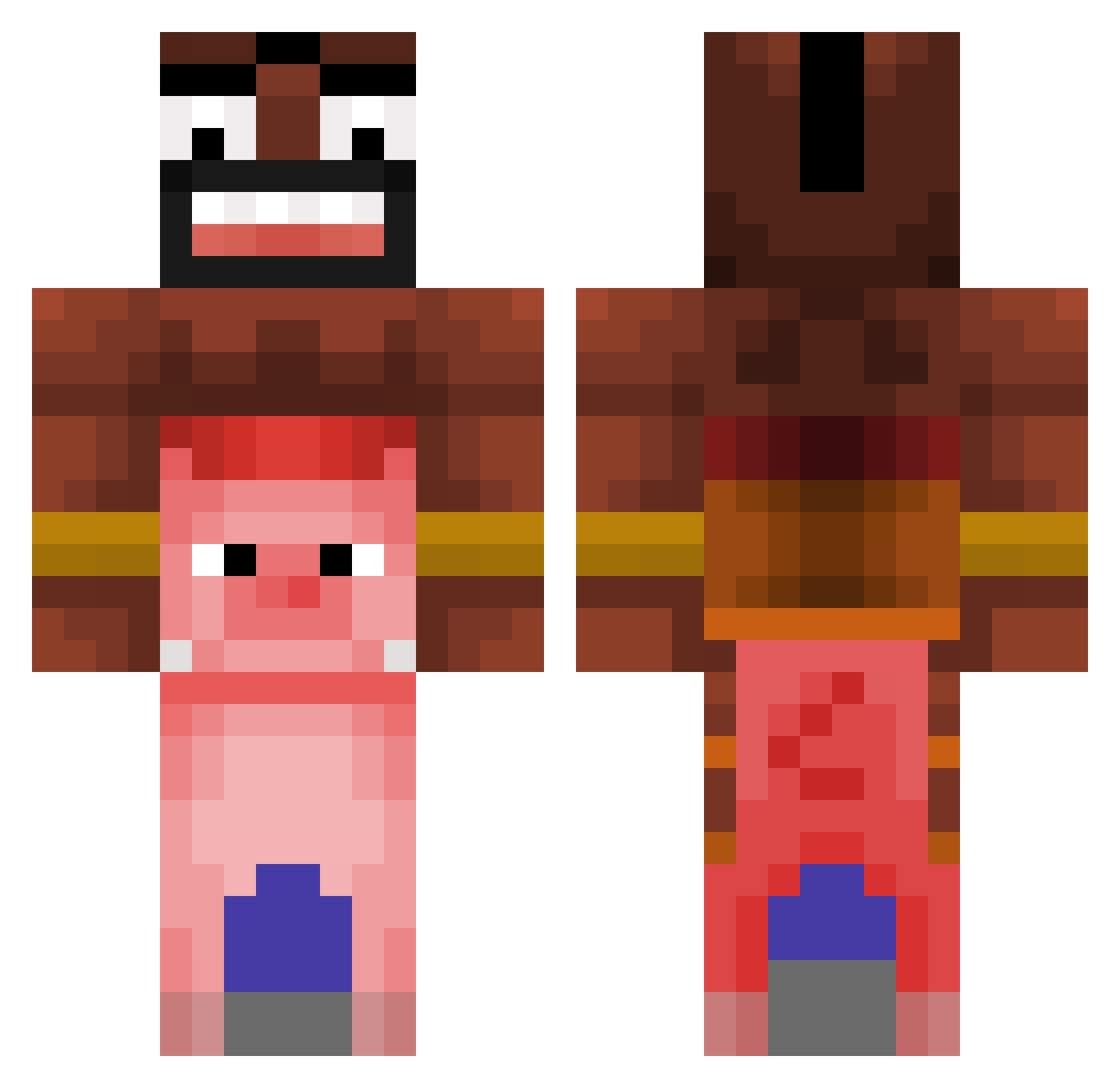
Current Minecraft skin of the player StarBenders, loaded from the official Mojang API. Rotate the 3D model with your mouse or finger, then download the skin as a PNG file and use it in Minecraft: Bedrock Edition or Java Edition for free. When StarBenders changes their skin, this page updates automatically and the old skin stays in the history below.
Other players with this skin (476)
StarBenders was the 281st player we have seen with this skin, first spotted on 30.09.2026. The same skin was seen on these players. Open a nickname to see their current skin and skin history.
 SerKopytek ItsFriXTTv Stafito MRFRESHMateo IQAnonymous JHONZINN coboulette 105microned uuuSigma_ksakso rladPwns0529 zichxd sundjerbob06 L3THALST1K3R12 GukHyum Adelinul Blameeee BZSlends1 HALOX_YT Pereprotecteur Ong_Jezus Luud5386 Anciol10 mSNp_Jarvy SweatyCommunist MartinV2062 Orzeszu DerOscar ThatBoat xX1SuperMiner1Xx Morti2k ggDream ConcreteSucker Fire_Falcon HyunSeung0919 Demonn1 Freka_076 maefresca kartoffel_08 Faslx CRIS_WAPO marttonch mcif _Togry_ wnjvorl4141 nilokai Oblekk H0LLYW00D_360 por_ortografia fatbussy69 Coureuryt Hackmekid123 Kijasp Divalty_ elmallaxD GianSweets K0LABS NoahM2002 JuanDxvid Deskriminerende Boro_majster
More Pig Minecraft skins
How to install the StarBenders skin
- Press the Download button above to save the skin as a PNG file.
- Minecraft: Bedrock Edition (PE): open the Dressing Room from the main menu (or tap your character → Edit Character), go to Classic Skins → Owned, press the + (new skin) button, choose the downloaded PNG and pick the Classic (Steve) model. Works on PC and mobile; consoles cannot import custom skins.
- Minecraft: Java Edition: open the Minecraft Launcher, go to the Skins tab, click New Skin, load the PNG, pick the Classic (Steve) model and press Save & Use. You can also upload it at minecraft.net → Profile → Change Skin.
The skin does not show up after import - what should I do?
Restart Minecraft and open the Dressing Room again - imported skins sometimes appear only after a restart. Also make sure you selected the imported skin and picked the Classic (Steve) model.
Which model should I choose, Classic or Slim?
This skin is designed for the Classic (Steve) model. If you pick the wrong model, the arms of the skin will look stretched or squeezed.
Is the skin of StarBenders free to download?
Yes. Press Download, save the PNG file and use it in Minecraft: Bedrock Edition or Java Edition - no payment or registration needed. The skin also works on multiplayer servers and Realms.
More skins
Looking for more? Go back to all Minecraft skins and check the top skins of the week, month and all time, or find any player's skin by nickname.