
StahJager - Minecraft Skins & Skin History
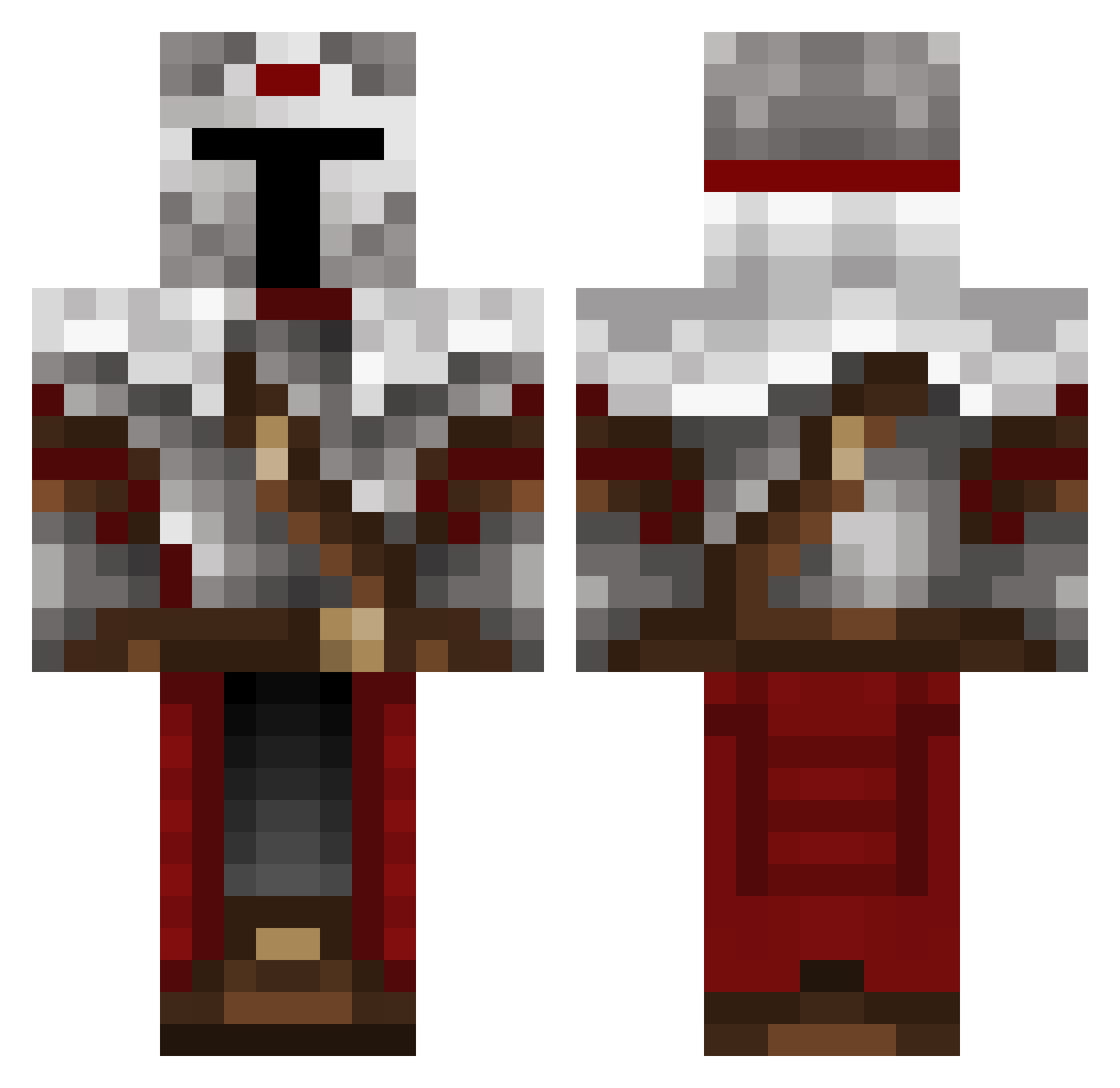
Current Minecraft skin of the player StahJager, loaded from the official Mojang API. Rotate the 3D model with your mouse or finger, then download the skin as a PNG file and use it in Minecraft: Bedrock Edition or Java Edition for free. When StahJager changes their skin, this page updates automatically and the old skin stays in the history below.
Other players with this skin (489)
StahJager was the 463rd player we have seen with this skin, first spotted on 26.10.2026. The same skin was seen on these players. Open a nickname to see their current skin and skin history.
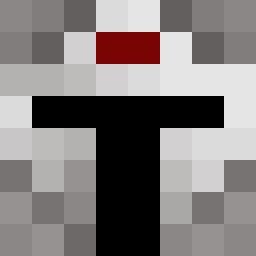 the3amigos2 Yavsel Euphronimos Mephexs Nik007 ChemicalCookie JsansP Lukado111 Sledge08 McCreaky jmd711 OroJackson MMIRMO 0Ananas0 MasterGouak GC_Gus survivor21 JonhE11even King_of_Block KaiDai06 rasedd SirBogdanov MrFoods Twangybee Cobblebreaker quietlyscheming SnowB0mb toastedbread19 jaysauce24 SaShaMiLo nucer77 MrQronos charlesmartel10 RiftOverlord OzAy87 ticoutou AlexVanBE kingpingxV2 p4boo BIG__GUY_ v2xCanadian hasenhoppser Carneas karim2811 Slance StayFrozty Whitey1197 monkey_matt06 Anti6662 ZM0R4 Simmyo_0 TricksterRL 3marxx bucianw ____Dream_______ LiverpoolFTW199 stagnaman Eredin252 MadZombie64 legendobos
More Mandalorian Minecraft skins
How to install the StahJager skin
- Press the Download button above to save the skin as a PNG file.
- Minecraft: Bedrock Edition (PE): open the Dressing Room from the main menu (or tap your character → Edit Character), go to Classic Skins → Owned, press the + (new skin) button, choose the downloaded PNG and pick the Classic (Steve) model. Works on PC and mobile; consoles cannot import custom skins.
- Minecraft: Java Edition: open the Minecraft Launcher, go to the Skins tab, click New Skin, load the PNG, pick the Classic (Steve) model and press Save & Use. You can also upload it at minecraft.net → Profile → Change Skin.
The skin does not show up after import - what should I do?
Restart Minecraft and open the Dressing Room again - imported skins sometimes appear only after a restart. Also make sure you selected the imported skin and picked the Classic (Steve) model.
Which model should I choose, Classic or Slim?
This skin is designed for the Classic (Steve) model. If you pick the wrong model, the arms of the skin will look stretched or squeezed.
Is the skin of StahJager free to download?
Yes. Press Download, save the PNG file and use it in Minecraft: Bedrock Edition or Java Edition - no payment or registration needed. The skin also works on multiplayer servers and Realms.
More skins
Looking for more? Go back to all Minecraft skins and check the top skins of the week, month and all time, or find any player's skin by nickname.