
LiverpoolFTW199 - Minecraft Skins & Skin History
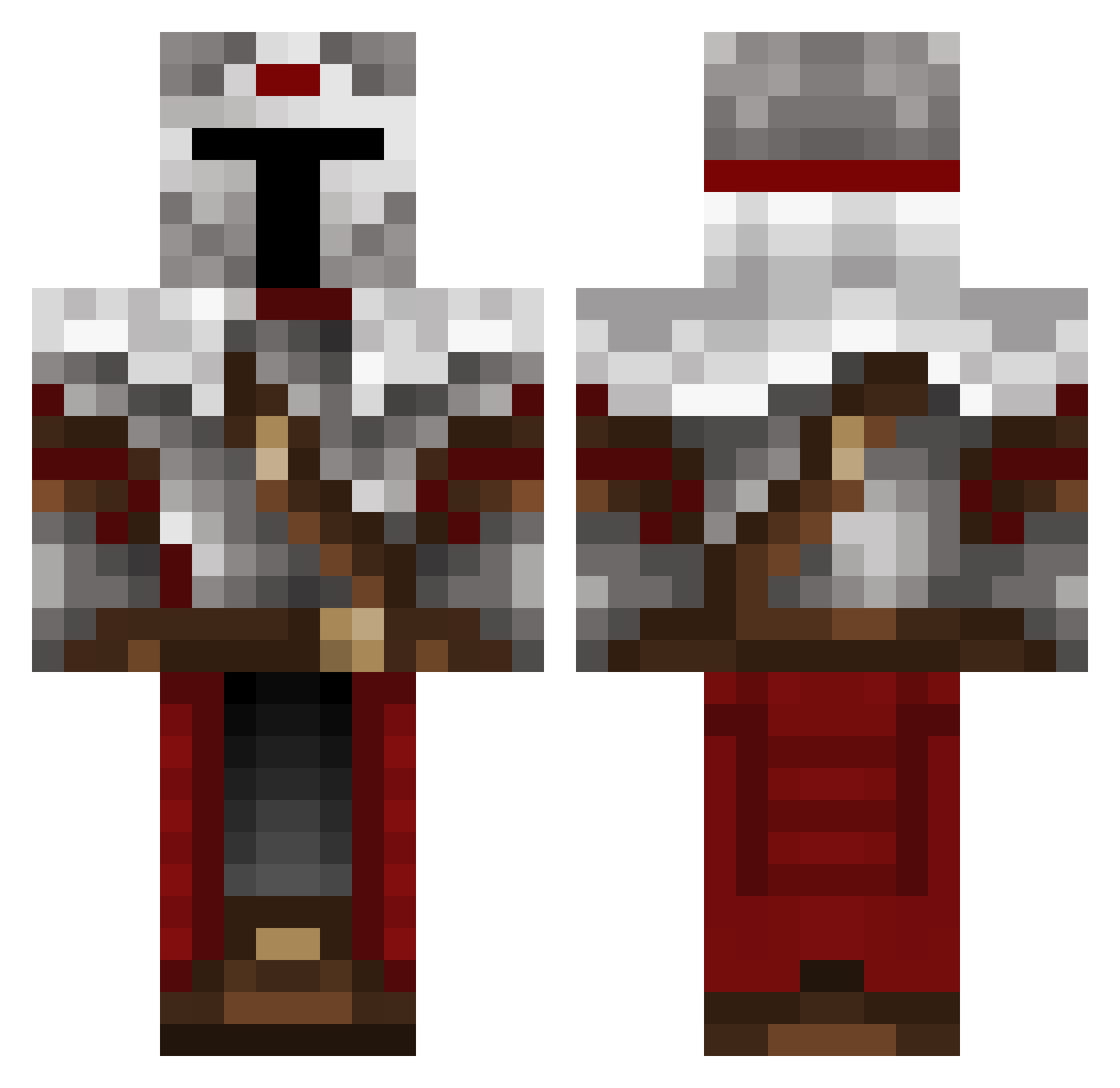
Current Minecraft skin of the player LiverpoolFTW199, loaded from the official Mojang API. Rotate the 3D model with your mouse or finger, then download the skin as a PNG file and use it in Minecraft: Bedrock Edition or Java Edition for free. When LiverpoolFTW199 changes their skin, this page updates automatically and the old skin stays in the history below.
Other players with this skin (489)
LiverpoolFTW199 was the 431st player we have seen with this skin, first spotted on 22.10.2026. The same skin was seen on these players. Open a nickname to see their current skin and skin history.
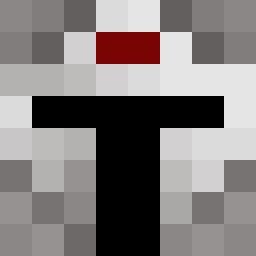 ____Dream_______ stagnaman Eredin252 Simmyo_0 legendobos Vex_07 DarkAyzer monkey_matt06 Whitey1197 StayFrozty cool17 Blackrince karim2811 pmCh4os Lone_Sabor v2xCanadian BIG__GUY_ AlexVanBE MarkTheHero Keyzeis tjf99 franticwolf2016 Redphoenix128 ticoutou OzAy87 Samves_206 MrQronos nucer77 SaShaMiLo Jsans21 FcZe jaysauce24 toastedbread19 TheShiryuCrusad quietlyscheming DoctorDCP Cobblebreaker Sir_0Li Uriah95 MrFoods Yungblood_Yata rasedd 02josee Ezagutsa KaiDai06 King_of_Block Klorim Croakers Sergio_Fdez kalezzz Alanna16 GC_Gus N3XIUS MMIRMO OroJackson BlackReaper334 Galaxy0w jmd711 BLAZE167 Sledge08
More Mandalorian Minecraft skins
How to install the LiverpoolFTW199 skin
- Press the Download button above to save the skin as a PNG file.
- Minecraft: Bedrock Edition (PE): open the Dressing Room from the main menu (or tap your character → Edit Character), go to Classic Skins → Owned, press the + (new skin) button, choose the downloaded PNG and pick the Classic (Steve) model. Works on PC and mobile; consoles cannot import custom skins.
- Minecraft: Java Edition: open the Minecraft Launcher, go to the Skins tab, click New Skin, load the PNG, pick the Classic (Steve) model and press Save & Use. You can also upload it at minecraft.net → Profile → Change Skin.
The skin does not show up after import - what should I do?
Restart Minecraft and open the Dressing Room again - imported skins sometimes appear only after a restart. Also make sure you selected the imported skin and picked the Classic (Steve) model.
Which model should I choose, Classic or Slim?
This skin is designed for the Classic (Steve) model. If you pick the wrong model, the arms of the skin will look stretched or squeezed.
Is the skin of LiverpoolFTW199 free to download?
Yes. Press Download, save the PNG file and use it in Minecraft: Bedrock Edition or Java Edition - no payment or registration needed. The skin also works on multiplayer servers and Realms.
More skins
Looking for more? Go back to all Minecraft skins and check the top skins of the week, month and all time, or find any player's skin by nickname.