
Smol_Warden - Minecraft Skins & Skin History
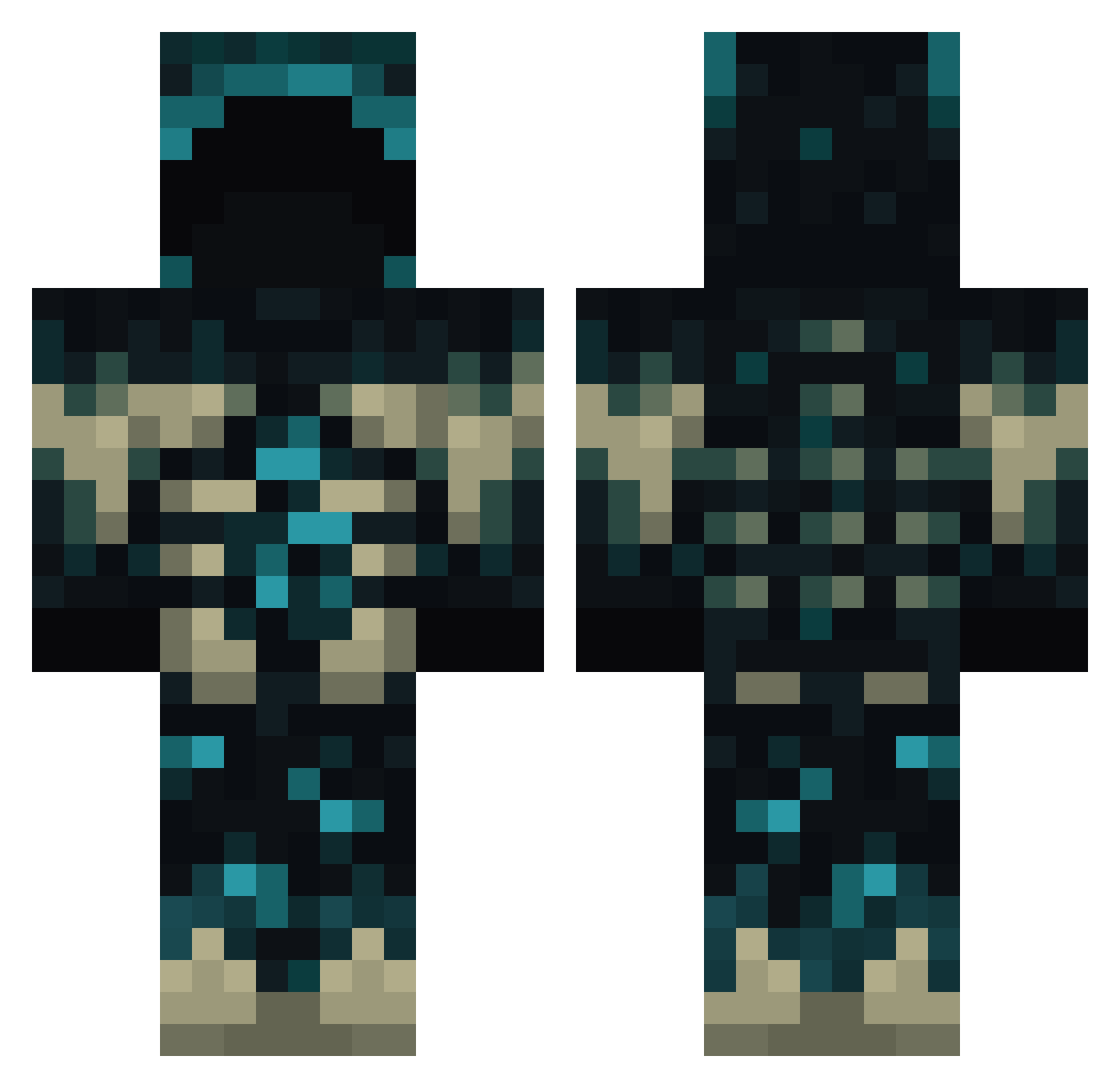
Current Minecraft skin of the player Smol_Warden, loaded from the official Mojang API. Rotate the 3D model with your mouse or finger, then download the skin as a PNG file and use it in Minecraft: Bedrock Edition or Java Edition for free. When Smol_Warden changes their skin, this page updates automatically and the old skin stays in the history below.
Other players with this skin (771)
Smol_Warden was the 772nd player we have seen with this skin, first spotted on 31.10.2026. The same skin was seen on these players. Open a nickname to see their current skin and skin history.
 evil_engel combatkarl80 Soukkage Kallman25 Smiler10K Joh820 basara_UwU GlitchedRabbit Efeyk231 bygone1134 Crazy224 Gilvas Doglaspp Art3misMoon217 riskul CammyGames1346 Gabi11113 Zen__X WillyHelicopter Splaxo5 Ioelle PlayfulPanda35 theNeverwas ZG_Milo evxque Fabra_ yushade nwrd1 jaythejokr ChingKaching QuiqueFoxy Pyrosire Bluestiches2 AmishMutant Tavo_Glez LarryFish96 Lewcifer8666 Iulian543 AZK_Ace Moseshzx ArielzNas IR3aperI Radioactive9092 sousmar1 Exccentrik Edenucmu furkanbeyza1 nmensss MVD17 duck935 natbat42 Lucar0209 Lux306955 Seeroh MaT3J532 DreaMzaka ZellDin EveryBudyLuvs420 Obese_Penguin BuckRush
More Sculk Minecraft skins
How to install the Smol_Warden skin
- Press the Download button above to save the skin as a PNG file.
- Minecraft: Bedrock Edition (PE): open the Dressing Room from the main menu (or tap your character → Edit Character), go to Classic Skins → Owned, press the + (new skin) button, choose the downloaded PNG and pick the Classic (Steve) model. Works on PC and mobile; consoles cannot import custom skins.
- Minecraft: Java Edition: open the Minecraft Launcher, go to the Skins tab, click New Skin, load the PNG, pick the Classic (Steve) model and press Save & Use. You can also upload it at minecraft.net → Profile → Change Skin.
The skin does not show up after import - what should I do?
Restart Minecraft and open the Dressing Room again - imported skins sometimes appear only after a restart. Also make sure you selected the imported skin and picked the Classic (Steve) model.
Which model should I choose, Classic or Slim?
This skin is designed for the Classic (Steve) model. If you pick the wrong model, the arms of the skin will look stretched or squeezed.
Is the skin of Smol_Warden free to download?
Yes. Press Download, save the PNG file and use it in Minecraft: Bedrock Edition or Java Edition - no payment or registration needed. The skin also works on multiplayer servers and Realms.
More skins
Looking for more? Go back to all Minecraft skins and check the top skins of the week, month and all time, or find any player's skin by nickname.