
SmokeyJoe12 - Minecraft Skins & Skin History
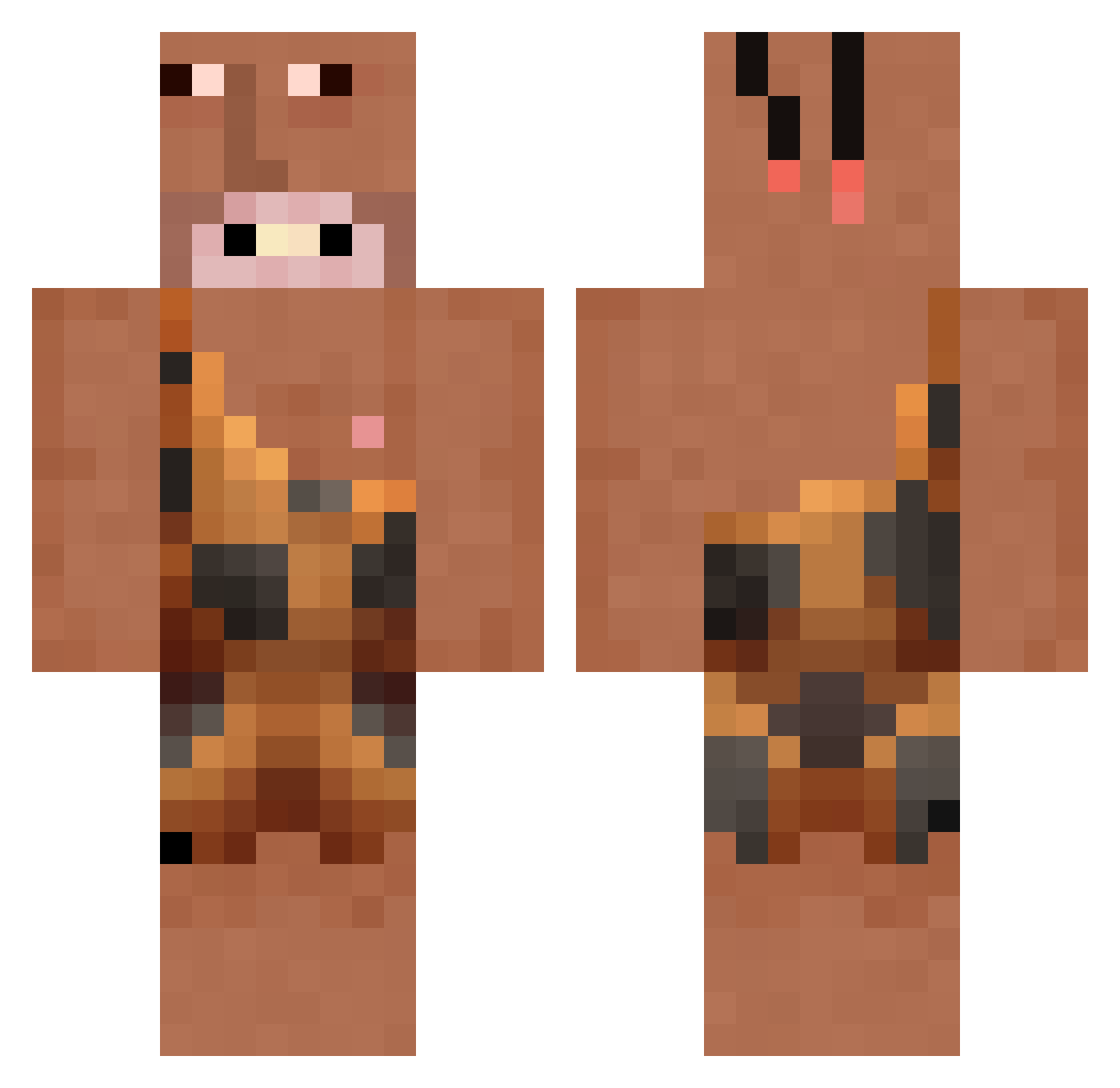
Current Minecraft skin of the player SmokeyJoe12, loaded from the official Mojang API. Rotate the 3D model with your mouse or finger, then download the skin as a PNG file and use it in Minecraft: Bedrock Edition or Java Edition for free. When SmokeyJoe12 changes their skin, this page updates automatically and the old skin stays in the history below.
Other players with this skin (226)
SmokeyJoe12 was the 103rd player we have seen with this skin, first spotted on 18.09.2026. The same skin was seen on these players. Open a nickname to see their current skin and skin history.
 Death_Lord xndxnd99 HEHIHIHAA5809 naruto73 Phattraniz falctoia Elitedarklord321 ender_tj TSA_Romeo saucycan AthenStorm null_OO0XX Dewqk Drodle1 uhwey DJ_Ronaldo Willumek minwooddong Arys310 Jesko_slav TimTheAngerMan MrJohnson5210 ChairmanYoon Danielausorus Squintom PrimalX2 RegardVersLeNord 7ycxvi_ Goinup1 Fos4Jr Brandtherock Sasonovich RoachesBackup Bezi592 EknineEd1385 preddon ryry2flyfly Semkeee Dottriggered2 Shadow_bob1 Didi_Monster Superpromc lactosecanteat Krakennut brandonmp05 monek4 FartHead_ Cezar1s saskeuey DranzerXD woojinjjang slxgab BlackSuburbs Reymbo11 Living4Juice TheBunnyPirate KremboFight1 Boogie_1234 Tutxm Slugee
More Caveman Minecraft skins
How to install the SmokeyJoe12 skin
- Press the Download button above to save the skin as a PNG file.
- Minecraft: Bedrock Edition (PE): open the Dressing Room from the main menu (or tap your character → Edit Character), go to Classic Skins → Owned, press the + (new skin) button, choose the downloaded PNG and pick the Classic (Steve) model. Works on PC and mobile; consoles cannot import custom skins.
- Minecraft: Java Edition: open the Minecraft Launcher, go to the Skins tab, click New Skin, load the PNG, pick the Classic (Steve) model and press Save & Use. You can also upload it at minecraft.net → Profile → Change Skin.
The skin does not show up after import - what should I do?
Restart Minecraft and open the Dressing Room again - imported skins sometimes appear only after a restart. Also make sure you selected the imported skin and picked the Classic (Steve) model.
Which model should I choose, Classic or Slim?
This skin is designed for the Classic (Steve) model. If you pick the wrong model, the arms of the skin will look stretched or squeezed.
Is the skin of SmokeyJoe12 free to download?
Yes. Press Download, save the PNG file and use it in Minecraft: Bedrock Edition or Java Edition - no payment or registration needed. The skin also works on multiplayer servers and Realms.
More skins
Looking for more? Go back to all Minecraft skins and check the top skins of the week, month and all time, or find any player's skin by nickname.