
Sherlund - Minecraft Skins & Skin History
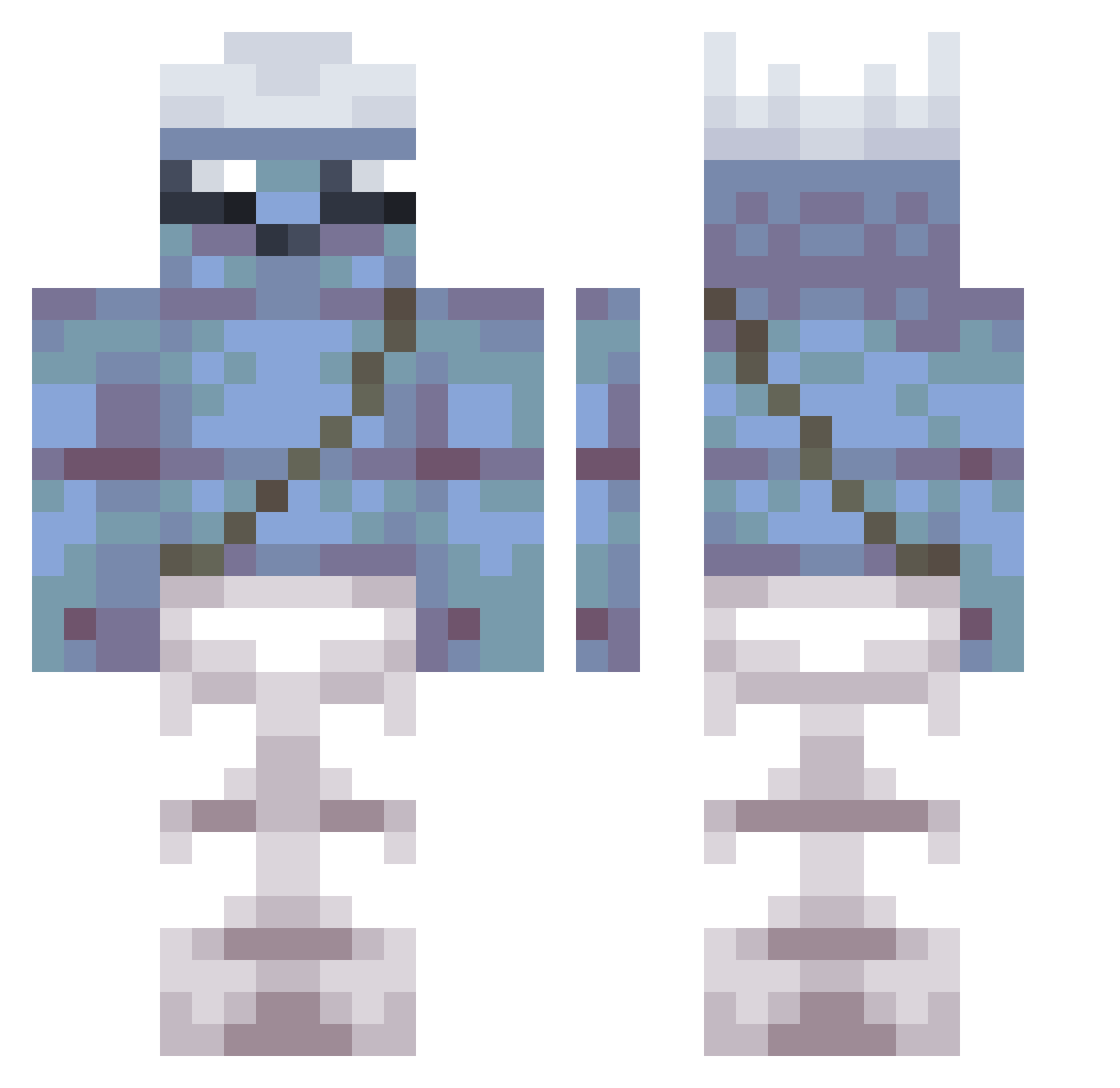
Current Minecraft skin of the player Sherlund, loaded from the official Mojang API. Rotate the 3D model with your mouse or finger, then download the skin as a PNG file and use it in Minecraft: Bedrock Edition or Java Edition for free. When Sherlund changes their skin, this page updates automatically and the old skin stays in the history below.
Other players with this skin (355)
Sherlund was the 143rd player we have seen with this skin, first spotted on 03.09.2026. The same skin was seen on these players. Open a nickname to see their current skin and skin history.
 hanhco AwfakRR STXXXXX jokvokx Eruicskillssss SwampMuenster dGQ387 juls2001 Dexecti LuchitoPe mr_smurf1 RightUnbiased586 Formess vicx6969 cCS521 Cbm434 matyasdev dw3143 Smurf789 wolffight Crotchrocket yomulyuxcb GleamingRebel611 _AstraLord_ 0_sickLee Pzh469 ElDengue420 xfX465 fIv998 falagno cyrxss omF711 PnJCdgOTZQHOo303 Colle91 Musashi_Enjoyer vci188 BrianTewzz 3kObsTTL Flb37 wFN996 Kenzasy Tomko24 KEu204 luigitheb AkiroXu UGK261 yof715 chaboyyyy QAA151 tasty_gorani hansomeguy2070 kumiya gSi726 catsivakedi LemonsSsauce Danexito22 Ca_ts happyerkek Mimozemstan nkb491
More Papa Smurf Minecraft skins
How to install the Sherlund skin
- Press the Download button above to save the skin as a PNG file.
- Minecraft: Bedrock Edition (PE): open the Dressing Room from the main menu (or tap your character → Edit Character), go to Classic Skins → Owned, press the + (new skin) button, choose the downloaded PNG and pick the Classic (Steve) model. Works on PC and mobile; consoles cannot import custom skins.
- Minecraft: Java Edition: open the Minecraft Launcher, go to the Skins tab, click New Skin, load the PNG, pick the Classic (Steve) model and press Save & Use. You can also upload it at minecraft.net → Profile → Change Skin.
The skin does not show up after import - what should I do?
Restart Minecraft and open the Dressing Room again - imported skins sometimes appear only after a restart. Also make sure you selected the imported skin and picked the Classic (Steve) model.
Which model should I choose, Classic or Slim?
This skin is designed for the Classic (Steve) model. If you pick the wrong model, the arms of the skin will look stretched or squeezed.
Is the skin of Sherlund free to download?
Yes. Press Download, save the PNG file and use it in Minecraft: Bedrock Edition or Java Edition - no payment or registration needed. The skin also works on multiplayer servers and Realms.
More skins
Looking for more? Go back to all Minecraft skins and check the top skins of the week, month and all time, or find any player's skin by nickname.