
ShadowShane5 - Minecraft Skins & Skin History
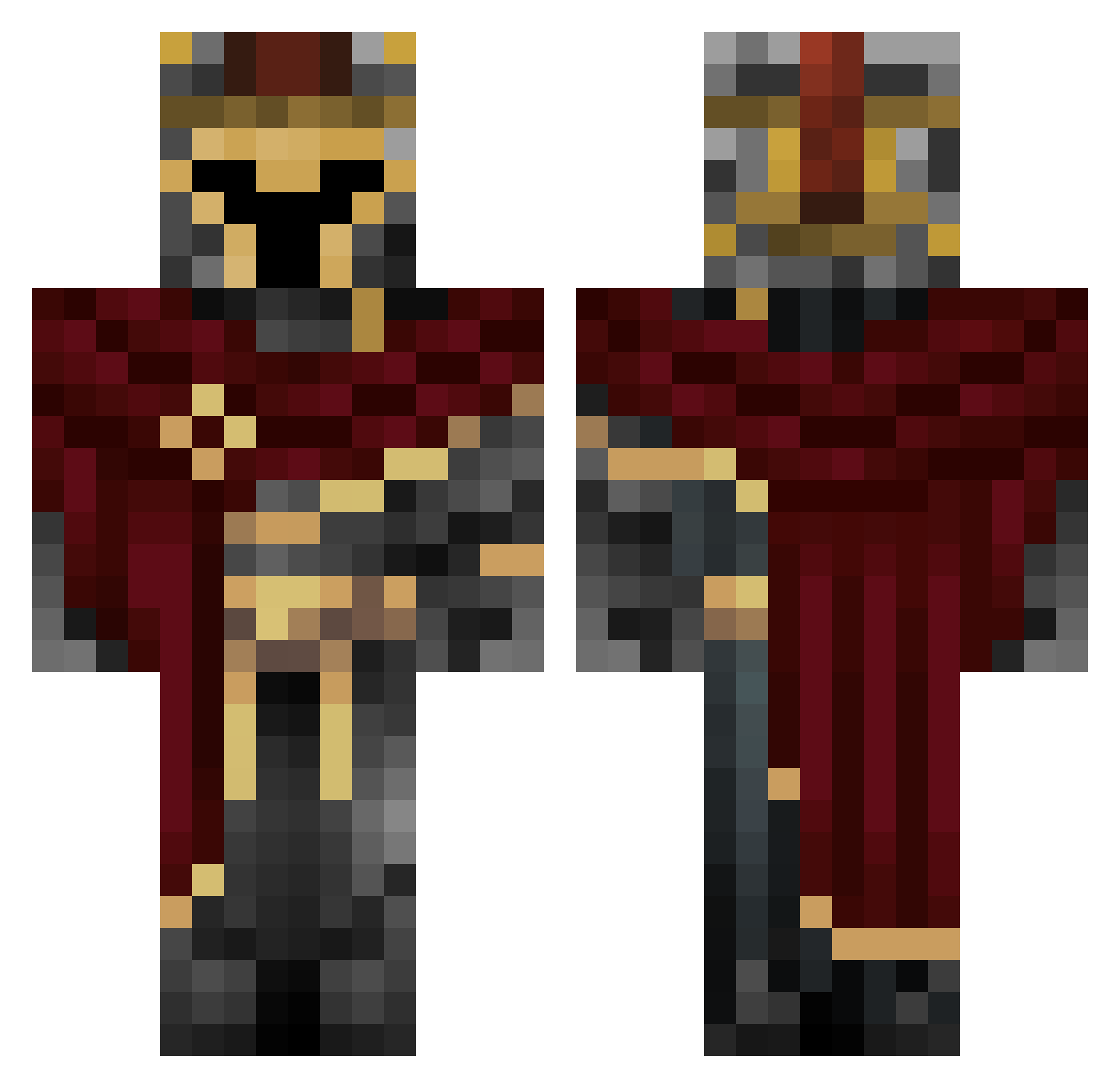
Current Minecraft skin of the player ShadowShane5, loaded from the official Mojang API. Rotate the 3D model with your mouse or finger, then download the skin as a PNG file and use it in Minecraft: Bedrock Edition or Java Edition for free. When ShadowShane5 changes their skin, this page updates automatically and the old skin stays in the history below.
Other players with this skin (660)
ShadowShane5 was the 480th player we have seen with this skin, first spotted on 09.10.2026. The same skin was seen on these players. Open a nickname to see their current skin and skin history.
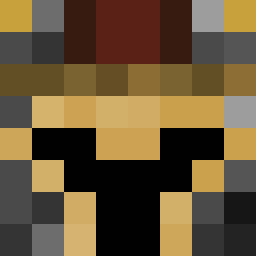 saifshr Choiyongjun357 Survive_HD Blvvrry FredyPajas DecisiveBlock98 blessedchill dashtech SrTopo_ Turkeyman1816 Y3JUA Blackflash4457 FireKid1399 RicardsRL RIZZ999 ToastyDemon1 Tekko999 Honey_Vodka Sinister7184 GrunewaldDiego RETT_R0o gocartz Gabix5 Minerbro1 b_d_g_cool Sinnxzs SkibidisigmabalI The_ha_ninja Windesmere ADOOMTROOPER SwiftAviv HuStlerek Val_Valkyrie kohan2406 Sleetiegnat Actsad 1VAN2701 DaHerrHuber Leebrine Seishinbyo Darmersky Angelic_Alee goljonjun Teabbe Edgargarmel TheArtofWar_ LablouKing Soul_RANDOM Rudd33 Tsh0nk Nikolatu VladTheButcher mint_taste cipher_May CaydeOSpades Maxbaseball17 ItzHuno yunjuanyunshuzhy YourFriendHamton Moisii07
More Spartan Minecraft skins
How to install the ShadowShane5 skin
- Press the Download button above to save the skin as a PNG file.
- Minecraft: Bedrock Edition (PE): open the Dressing Room from the main menu (or tap your character → Edit Character), go to Classic Skins → Owned, press the + (new skin) button, choose the downloaded PNG and pick the Classic (Steve) model. Works on PC and mobile; consoles cannot import custom skins.
- Minecraft: Java Edition: open the Minecraft Launcher, go to the Skins tab, click New Skin, load the PNG, pick the Classic (Steve) model and press Save & Use. You can also upload it at minecraft.net → Profile → Change Skin.
The skin does not show up after import - what should I do?
Restart Minecraft and open the Dressing Room again - imported skins sometimes appear only after a restart. Also make sure you selected the imported skin and picked the Classic (Steve) model.
Which model should I choose, Classic or Slim?
This skin is designed for the Classic (Steve) model. If you pick the wrong model, the arms of the skin will look stretched or squeezed.
Is the skin of ShadowShane5 free to download?
Yes. Press Download, save the PNG file and use it in Minecraft: Bedrock Edition or Java Edition - no payment or registration needed. The skin also works on multiplayer servers and Realms.
More skins
Looking for more? Go back to all Minecraft skins and check the top skins of the week, month and all time, or find any player's skin by nickname.