
ScarlettOMG - Minecraft Skins & Skin History
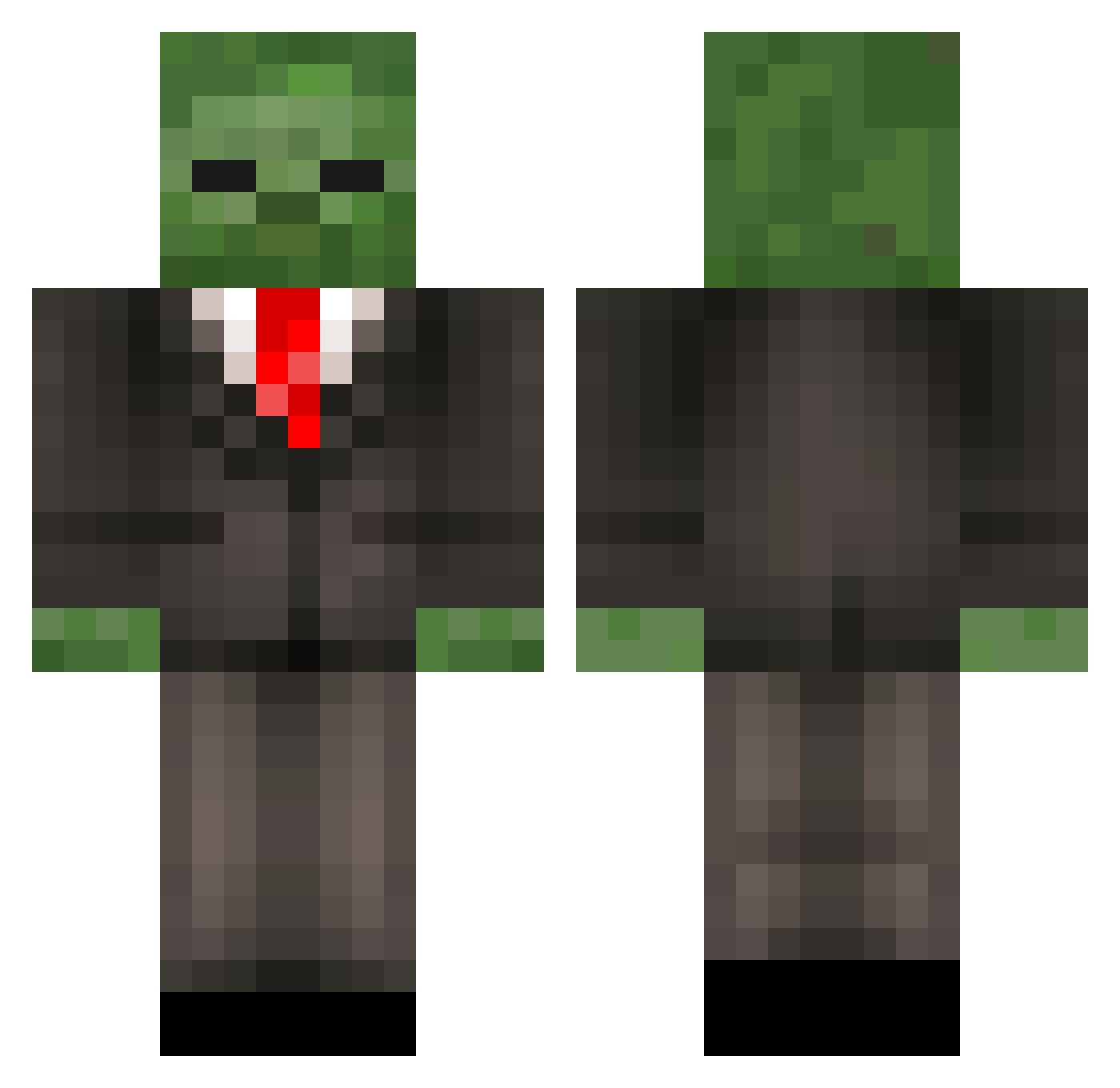
Current Minecraft skin of the player ScarlettOMG, loaded from the official Mojang API. Rotate the 3D model with your mouse or finger, then download the skin as a PNG file and use it in Minecraft: Bedrock Edition or Java Edition for free. When ScarlettOMG changes their skin, this page updates automatically and the old skin stays in the history below.
Other players with this skin (215)
ScarlettOMG was the 18th player we have seen with this skin, first spotted on 30.07.2026. The same skin was seen on these players. Open a nickname to see their current skin and skin history.
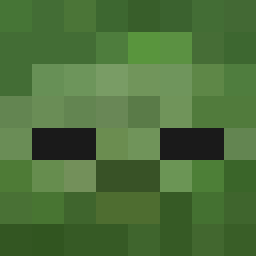 XonefifthX zombietuxedo knarf2043 Jmarsner Axuxy EngehamPug Kerhard LazyPieceOfToast 7alec lcbs77 Lavita64 TuoQiu ChunkeyzZ loveinadumpster Laustiic yim21 yue12138 creeper_attacker PeppyOnTop339 NeoPlayer101 PuLsEiQ
 Raulrrrr01 SoulMan6431 t_hulking cyxfws 0lipp allisonee texasman2001 MaxMiniMixr octade Piudaura_Ex Lustig115 Man_in_black101_ thedarkpotatoes TheWetBandit_ GHOSTCHEE WALDIRBRAZ SHENICK Hardshell23 HYPERxANGELZ Sudenrp BadBaron35 SilvaJ614 fishfan683 YanGcT3 ItsMeBen5 pure34 Tsengeg Stoni_360 lemons_b Godaco Zachlery eeeks30 RandyMaldonado CyberZombies Great_Miner_D V_Cryex FieldNewt Benverbenver Sacredgamer420
More Zombie Minecraft skins
How to install the ScarlettOMG skin
- Press the Download button above to save the skin as a PNG file.
- Minecraft: Bedrock Edition (PE): open the Dressing Room from the main menu (or tap your character → Edit Character), go to Classic Skins → Owned, press the + (new skin) button, choose the downloaded PNG and pick the Classic (Steve) model. Works on PC and mobile; consoles cannot import custom skins.
- Minecraft: Java Edition: open the Minecraft Launcher, go to the Skins tab, click New Skin, load the PNG, pick the Classic (Steve) model and press Save & Use. You can also upload it at minecraft.net → Profile → Change Skin.
The skin does not show up after import - what should I do?
Restart Minecraft and open the Dressing Room again - imported skins sometimes appear only after a restart. Also make sure you selected the imported skin and picked the Classic (Steve) model.
Which model should I choose, Classic or Slim?
This skin is designed for the Classic (Steve) model. If you pick the wrong model, the arms of the skin will look stretched or squeezed.
Is the skin of ScarlettOMG free to download?
Yes. Press Download, save the PNG file and use it in Minecraft: Bedrock Edition or Java Edition - no payment or registration needed. The skin also works on multiplayer servers and Realms.
More skins
Looking for more? Go back to all Minecraft skins and check the top skins of the week, month and all time, or find any player's skin by nickname.