
 NF2548 MarshNZ1214 MrZombie868 Zambi patty82 Ismail_Q Patres_333 Stevchecks Indif JOOBIGG Meing28 Wolf_Gamez3 PROzTRAVILL GGTA_ elleryism badKOT228781 Erdie58 Doofizz04 ahbzbc Mango4242 Chicken1920 Nick_Emerald Sketched_ GnarlyGibbon Resourcefulness LuhTwizzy4Really Evilmrman The_Zombified jibang1206 mieo25 NickGerr69 aaacewill JebusChrast Millardd z1Fan Floaty_Turrd32 SpideyDude91 poizxc Zinc_Box AKBOSS21 YumYumTaco cesha_CN fghjsdekw Herty2 hj324 __Watson__ AutumnRain7 EnzoBozz DanielisSnorlax SuperPatate395 snowm3n radicalru Natmcc08 Awkward_Bob TheWetBandit_ HYPERxANGELZ OscarKrum loveinadumpster fennix_games Qwerty2019
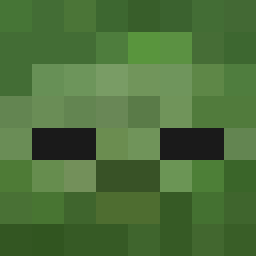
Minecraft skin of Piudaura_Ex. Rotate the 3D model with your mouse or finger to view the skin from every angle, then download it as a PNG file and use it in Minecraft: Bedrock Edition or Java Edition for free. Rate the skin with stars to help other players find the best skins in our collection.
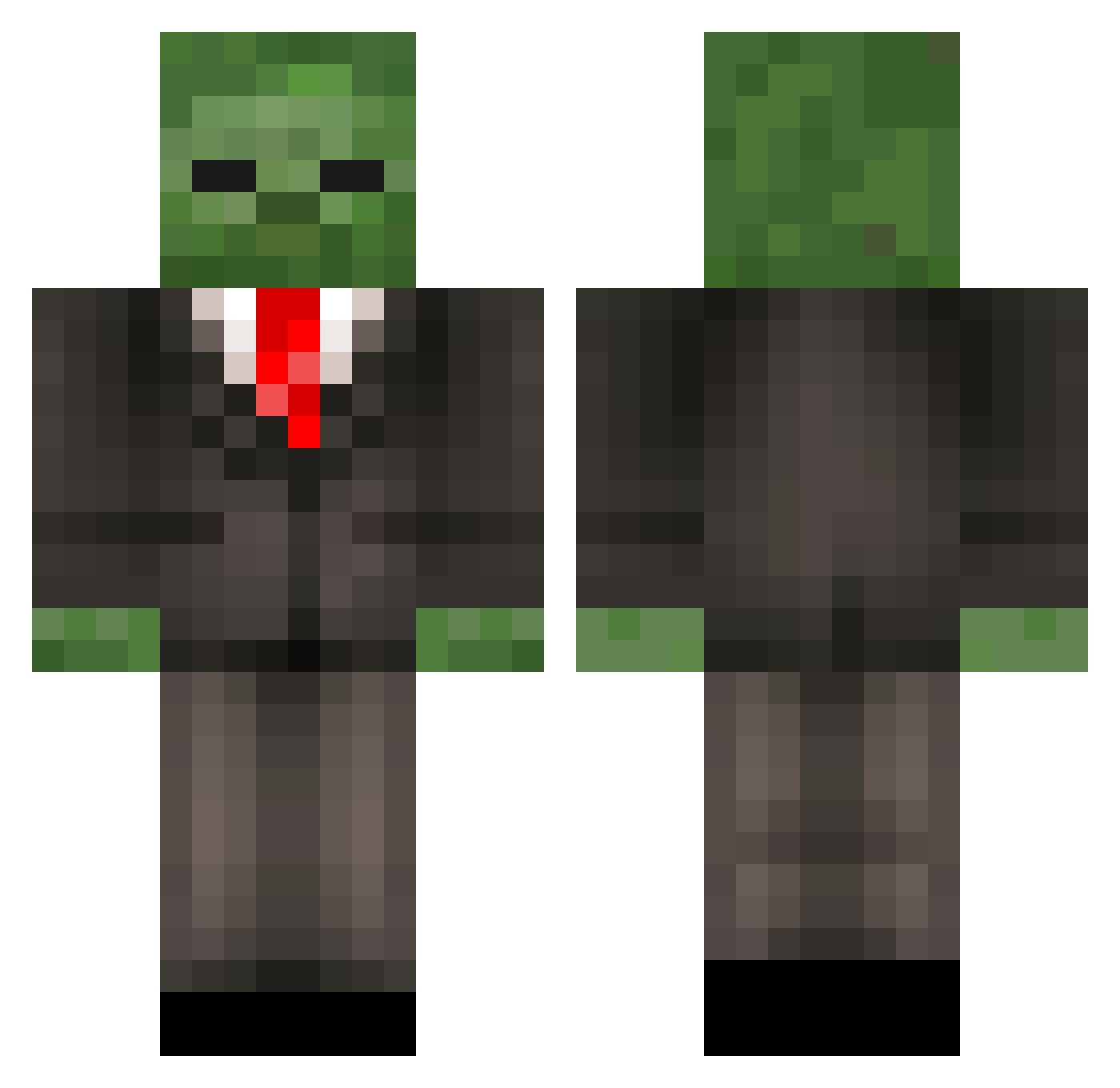
How to install the Piudaura_Ex skin
- Press the Download button above to save the skin as a PNG file.
- Minecraft: Bedrock Edition (PE): open the Dressing Room from the main menu (or tap your character → Edit Character), go to Classic Skins → Owned, press the + (new skin) button, choose the downloaded PNG and pick the Classic (Steve) model. Works on PC and mobile; consoles cannot import custom skins.
- Minecraft: Java Edition: open the Minecraft Launcher, go to the Skins tab, click New Skin, load the PNG, pick the Classic (Steve) model and press Save & Use. You can also upload it at minecraft.net → Profile → Change Skin.
The skin does not show up after import - what should I do?
Restart Minecraft and open the Dressing Room again - imported skins sometimes appear only after a restart. Also make sure you selected the imported skin and picked the Classic (Steve) model.
Which model should I choose, Classic or Slim?
This skin is designed for the Classic (Steve) model. If you pick the wrong model, the arms of the skin will look stretched or squeezed.
Is this skin free to use?
Yes. Press Download, save the PNG file and use it in Minecraft: Bedrock Edition or Java Edition - no payment or registration needed. The skin also works on multiplayer servers and Realms.
More Zombie Minecraft skins
More skins
Looking for more? Go back to all Minecraft skins and check the top skins of the week, month and all time, or find any player's skin by nickname.