
Salvation878 - Minecraft Skins & Skin History
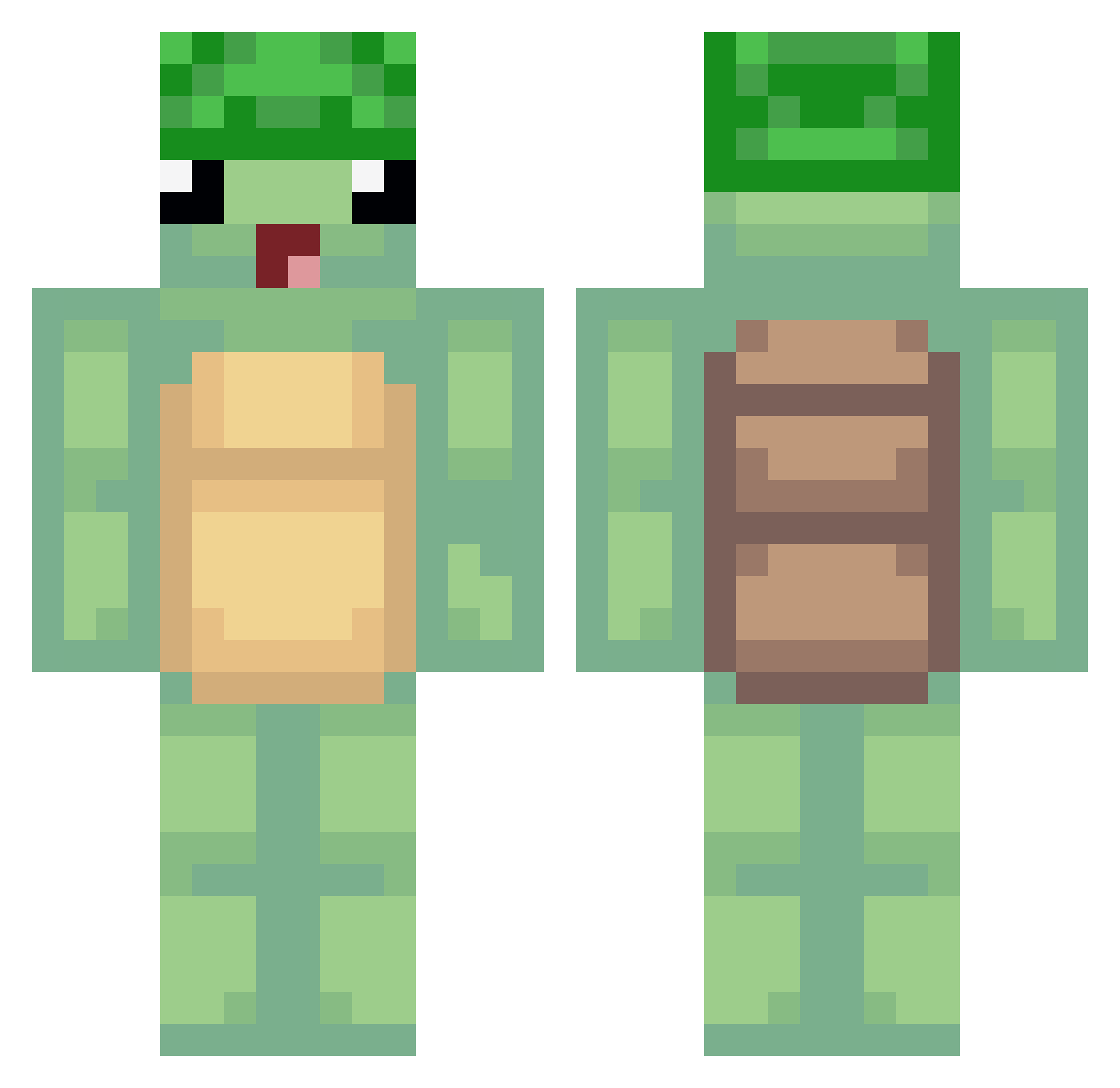
Current Minecraft skin of the player Salvation878, loaded from the official Mojang API. Rotate the 3D model with your mouse or finger, then download the skin as a PNG file and use it in Minecraft: Bedrock Edition or Java Edition for free. When Salvation878 changes their skin, this page updates automatically and the old skin stays in the history below.
Other players with this skin (489)
Salvation878 was the 258th player we have seen with this skin, first spotted on 23.09.2026. The same skin was seen on these players. Open a nickname to see their current skin and skin history.
 thd0 Jonhy2809 SquashyBear4374 Sheafy cmj33 AkaruiAkuma Keso06 PJH0106 sloupinizer BarneyDino MouseyMonkey367 Zackaryawesome mugyeom09 Kofoed1234 BonBonDragon Crushingturtle ItzTurtle1 RawKiller2 zMarcox TGrave eSkEtItmama tjddn8922 MattyIce069 TotalledLlama95 Jkapoor8525 Spayce_e jdnmater12 um___________ TortuousMilk Seaweed0206 Nonkreativ Linkage Kierandeep virkillks Triczou09 L3Cache Giiorgia WalkoMc Ptazzek_ MilkyLord69 ILostMyTurtel Mannola20 YoonBJIN wsb0226 tea_m_f VOIDK4GE Bo9ri oTqrtle Sly_Tortoise KANGWOOSEOK Mr__Brownie tmdduqdl Teledubby koiwashere soylechugaaa RxbinXD kingdomty khakicocky WaxIg2010 baum787
More Turtle Minecraft skins
How to install the Salvation878 skin
- Press the Download button above to save the skin as a PNG file.
- Minecraft: Bedrock Edition (PE): open the Dressing Room from the main menu (or tap your character → Edit Character), go to Classic Skins → Owned, press the + (new skin) button, choose the downloaded PNG and pick the Classic (Steve) model. Works on PC and mobile; consoles cannot import custom skins.
- Minecraft: Java Edition: open the Minecraft Launcher, go to the Skins tab, click New Skin, load the PNG, pick the Classic (Steve) model and press Save & Use. You can also upload it at minecraft.net → Profile → Change Skin.
The skin does not show up after import - what should I do?
Restart Minecraft and open the Dressing Room again - imported skins sometimes appear only after a restart. Also make sure you selected the imported skin and picked the Classic (Steve) model.
Which model should I choose, Classic or Slim?
This skin is designed for the Classic (Steve) model. If you pick the wrong model, the arms of the skin will look stretched or squeezed.
Is the skin of Salvation878 free to download?
Yes. Press Download, save the PNG file and use it in Minecraft: Bedrock Edition or Java Edition - no payment or registration needed. The skin also works on multiplayer servers and Realms.
More skins
Looking for more? Go back to all Minecraft skins and check the top skins of the week, month and all time, or find any player's skin by nickname.