
 CappinKevlar Keitis Sundus jajawielblada _ItsMarco_ YA___HO lumpyyspaceonion FelipaShark Nichy_ CR3NNYS0N Ekulte ImaDirtFarmer Ande08 Derabo_ Jupsteen KanePlayz_ marc__antoine parkdj0812 Funzoo Ang3_I Megalos_ Lollapalooza21 Frogba J0hnD1llermand GhostXrider Fordew crzyBanana teletubis_pedal iH4ze_ Sluggo___ fxb_i JoshuaNCC00008 Jiracha Xeno_Knight _LA0O_ KoSmOnAFtIk Ollieasylum MuHa01 Batalan_ snanya Lars_Mars07 PortalProIsBack ThoughtTiii Deyzy18 Meniced Pia_75 Jaimico13 WildeKompetenz Ayque31 Juicydoggoo srcabobymarket Baboel SverreDJ HeyImStimpy WickedRose103 ___Max___ Nikko9260 NoMeansNo15 LaPetiteTortue M_Oy
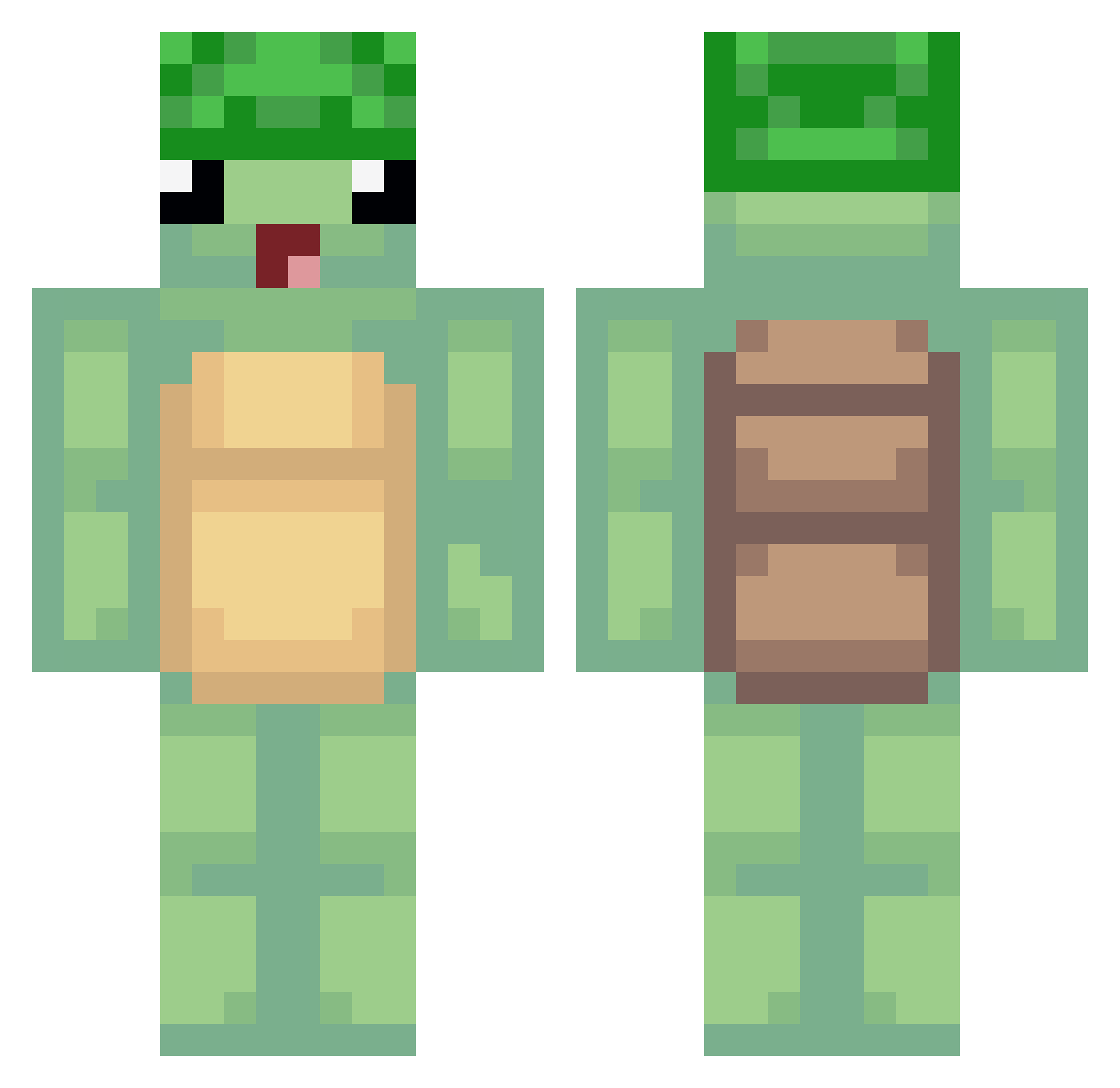
Minecraft skin of MrY3Llow_. Rotate the 3D model with your mouse or finger to view the skin from every angle, then download it as a PNG file and use it in Minecraft: Bedrock Edition or Java Edition for free. Rate the skin with stars to help other players find the best skins in our collection.
How to install the MrY3Llow_ skin
- Press the Download button above to save the skin as a PNG file.
- Minecraft: Bedrock Edition (PE): open the Dressing Room from the main menu (or tap your character → Edit Character), go to Classic Skins → Owned, press the + (new skin) button, choose the downloaded PNG and pick the Classic (Steve) model. Works on PC and mobile; consoles cannot import custom skins.
- Minecraft: Java Edition: open the Minecraft Launcher, go to the Skins tab, click New Skin, load the PNG, pick the Classic (Steve) model and press Save & Use. You can also upload it at minecraft.net → Profile → Change Skin.
The skin does not show up after import - what should I do?
Restart Minecraft and open the Dressing Room again - imported skins sometimes appear only after a restart. Also make sure you selected the imported skin and picked the Classic (Steve) model.
Which model should I choose, Classic or Slim?
This skin is designed for the Classic (Steve) model. If you pick the wrong model, the arms of the skin will look stretched or squeezed.
Is this skin free to use?
Yes. Press Download, save the PNG file and use it in Minecraft: Bedrock Edition or Java Edition - no payment or registration needed. The skin also works on multiplayer servers and Realms.
More Turtle Minecraft skins
More skins
Looking for more? Go back to all Minecraft skins and check the top skins of the week, month and all time, or find any player's skin by nickname.