
Safqud_Ninja - Minecraft Skins & Skin History
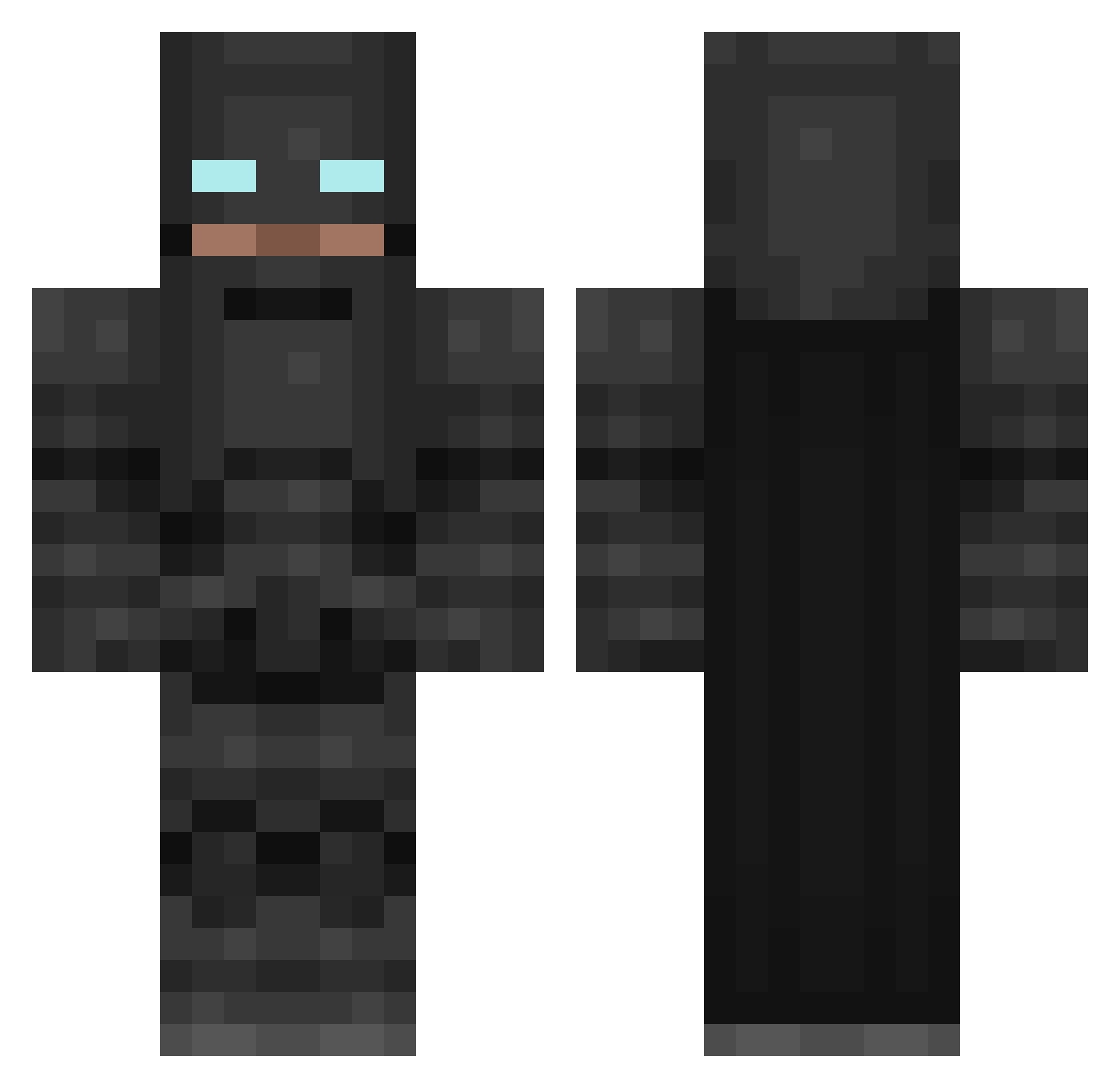
Current Minecraft skin of the player Safqud_Ninja, loaded from the official Mojang API. Rotate the 3D model with your mouse or finger, then download the skin as a PNG file and use it in Minecraft: Bedrock Edition or Java Edition for free. When Safqud_Ninja changes their skin, this page updates automatically and the old skin stays in the history below.
Other players with this skin (265)
Safqud_Ninja was the 79th player we have seen with this skin, first spotted on 03.09.2026. The same skin was seen on these players. Open a nickname to see their current skin and skin history.
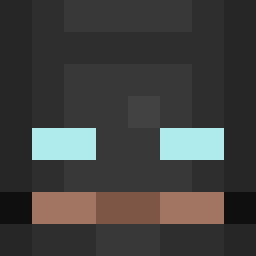 GuiltyGreed Craftian xAAMx gamerbror DEADLY_ARCHER7 FiriousDestroyer KingApple131 Wilson624 Xandreydor duraid PolishedGent E113VEN JakeAselin WubJack21 Yigitalcatrazz yournann tedolightbulb Cederholm_ Laanon IVANOVICH9 SAM___SAM GarfieldPizza CudiKid pra555 Pelhi m4xwellsm4rt batman338811 MIcKevin camcorder_123 paddypower189 Pyrojen Cookie_Click DragonSword1278 deeremf Wencinttt Tesastick BlazingMeteorite AhmetDemirpolat ultimate04war Shambazzle Vibenec wzshroud snugonminecraft Jametrons IronCheese12343 Trophyjames Greek_Kid FearMyWrath fasteston4wheels flashbone1 scroots Fuggy PhotatoKing Widdershinz sebasti595 EvenSlower Weaponsrcool konrad1409 Smrk GeneticBoss7
More Batman Minecraft skins
How to install the Safqud_Ninja skin
- Press the Download button above to save the skin as a PNG file.
- Minecraft: Bedrock Edition (PE): open the Dressing Room from the main menu (or tap your character → Edit Character), go to Classic Skins → Owned, press the + (new skin) button, choose the downloaded PNG and pick the Classic (Steve) model. Works on PC and mobile; consoles cannot import custom skins.
- Minecraft: Java Edition: open the Minecraft Launcher, go to the Skins tab, click New Skin, load the PNG, pick the Classic (Steve) model and press Save & Use. You can also upload it at minecraft.net → Profile → Change Skin.
The skin does not show up after import - what should I do?
Restart Minecraft and open the Dressing Room again - imported skins sometimes appear only after a restart. Also make sure you selected the imported skin and picked the Classic (Steve) model.
Which model should I choose, Classic or Slim?
This skin is designed for the Classic (Steve) model. If you pick the wrong model, the arms of the skin will look stretched or squeezed.
Is the skin of Safqud_Ninja free to download?
Yes. Press Download, save the PNG file and use it in Minecraft: Bedrock Edition or Java Edition - no payment or registration needed. The skin also works on multiplayer servers and Realms.
More skins
Looking for more? Go back to all Minecraft skins and check the top skins of the week, month and all time, or find any player's skin by nickname.