
SPTN_J0HN - Minecraft Skins & Skin History
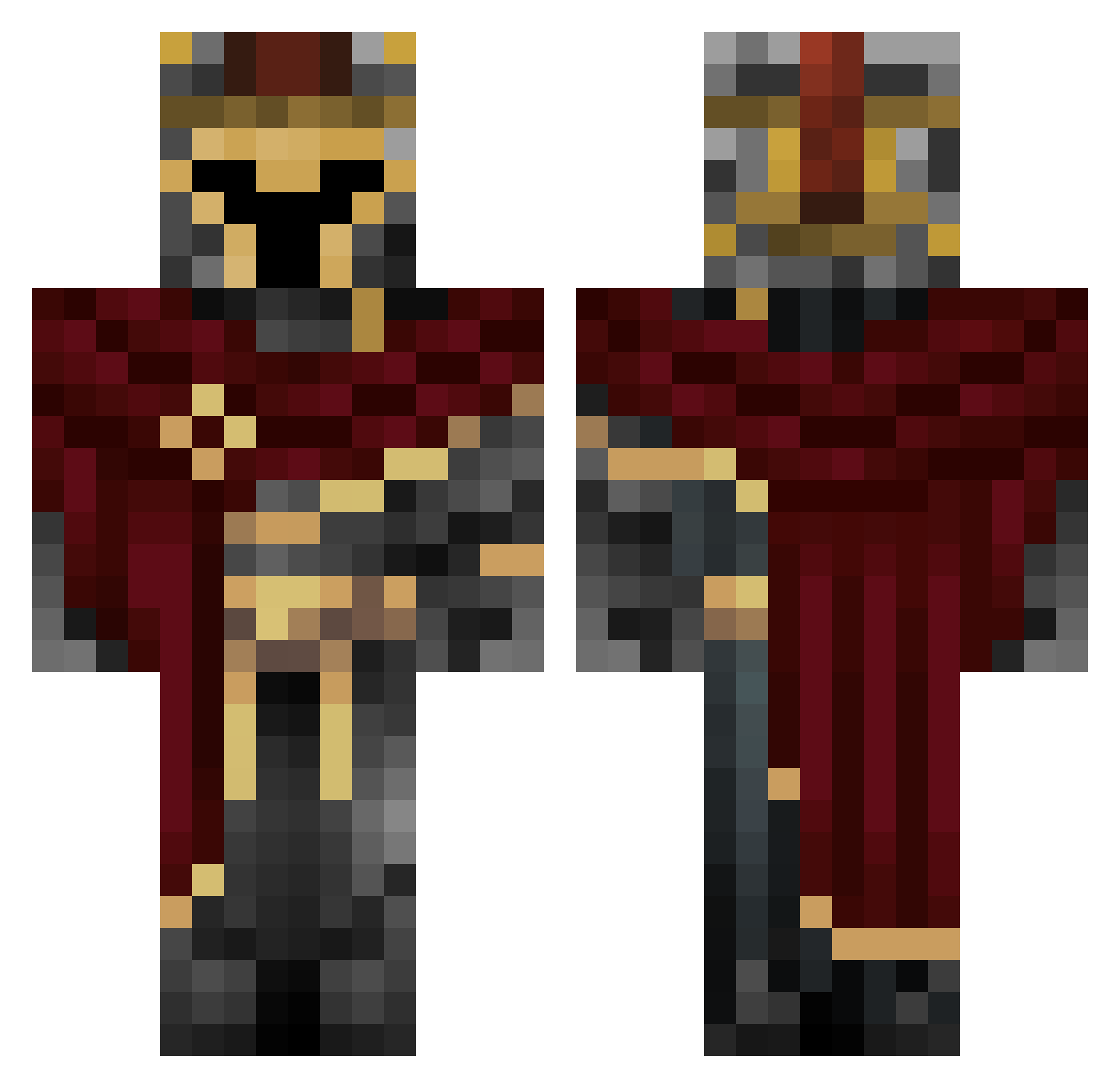
Current Minecraft skin of the player SPTN_J0HN, loaded from the official Mojang API. Rotate the 3D model with your mouse or finger, then download the skin as a PNG file and use it in Minecraft: Bedrock Edition or Java Edition for free. When SPTN_J0HN changes their skin, this page updates automatically and the old skin stays in the history below.
Other players with this skin (660)
SPTN_J0HN was the 232nd player we have seen with this skin, first spotted on 31.08.2026. The same skin was seen on these players. Open a nickname to see their current skin and skin history.
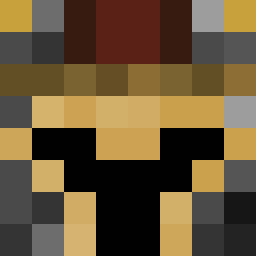 YO_JXI Igor23122 ChefBoyardee_7 LogisticData tmax543 wigglewagger smootheo theinkman06 C0L0TL FRALEY7 amyerboy12279 Anwar_Xiao Desideriumx turtledudemc FireLordAspect StoneBuster07 Hugo_971 lorem201501 DK_Frez Mizuki417 Oh_Great_Heavens xXkenshin1Xx Mientowski DzekiChan9 SoulNova11 TabulaRasaXtrem MoonLilyVT PrometheusX04 Flower17h Pufferfish1308 BIGSAN0 ItsMeMarcus TheeFather Kanotann rafa46 Valnoris nolzytb Brayan2287 iiSoDivine fISh0815 uhhmatteo W0B_ PRO3002473 Mazurn TeO_ZaM omer3011 Kouro23 K4sp3r Ayax11 MistySoot D_a_m_O_ psied Mar0PL Klaba7 DayJ4 SampleText06 Xeamt Zewtsss _wuts STRWB3RYMLK
More Spartan Minecraft skins
How to install the SPTN_J0HN skin
- Press the Download button above to save the skin as a PNG file.
- Minecraft: Bedrock Edition (PE): open the Dressing Room from the main menu (or tap your character → Edit Character), go to Classic Skins → Owned, press the + (new skin) button, choose the downloaded PNG and pick the Classic (Steve) model. Works on PC and mobile; consoles cannot import custom skins.
- Minecraft: Java Edition: open the Minecraft Launcher, go to the Skins tab, click New Skin, load the PNG, pick the Classic (Steve) model and press Save & Use. You can also upload it at minecraft.net → Profile → Change Skin.
The skin does not show up after import - what should I do?
Restart Minecraft and open the Dressing Room again - imported skins sometimes appear only after a restart. Also make sure you selected the imported skin and picked the Classic (Steve) model.
Which model should I choose, Classic or Slim?
This skin is designed for the Classic (Steve) model. If you pick the wrong model, the arms of the skin will look stretched or squeezed.
Is the skin of SPTN_J0HN free to download?
Yes. Press Download, save the PNG file and use it in Minecraft: Bedrock Edition or Java Edition - no payment or registration needed. The skin also works on multiplayer servers and Realms.
More skins
Looking for more? Go back to all Minecraft skins and check the top skins of the week, month and all time, or find any player's skin by nickname.