
SK_PO - Minecraft Skins & Skin History
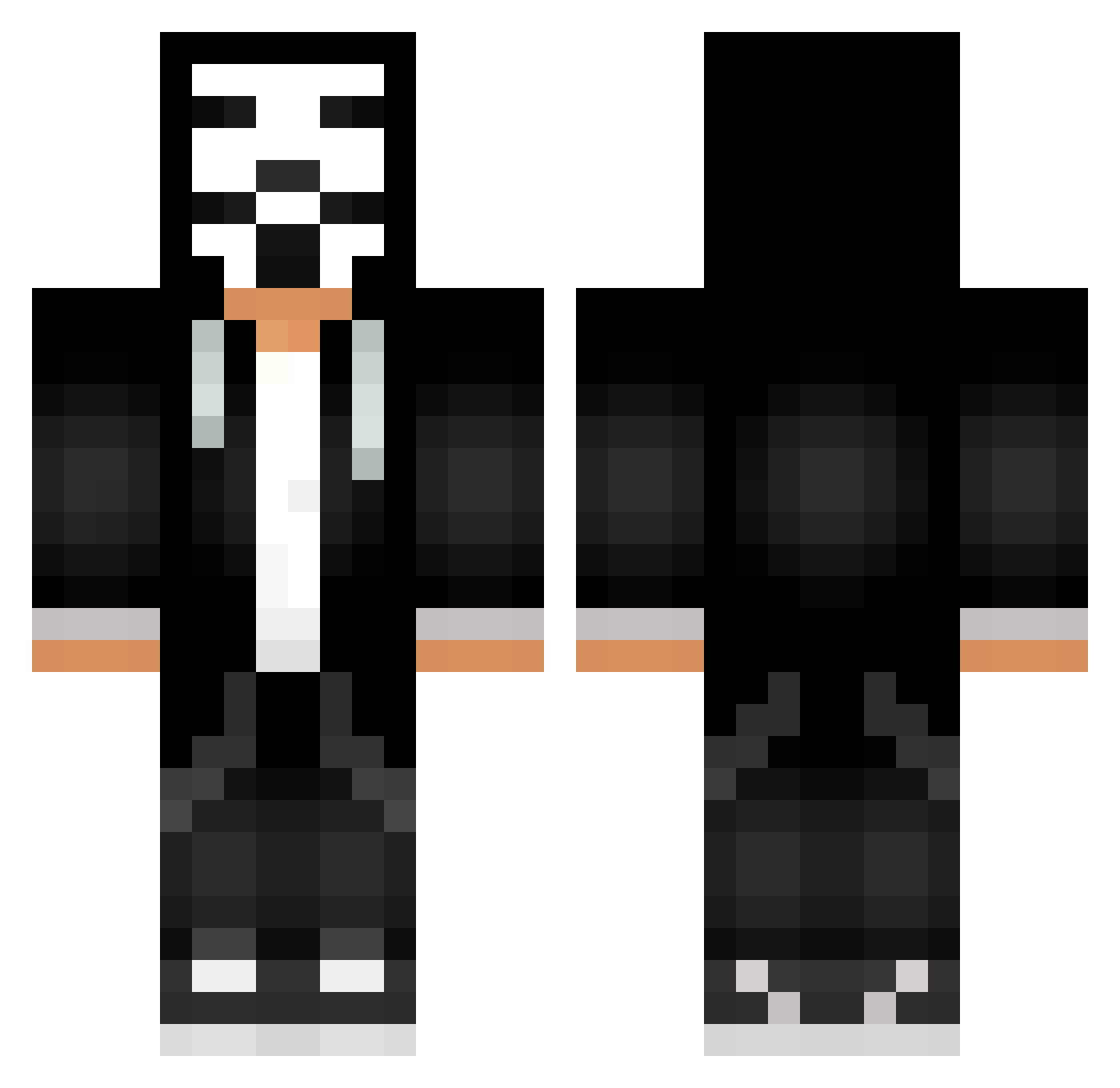
Current Minecraft skin of the player SK_PO, loaded from the official Mojang API. Rotate the 3D model with your mouse or finger, then download the skin as a PNG file and use it in Minecraft: Bedrock Edition or Java Edition for free. When SK_PO changes their skin, this page updates automatically and the old skin stays in the history below.
Other players with this skin (623)
SK_PO was the 573rd player we have seen with this skin, first spotted on 25.10.2026. The same skin was seen on these players. Open a nickname to see their current skin and skin history.
 Mohbryza GusjungzZ Ted0039 skat_top T0xeNd JhonatanKGM bili_emmm MorenitoKlK Alucard1476 J0nny_T1 tylergames1368 ultimateFeline emikaaaaa Ferment03 Sr_Storm Pedrosaymon420 HinHInSs Mr_Bang_ Nessa_Borges2246 JorritT creperpvp2 oriel436 el_friedo 0Anson0 Evan_Yt rokigame29 Jawa760 Dafor_YT _KopoJlbDu33u_ Cubedust BloodHunt4897 BirkirArni Shmiga_ vo0ov777 marlosjunior leoxo31 Ruling_78 parsa387 ProJect_MeGa MiningMarine Vinicius_KUN Aydayyy27 rayzzoxyt Ruger723 SwiftTrqz BIXXA_HT4 NightNare2000 Nagfin Punischa9 Cruizcredopa maarques tommee Stanc10 Viebra01 teteu12344 gotuhtop1 CaioAlcantara TOWizend 4MEITS4GUD RodneyNextDoor
More Anonymous Minecraft skins
How to install the SK_PO skin
- Press the Download button above to save the skin as a PNG file.
- Minecraft: Bedrock Edition (PE): open the Dressing Room from the main menu (or tap your character → Edit Character), go to Classic Skins → Owned, press the + (new skin) button, choose the downloaded PNG and pick the Classic (Steve) model. Works on PC and mobile; consoles cannot import custom skins.
- Minecraft: Java Edition: open the Minecraft Launcher, go to the Skins tab, click New Skin, load the PNG, pick the Classic (Steve) model and press Save & Use. You can also upload it at minecraft.net → Profile → Change Skin.
The skin does not show up after import - what should I do?
Restart Minecraft and open the Dressing Room again - imported skins sometimes appear only after a restart. Also make sure you selected the imported skin and picked the Classic (Steve) model.
Which model should I choose, Classic or Slim?
This skin is designed for the Classic (Steve) model. If you pick the wrong model, the arms of the skin will look stretched or squeezed.
Is the skin of SK_PO free to download?
Yes. Press Download, save the PNG file and use it in Minecraft: Bedrock Edition or Java Edition - no payment or registration needed. The skin also works on multiplayer servers and Realms.
More skins
Looking for more? Go back to all Minecraft skins and check the top skins of the week, month and all time, or find any player's skin by nickname.