
SH_Daniel - Minecraft Skins & Skin History
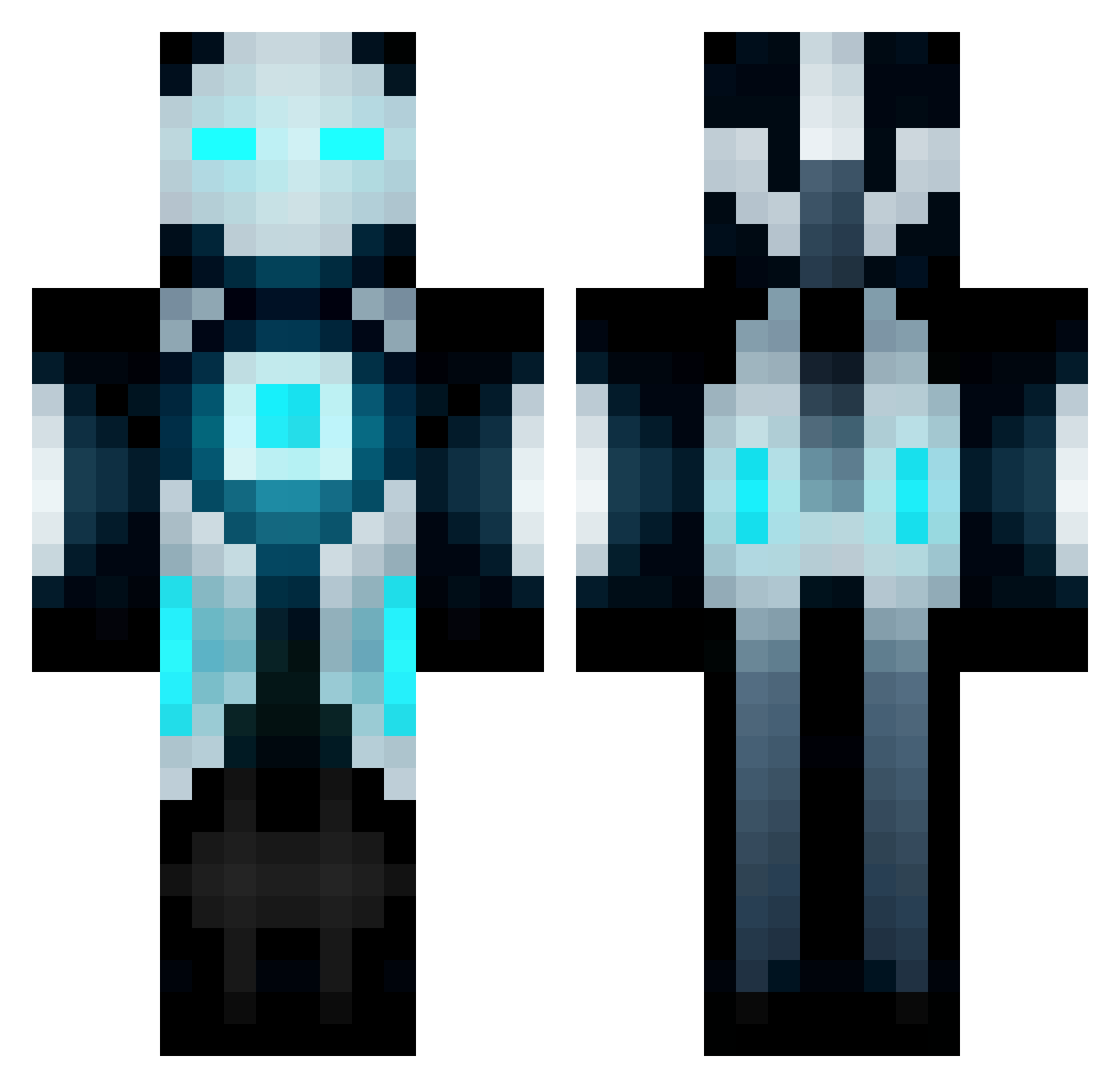
Current Minecraft skin of the player SH_Daniel, loaded from the official Mojang API. Rotate the 3D model with your mouse or finger, then download the skin as a PNG file and use it in Minecraft: Bedrock Edition or Java Edition for free. When SH_Daniel changes their skin, this page updates automatically and the old skin stays in the history below.
Other players with this skin (672)
SH_Daniel was the 397th player we have seen with this skin, first spotted on 04.10.2026. The same skin was seen on these players. Open a nickname to see their current skin and skin history.
 ghost154230 Ruan_G BlazingShadow09 Eku110 wheels92 friendlybear05 IGSG xINKxMASTERx benwoods2000 RuslanZ97 JJWatch cwalker1497 Ahzired Dyxvan Marctrue Ivanluux fireblanket vazkhor RoBoPro salmon_meuniere __Plague__ Kroxxen DutchCubes DeSepp97 Firensid JESHUACRAFTERO YoshiGray nurrax MacFan2410 ronpin meetpatel101 jonnybgood1333 coalkiller2256 SniFFnCrayons Xinagou fourgilmores creeppeep03 TYphoonYT Ezekiel3626 oLimar1002 dorff19 crmcreynolds bumbletrot minigonzo94 Xvalle04 KC2530 zachmando Now_You_SeeMe HatDominando Ratchetix Safegay Supertrouper212 Cedric68850 CHARISMAxSKIILZ Knight_devil akif13 ziokgame rammerjammer3 Defective_Water MuffinMan020
More Futuristic Minecraft skins
How to install the SH_Daniel skin
- Press the Download button above to save the skin as a PNG file.
- Minecraft: Bedrock Edition (PE): open the Dressing Room from the main menu (or tap your character → Edit Character), go to Classic Skins → Owned, press the + (new skin) button, choose the downloaded PNG and pick the Classic (Steve) model. Works on PC and mobile; consoles cannot import custom skins.
- Minecraft: Java Edition: open the Minecraft Launcher, go to the Skins tab, click New Skin, load the PNG, pick the Classic (Steve) model and press Save & Use. You can also upload it at minecraft.net → Profile → Change Skin.
The skin does not show up after import - what should I do?
Restart Minecraft and open the Dressing Room again - imported skins sometimes appear only after a restart. Also make sure you selected the imported skin and picked the Classic (Steve) model.
Which model should I choose, Classic or Slim?
This skin is designed for the Classic (Steve) model. If you pick the wrong model, the arms of the skin will look stretched or squeezed.
Is the skin of SH_Daniel free to download?
Yes. Press Download, save the PNG file and use it in Minecraft: Bedrock Edition or Java Edition - no payment or registration needed. The skin also works on multiplayer servers and Realms.
More skins
Looking for more? Go back to all Minecraft skins and check the top skins of the week, month and all time, or find any player's skin by nickname.