
SERIFFI34 - Minecraft Skins & Skin History
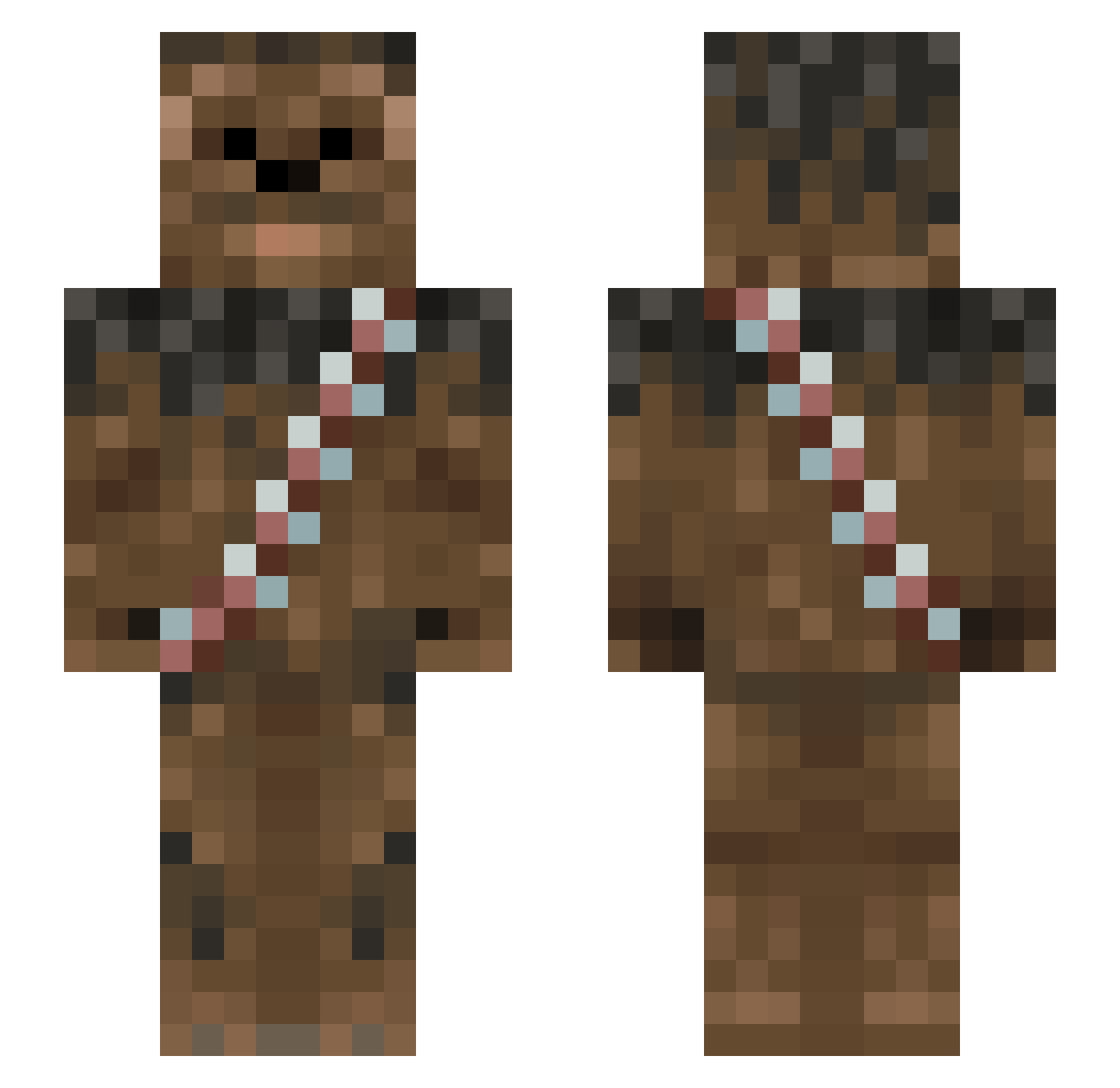
Current Minecraft skin of the player SERIFFI34, loaded from the official Mojang API. Rotate the 3D model with your mouse or finger, then download the skin as a PNG file and use it in Minecraft: Bedrock Edition or Java Edition for free. When SERIFFI34 changes their skin, this page updates automatically and the old skin stays in the history below.
Other players with this skin (1013)
SERIFFI34 was the 334th player we have seen with this skin, first spotted on 01.09.2026. The same skin was seen on these players. Open a nickname to see their current skin and skin history.
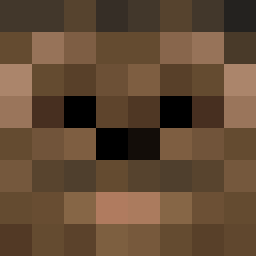 Echidno Simbizzle Eisick Mel58b Jesne Jewbacca24 KKusalo peppion simbasamba11 Mayseethias Blozorz Shnickerson Birdmin eddiesimmons2005 Only_survivor Doombringer2001 GhastlyCyber Rorshach84 brodiecollie iliff12 chubacamafia TheUrge55 MrFeyen AceMonkey17 Django_Ds2 Klude Cami444 Paincloud ShirtlesChewbaca LuckyP22 sjfinkel HAHA_Venom LordLarryVanPace krikri Dino_Chewbacca McFleur_ WookieScout ChewyGaming01 F1shr YayItsMomo robrobrobo m_r_price darkpheonix33 karenarms charblarger TNELSON LOL_AT_TRYING thatguy23 Chewytopher RyanXXIII Recharep darbs1234 GIZAJOB raider010 kkabroz Sauronsshlong MrYoGi mosesfamily Mercijoes TormentedGears
More Wookiee Minecraft skins
How to install the SERIFFI34 skin
- Press the Download button above to save the skin as a PNG file.
- Minecraft: Bedrock Edition (PE): open the Dressing Room from the main menu (or tap your character → Edit Character), go to Classic Skins → Owned, press the + (new skin) button, choose the downloaded PNG and pick the Slim (Alex) model. Works on PC and mobile; consoles cannot import custom skins.
- Minecraft: Java Edition: open the Minecraft Launcher, go to the Skins tab, click New Skin, load the PNG, pick the Slim (Alex) model and press Save & Use. You can also upload it at minecraft.net → Profile → Change Skin.
The skin does not show up after import - what should I do?
Restart Minecraft and open the Dressing Room again - imported skins sometimes appear only after a restart. Also make sure you selected the imported skin and picked the Slim (Alex) model.
Which model should I choose, Classic or Slim?
This skin is designed for the Slim (Alex) model. If you pick the wrong model, the arms of the skin will look stretched or squeezed.
Is the skin of SERIFFI34 free to download?
Yes. Press Download, save the PNG file and use it in Minecraft: Bedrock Edition or Java Edition - no payment or registration needed. The skin also works on multiplayer servers and Realms.
More skins
Looking for more? Go back to all Minecraft skins and check the top skins of the week, month and all time, or find any player's skin by nickname.