
Rykkzero - Minecraft Skins & Skin History
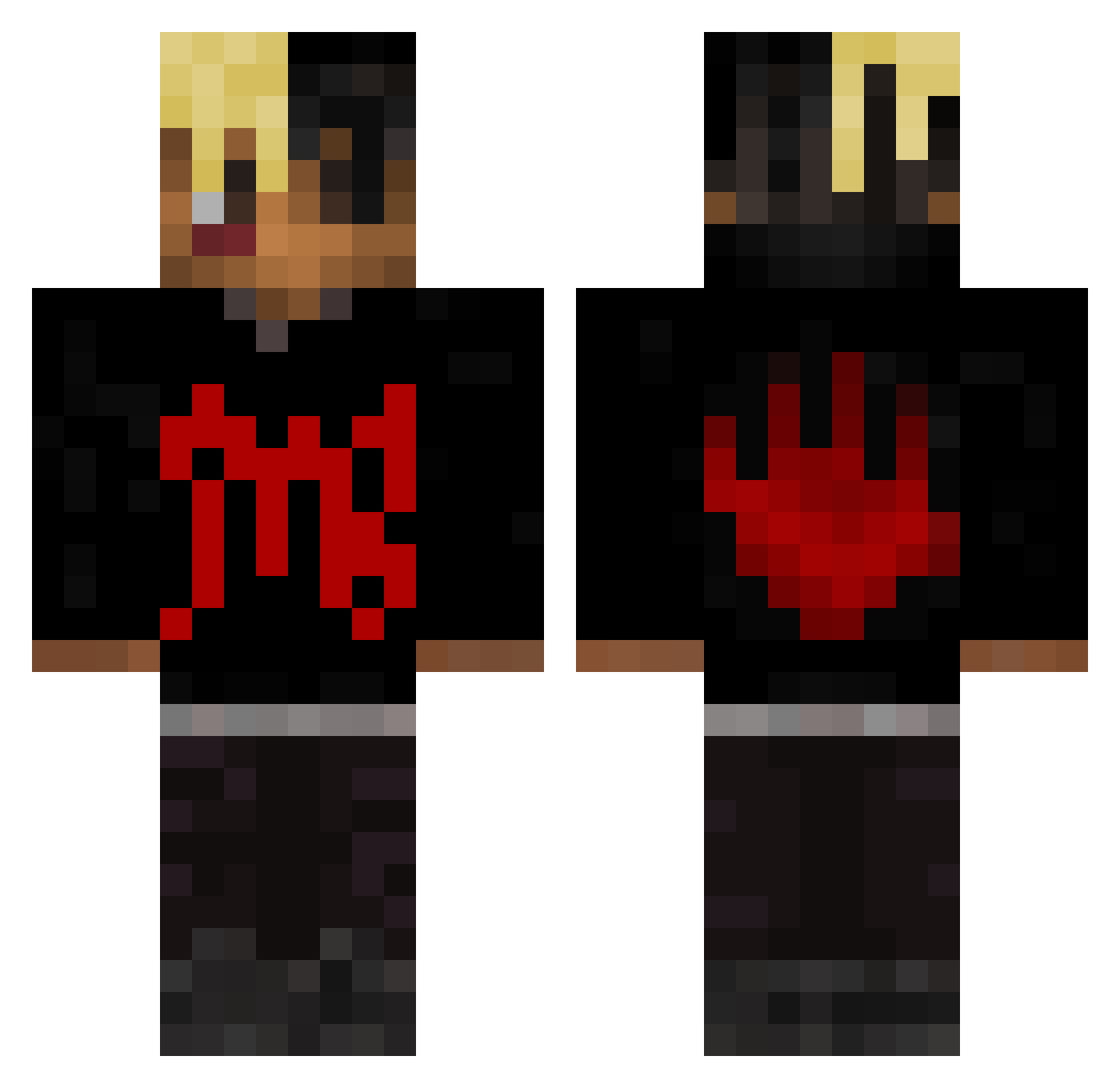
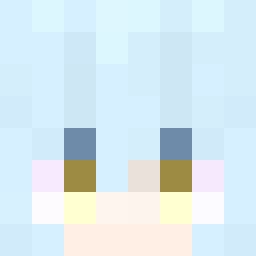
Current Minecraft skin of the player Rykkzero, loaded from the official Mojang API. Rotate the 3D model with your mouse or finger, then download the skin as a PNG file and use it in Minecraft: Bedrock Edition or Java Edition for free. When Rykkzero changes their skin, this page updates automatically and the old skin stays in the history below.
Other players with this skin (415)
Rykkzero was the 91st player we have seen with this skin, first spotted on 18.08.2026. The same skin was seen on these players. Open a nickname to see their current skin and skin history.
 SANTIFACHA2010 locodosaco ogmilooo WildWookOfWI44 kofe_131 Oda15 AntoBarcelo CubyLiu Noah210879 ErXero opmeric20 FHDLM ciscomode ElMedellin chensv12 Umarawira Maisyuwqw sdMehmet AyyItssSavage Ch3Dz1k DrJahsehOnfroy SirRadiaKnight mofi1228 Naylik_12 speedygay robinjo05
 Zeddocrime Stronghold007 TheRaaven LilOrangeDK DarkCupid17 balmi06 Getixxx IavoidTaxes Linards23 UwU__Girl Dvympenimpis Uzzi0h
 p9SH9 timonzerstoerer Killther HashRosin710 kelvy__ WKfps YoungHug1 tsugatoro Tyga66 TalezinCoringa Beamer96 don_cxcx Balencicash234 Kuba99999 BigBigShrimp69 Mikstar07 allencoolguy1 CapitalSteeez3
 quiquegeo Flaming_Phantom whiteswerve Skalone
More Xxxtentacion Minecraft skins
See all 409 Xxxtentacion skins
How to install the Rykkzero skin
- Press the Download button above to save the skin as a PNG file.
- Minecraft: Bedrock Edition (PE): open the Dressing Room from the main menu (or tap your character → Edit Character), go to Classic Skins → Owned, press the + (new skin) button, choose the downloaded PNG and pick the Classic (Steve) model. Works on PC and mobile; consoles cannot import custom skins.
- Minecraft: Java Edition: open the Minecraft Launcher, go to the Skins tab, click New Skin, load the PNG, pick the Classic (Steve) model and press Save & Use. You can also upload it at minecraft.net → Profile → Change Skin.
The skin does not show up after import - what should I do?
Restart Minecraft and open the Dressing Room again - imported skins sometimes appear only after a restart. Also make sure you selected the imported skin and picked the Classic (Steve) model.
Which model should I choose, Classic or Slim?
This skin is designed for the Classic (Steve) model. If you pick the wrong model, the arms of the skin will look stretched or squeezed.
Is the skin of Rykkzero free to download?
Yes. Press Download, save the PNG file and use it in Minecraft: Bedrock Edition or Java Edition - no payment or registration needed. The skin also works on multiplayer servers and Realms.
More skins
Looking for more? Go back to all Minecraft skins and check the top skins of the week, month and all time, or find any player's skin by nickname.