
Royoi - Minecraft Skins & Skin History
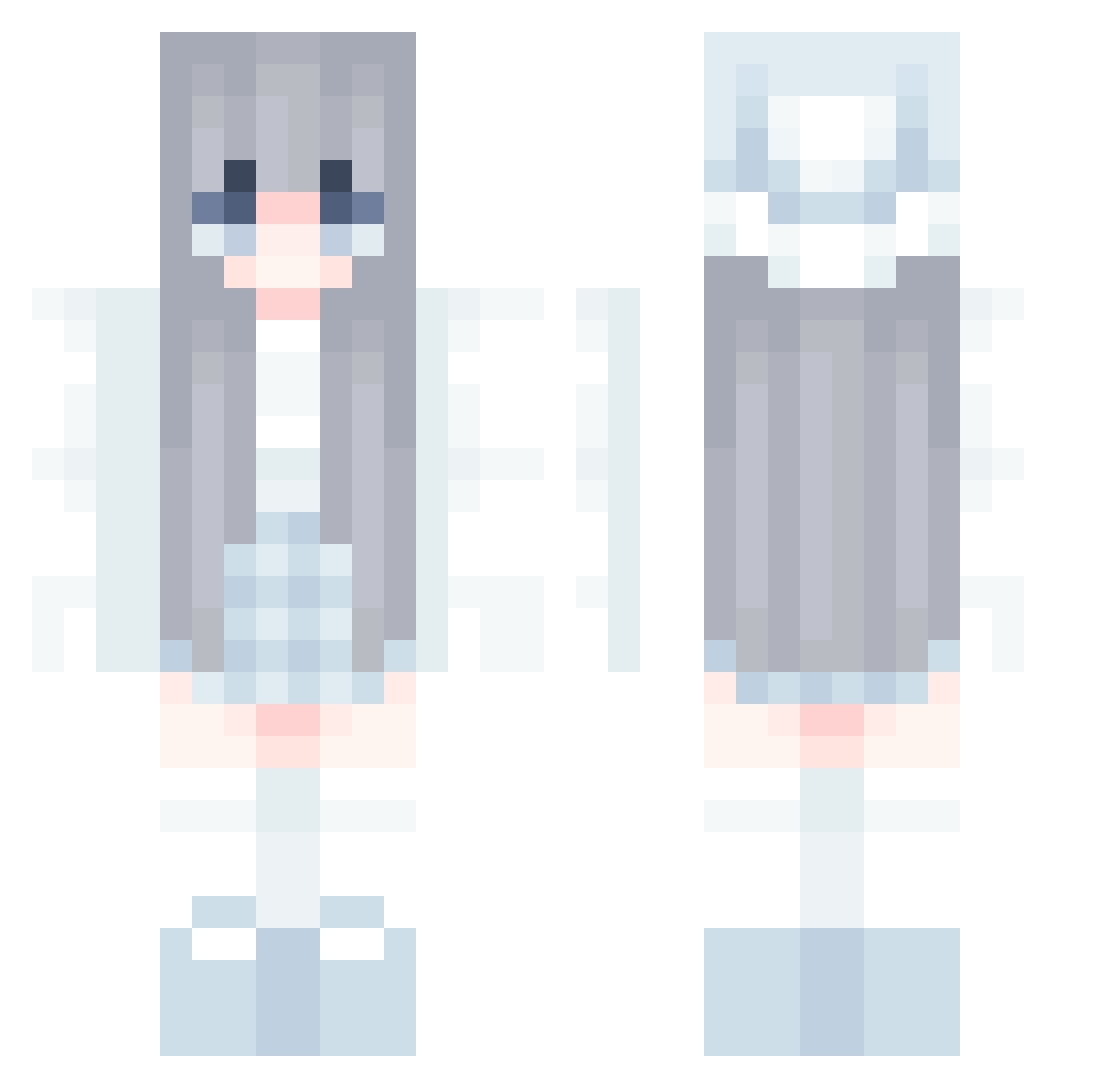
Current Minecraft skin of the player Royoi, loaded from the official Mojang API. Rotate the 3D model with your mouse or finger, then download the skin as a PNG file and use it in Minecraft: Bedrock Edition or Java Edition for free. When Royoi changes their skin, this page updates automatically and the old skin stays in the history below.
Other players with this skin (835)
Royoi was the 457th player we have seen with this skin, first spotted on 26.09.2026. The same skin was seen on these players. Open a nickname to see their current skin and skin history.
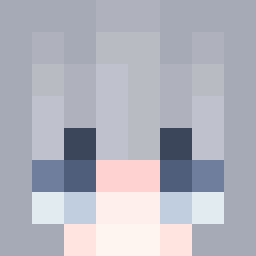 XiMao2k youngmin7777 iamgrr Xinxinzi_ WooJeongri YOU_MIAO flora1216 Tsergee Qizimu __xLegend__ miege_1234 Star_Fin HDDEira Crescent_Moon328 He1enK laqioz NongDamGom23 Dnoa mingming1 haerinbluu gugagaa ReXui urgirlsarah briten_ siruba1111 luoLOO Chocho_s2 quan6666 TenPastTen BennyBeHappy ysflgd MMssJh firskzz Snowgard DaddyHamby Morcax EunKyung2020 WMY1710 ________69 Halokasumi Ss0530 diana_lm Jieun99 mannaofstar Aoxiaomao nDumpling loveminji choyujeong SpeedierCoin TierraAzur Aimanse Madelinn3 LyI_ FriendOfPooh BQMBIES M_M_M_M_M_M_M_M_ Park_Kali Daixxxy lamkk QuanGe678
More Aesthetic Minecraft skins
How to install the Royoi skin
- Press the Download button above to save the skin as a PNG file.
- Minecraft: Bedrock Edition (PE): open the Dressing Room from the main menu (or tap your character → Edit Character), go to Classic Skins → Owned, press the + (new skin) button, choose the downloaded PNG and pick the Classic (Steve) model. Works on PC and mobile; consoles cannot import custom skins.
- Minecraft: Java Edition: open the Minecraft Launcher, go to the Skins tab, click New Skin, load the PNG, pick the Classic (Steve) model and press Save & Use. You can also upload it at minecraft.net → Profile → Change Skin.
The skin does not show up after import - what should I do?
Restart Minecraft and open the Dressing Room again - imported skins sometimes appear only after a restart. Also make sure you selected the imported skin and picked the Classic (Steve) model.
Which model should I choose, Classic or Slim?
This skin is designed for the Classic (Steve) model. If you pick the wrong model, the arms of the skin will look stretched or squeezed.
Is the skin of Royoi free to download?
Yes. Press Download, save the PNG file and use it in Minecraft: Bedrock Edition or Java Edition - no payment or registration needed. The skin also works on multiplayer servers and Realms.
More skins
Looking for more? Go back to all Minecraft skins and check the top skins of the week, month and all time, or find any player's skin by nickname.