
RobieWybuchPepsi - Minecraft Skins & Skin History
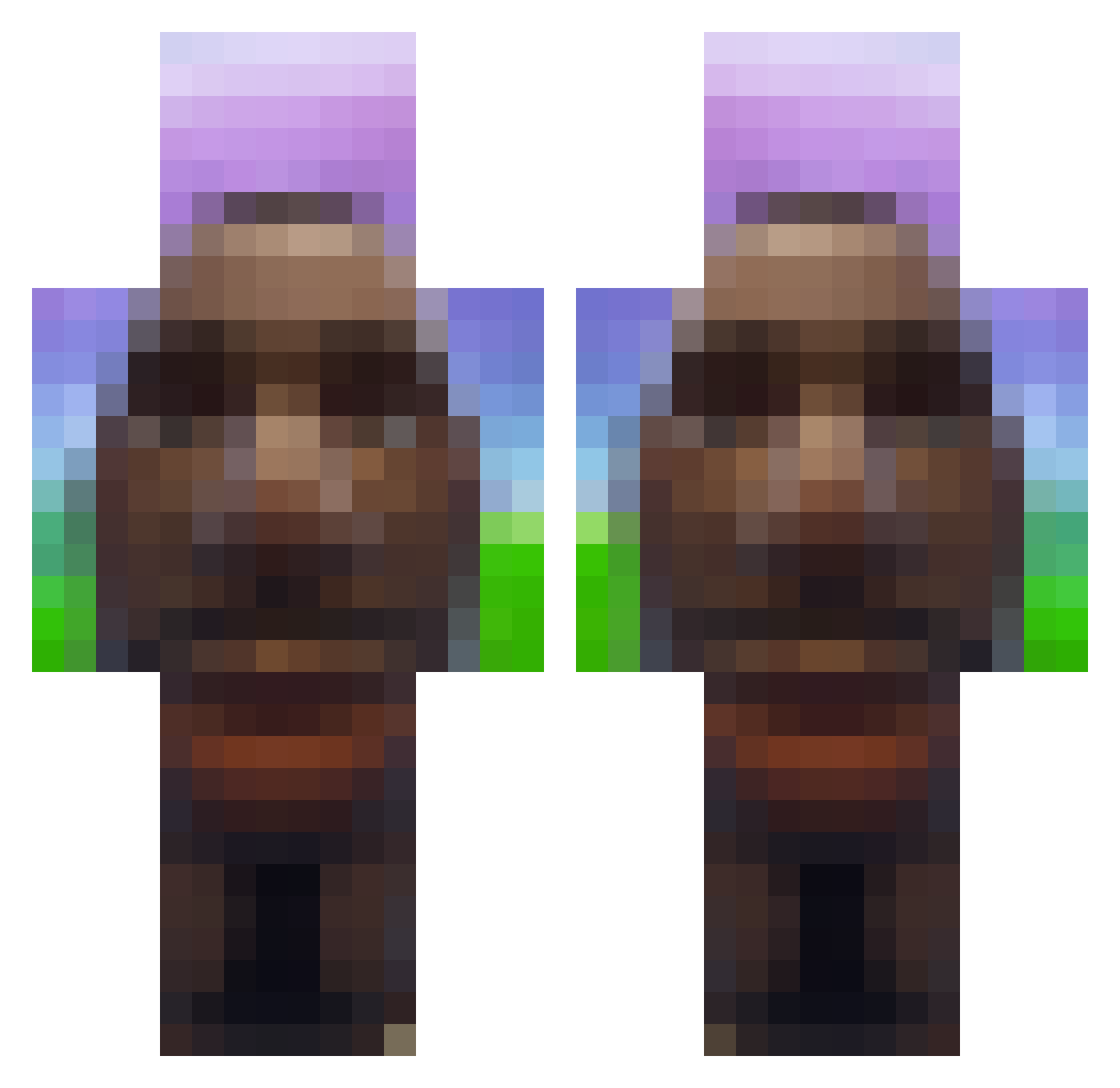
Current Minecraft skin of the player RobieWybuchPepsi, loaded from the official Mojang API. Rotate the 3D model with your mouse or finger, then download the skin as a PNG file and use it in Minecraft: Bedrock Edition or Java Edition for free. When RobieWybuchPepsi changes their skin, this page updates automatically and the old skin stays in the history below.
Other players with this skin (721)
RobieWybuchPepsi was the 445th player we have seen with this skin, first spotted on 30.09.2026. The same skin was seen on these players. Open a nickname to see their current skin and skin history.
 AliNaliNur Zad0q mario_84 1bites Madaniix peeterpaan42 thechimdog Nomegali Dalo_Pvo ZawarudoW iyaafi Tomask0_ pampo1 Michalek890 B3niiiii Noirdeath Al3e_x iDontLikeButter cabritas Cupp1dd misiopysio123 jonnylatchatche G00ningValeoif Aimbotmaster696 cubicated MCGameplayZ Mooshy_YT xBlackPanther12 simpitut Mett67 calvo_2012 MaroccoFC izebs Mun_ch1 Fiona0073 stinky_silas Djumbooz JackPalette Clayman445 TenkelyB Tankowboyhh__ WetDownpour striker061206 denis_rizzler Kolos82 PiranhaFingers1 Kaleid0320 Mrpopots203 1uup militroyer1000 Mango71409 OnlyVibezzz HappyBoy0905777 Famenor EnzoMaldinni Static120u Bowkenn MLGTomasGamer123 Paravozik69 goldentyy
More Moai Minecraft skins
How to install the RobieWybuchPepsi skin
- Press the Download button above to save the skin as a PNG file.
- Minecraft: Bedrock Edition (PE): open the Dressing Room from the main menu (or tap your character → Edit Character), go to Classic Skins → Owned, press the + (new skin) button, choose the downloaded PNG and pick the Classic (Steve) model. Works on PC and mobile; consoles cannot import custom skins.
- Minecraft: Java Edition: open the Minecraft Launcher, go to the Skins tab, click New Skin, load the PNG, pick the Classic (Steve) model and press Save & Use. You can also upload it at minecraft.net → Profile → Change Skin.
The skin does not show up after import - what should I do?
Restart Minecraft and open the Dressing Room again - imported skins sometimes appear only after a restart. Also make sure you selected the imported skin and picked the Classic (Steve) model.
Which model should I choose, Classic or Slim?
This skin is designed for the Classic (Steve) model. If you pick the wrong model, the arms of the skin will look stretched or squeezed.
Is the skin of RobieWybuchPepsi free to download?
Yes. Press Download, save the PNG file and use it in Minecraft: Bedrock Edition or Java Edition - no payment or registration needed. The skin also works on multiplayer servers and Realms.
More skins
Looking for more? Go back to all Minecraft skins and check the top skins of the week, month and all time, or find any player's skin by nickname.