
RikoPuuksuPeer - Minecraft Skins & Skin History
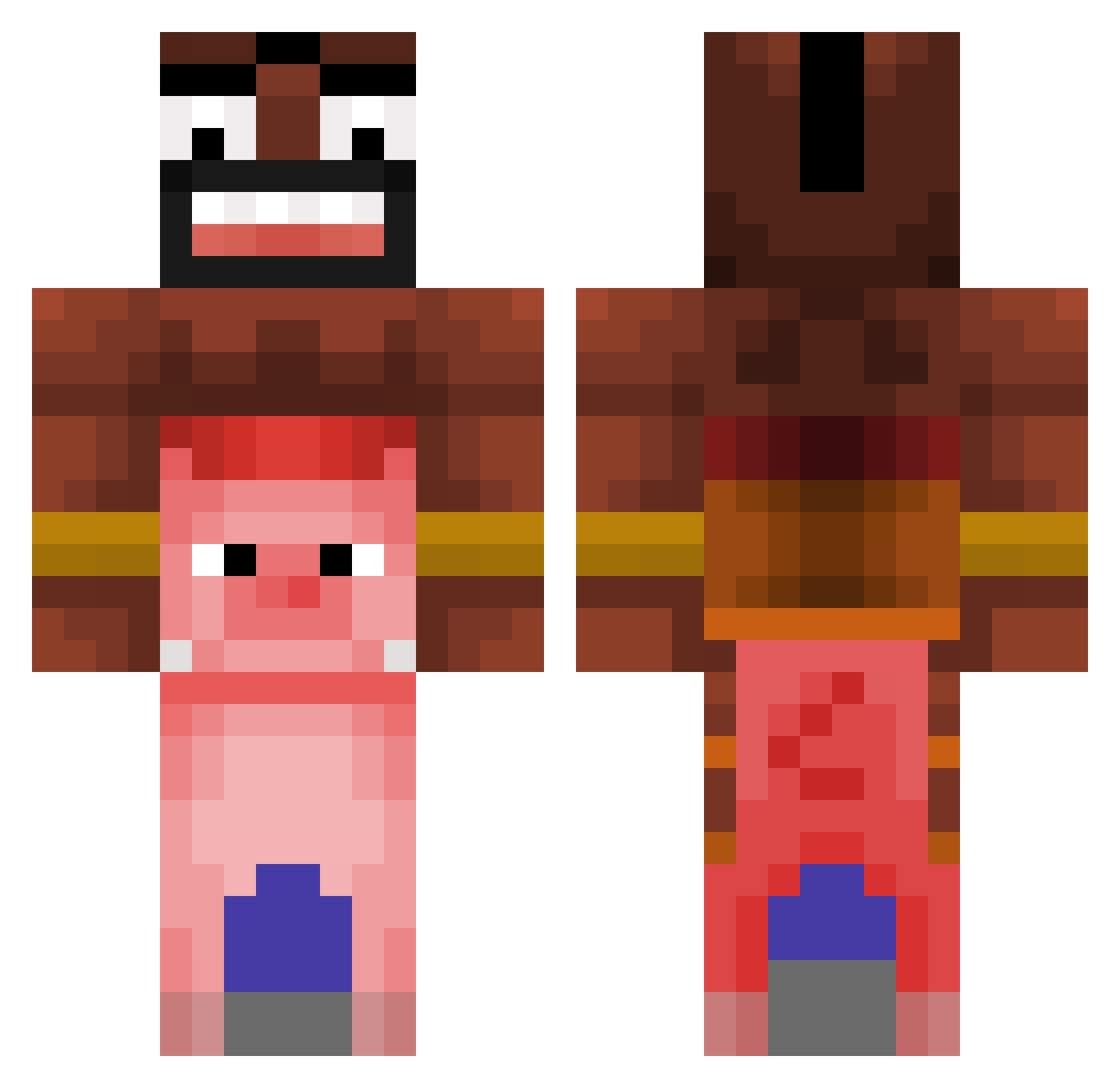
Current Minecraft skin of the player RikoPuuksuPeer, loaded from the official Mojang API. Rotate the 3D model with your mouse or finger, then download the skin as a PNG file and use it in Minecraft: Bedrock Edition or Java Edition for free. When RikoPuuksuPeer changes their skin, this page updates automatically and the old skin stays in the history below.
Other players with this skin (476)
RikoPuuksuPeer was the 107th player we have seen with this skin, first spotted on 22.08.2026. The same skin was seen on these players. Open a nickname to see their current skin and skin history.
 Mayhem22704 Mystzy XxchakaIgor69xX MSN1917 johnnystyeler kari502 TAMERDC BingBongBina 1337Marcin Titan1Oz BoazWint512 Versty1e ZorGoN4769 MachoManMike dumyy_ BobtheNinja9 GAY_JAEMIN craftkoe Surfnetz DashingPig420 einuz quzzu MrRhino50 GanSsuk EnriqoInglecias Picatrix NikitaLikonchik AleMamWylew Kreappy GillGrunt Furvan03 RawrDX dylsho123 Rlatjwns123 FynnBoh bialywengosz steentjeh KABANOS303 OnlyQeezy Garabbx leeams moritz999__ luv_youuuu Grasfresser1 usxt Hannam0423 oSyneee Gustavinxyz Flippers321 Stylix27 miantom21 ultraclown1 Benbensmh AbstracktYT KaganRG Xx_XOM9I4OK_xX Valle56 Paulozeub Ochibo23 JorZ__
More Pig Minecraft skins
How to install the RikoPuuksuPeer skin
- Press the Download button above to save the skin as a PNG file.
- Minecraft: Bedrock Edition (PE): open the Dressing Room from the main menu (or tap your character → Edit Character), go to Classic Skins → Owned, press the + (new skin) button, choose the downloaded PNG and pick the Classic (Steve) model. Works on PC and mobile; consoles cannot import custom skins.
- Minecraft: Java Edition: open the Minecraft Launcher, go to the Skins tab, click New Skin, load the PNG, pick the Classic (Steve) model and press Save & Use. You can also upload it at minecraft.net → Profile → Change Skin.
The skin does not show up after import - what should I do?
Restart Minecraft and open the Dressing Room again - imported skins sometimes appear only after a restart. Also make sure you selected the imported skin and picked the Classic (Steve) model.
Which model should I choose, Classic or Slim?
This skin is designed for the Classic (Steve) model. If you pick the wrong model, the arms of the skin will look stretched or squeezed.
Is the skin of RikoPuuksuPeer free to download?
Yes. Press Download, save the PNG file and use it in Minecraft: Bedrock Edition or Java Edition - no payment or registration needed. The skin also works on multiplayer servers and Realms.
More skins
Looking for more? Go back to all Minecraft skins and check the top skins of the week, month and all time, or find any player's skin by nickname.