
RiftouH - Minecraft Skins & Skin History
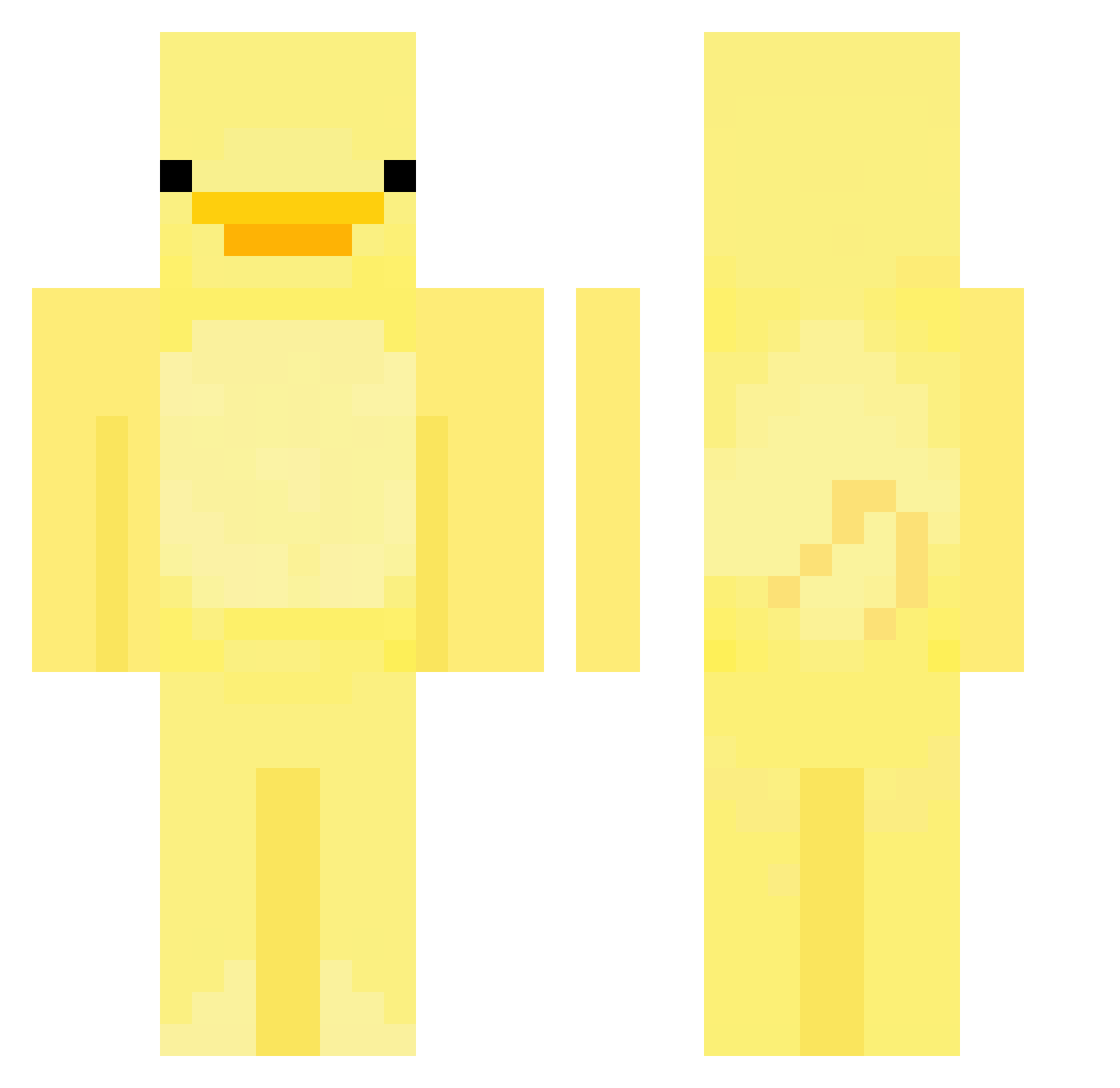
Current Minecraft skin of the player RiftouH, loaded from the official Mojang API. Rotate the 3D model with your mouse or finger, then download the skin as a PNG file and use it in Minecraft: Bedrock Edition or Java Edition for free. When RiftouH changes their skin, this page updates automatically and the old skin stays in the history below.
Other players with this skin (552)
RiftouH was the 98th player we have seen with this skin, first spotted on 11.08.2026. The same skin was seen on these players. Open a nickname to see their current skin and skin history.
 Maxcrow Mstrzhardcita Jadeonn komkyu Corgi0514 Geizy plastanka123 YogiCCIX FruehSport fadedwolf7 oLeezy timing3712 sultanxz123 xx_xlxlx_xx GunGott VillaXL smartguyvariable HellGai Nanuck8000 grinder124 kimbamboo minnxxeo lotusmiss Jacky_F Shrshbeel HeartWormwood TheMajorDuck2504 nathoos HanGroot KartoffelMeister JustLuna featherflame996 Bed_is_Science BanSSook BURNTBEANS69 mavericksox ET_ian Cocyann Poison_Ivy8 rex6942 JJusomo squiegie Dom_m_e JaxsonI5D4G04T Gamilla8523 gisu02 0nly0neJoseph Morry1o1 lord2221 iOxuu CloudSenpai telebuby Honestz qvaskoo auroxi1 rlawldns Morzzo_ the_snusmumriken mdnn1225 Flabsiswiss
More Bird Minecraft skins
How to install the RiftouH skin
- Press the Download button above to save the skin as a PNG file.
- Minecraft: Bedrock Edition (PE): open the Dressing Room from the main menu (or tap your character → Edit Character), go to Classic Skins → Owned, press the + (new skin) button, choose the downloaded PNG and pick the Classic (Steve) model. Works on PC and mobile; consoles cannot import custom skins.
- Minecraft: Java Edition: open the Minecraft Launcher, go to the Skins tab, click New Skin, load the PNG, pick the Classic (Steve) model and press Save & Use. You can also upload it at minecraft.net → Profile → Change Skin.
The skin does not show up after import - what should I do?
Restart Minecraft and open the Dressing Room again - imported skins sometimes appear only after a restart. Also make sure you selected the imported skin and picked the Classic (Steve) model.
Which model should I choose, Classic or Slim?
This skin is designed for the Classic (Steve) model. If you pick the wrong model, the arms of the skin will look stretched or squeezed.
Is the skin of RiftouH free to download?
Yes. Press Download, save the PNG file and use it in Minecraft: Bedrock Edition or Java Edition - no payment or registration needed. The skin also works on multiplayer servers and Realms.
More skins
Looking for more? Go back to all Minecraft skins and check the top skins of the week, month and all time, or find any player's skin by nickname.