
Reject4204 - Minecraft Skins & Skin History
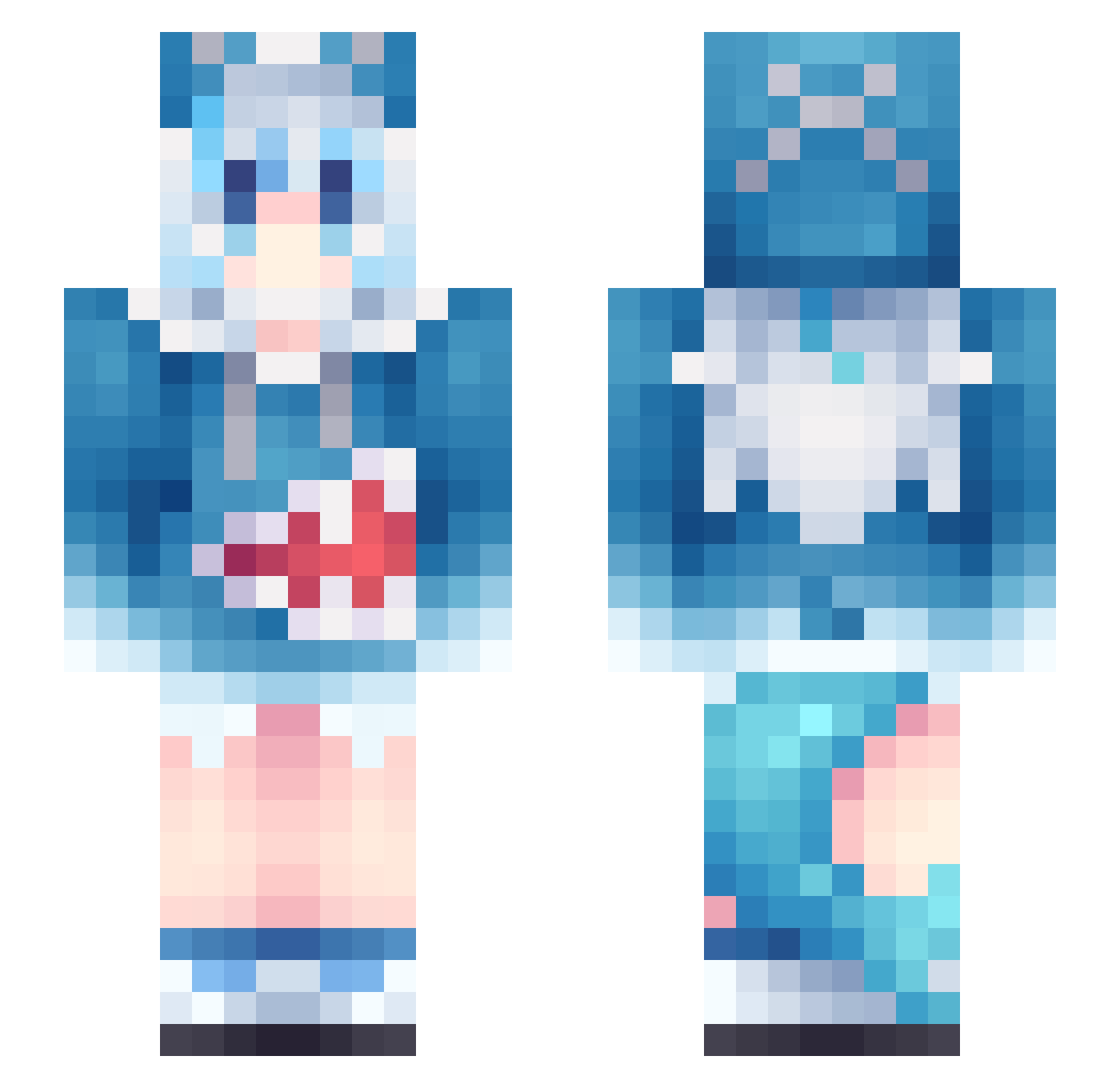
Current Minecraft skin of the player Reject4204, loaded from the official Mojang API. Rotate the 3D model with your mouse or finger, then download the skin as a PNG file and use it in Minecraft: Bedrock Edition or Java Edition for free. When Reject4204 changes their skin, this page updates automatically and the old skin stays in the history below.
Other players with this skin (1137)
Reject4204 was the 299th player we have seen with this skin, first spotted on 24.08.2026. The same skin was seen on these players. Open a nickname to see their current skin and skin history.
 GM_MAX yukimz Alrozi uncle09 xxd_ccc HuTaoFeetLickerx 1322898 PWWNB tong731 krunger_ koishi10 ikunisrealman hanawitch sleepzzzz Azilong ruosux zhaolinger12 Danking996 QAQCHEN MrNeutron2000 Aricly Alecita_8 Mudkip246 SekiMing SimonSays5506 WeiYoYo MapleLeaf36 eagle_wing82 JiangSiyi Francesca2617 BUMEOG KyenVu Asser1 Kidnappable Drippingin4 simap0308 Kochinoko Cyans_x OoWunoO udhw laowang94W OvObb whxodor Therex_ngp xxMINNxx Jealot yanfan520 Redfisher411 ViralzTricxxs Tsukikoyo cxyToT trqiu mini_001 Att2022 A_Icee Hamsh_98 DaiKiu
 kokito7v7 blocksuperman lbg_0MYU9_02_28
More Gawr Gura Minecraft skins
How to install the Reject4204 skin
- Press the Download button above to save the skin as a PNG file.
- Minecraft: Bedrock Edition (PE): open the Dressing Room from the main menu (or tap your character → Edit Character), go to Classic Skins → Owned, press the + (new skin) button, choose the downloaded PNG and pick the Slim (Alex) model. Works on PC and mobile; consoles cannot import custom skins.
- Minecraft: Java Edition: open the Minecraft Launcher, go to the Skins tab, click New Skin, load the PNG, pick the Slim (Alex) model and press Save & Use. You can also upload it at minecraft.net → Profile → Change Skin.
The skin does not show up after import - what should I do?
Restart Minecraft and open the Dressing Room again - imported skins sometimes appear only after a restart. Also make sure you selected the imported skin and picked the Slim (Alex) model.
Which model should I choose, Classic or Slim?
This skin is designed for the Slim (Alex) model. If you pick the wrong model, the arms of the skin will look stretched or squeezed.
Is the skin of Reject4204 free to download?
Yes. Press Download, save the PNG file and use it in Minecraft: Bedrock Edition or Java Edition - no payment or registration needed. The skin also works on multiplayer servers and Realms.
More skins
Looking for more? Go back to all Minecraft skins and check the top skins of the week, month and all time, or find any player's skin by nickname.