
RedRigsby - Minecraft Skins & Skin History
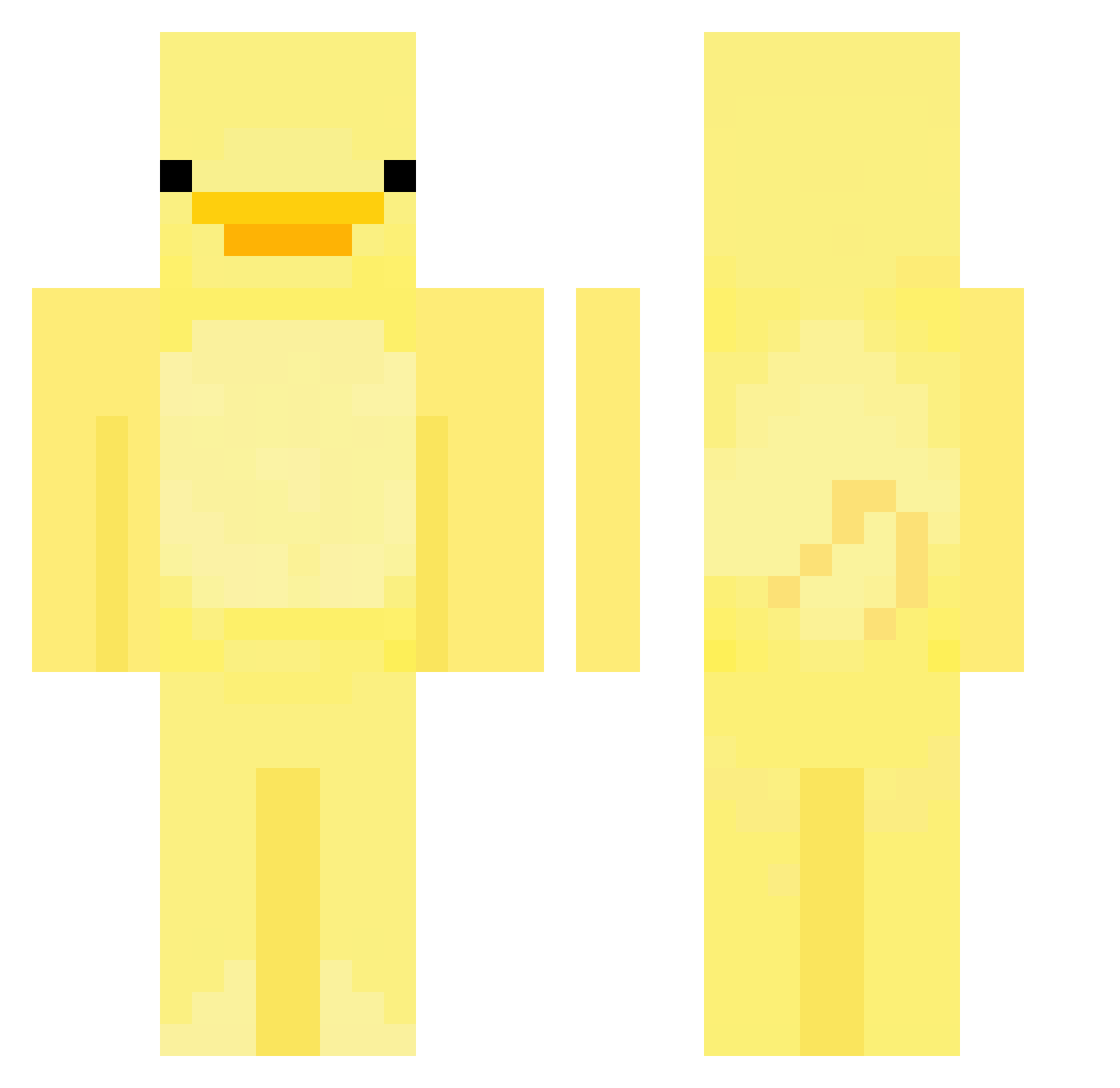
Current Minecraft skin of the player RedRigsby, loaded from the official Mojang API. Rotate the 3D model with your mouse or finger, then download the skin as a PNG file and use it in Minecraft: Bedrock Edition or Java Edition for free. When RedRigsby changes their skin, this page updates automatically and the old skin stays in the history below.
Other players with this skin (552)
RedRigsby was the 489th player we have seen with this skin, first spotted on 14.10.2026. The same skin was seen on these players. Open a nickname to see their current skin and skin history.
 _Constellate Thearex13 wawamax974 Alfab177 sh4mp00 DaGaminDonut puddingpaula WEIJIAN2751 EwanEdwards22 jjuya__ DesmadrePunish rtx_cmltrox24 ya_boi21 Hasufit Adria5713 gigelus87 Knight_xs pasco4 willwllson Kytokite Ratbee PwincessK novaxiel123 HumanLazer collectiveLyy PrivateLaPier MaKasde DUDUMI lolfirebolt Boorkieporkie11 Alyangka Bushlett EvelTheDuck Miller5382 Slyunn wattsyMT07 lermasgrave uuboom mokabriz SinGyeon AyXnoo106 YoIamNathan CoolBananaMan47 ArqueiroNinja Jasontwtn Soccerdude1904 LaGrinta93 Ginilein ironkraken97 XiaodaiO DIKIIII chopap GoldNNRaven kret2013 MariusC2005 depaaaaaaa woyoung2 janoziom11 Princess_Meri drt111
More Bird Minecraft skins
How to install the RedRigsby skin
- Press the Download button above to save the skin as a PNG file.
- Minecraft: Bedrock Edition (PE): open the Dressing Room from the main menu (or tap your character → Edit Character), go to Classic Skins → Owned, press the + (new skin) button, choose the downloaded PNG and pick the Classic (Steve) model. Works on PC and mobile; consoles cannot import custom skins.
- Minecraft: Java Edition: open the Minecraft Launcher, go to the Skins tab, click New Skin, load the PNG, pick the Classic (Steve) model and press Save & Use. You can also upload it at minecraft.net → Profile → Change Skin.
The skin does not show up after import - what should I do?
Restart Minecraft and open the Dressing Room again - imported skins sometimes appear only after a restart. Also make sure you selected the imported skin and picked the Classic (Steve) model.
Which model should I choose, Classic or Slim?
This skin is designed for the Classic (Steve) model. If you pick the wrong model, the arms of the skin will look stretched or squeezed.
Is the skin of RedRigsby free to download?
Yes. Press Download, save the PNG file and use it in Minecraft: Bedrock Edition or Java Edition - no payment or registration needed. The skin also works on multiplayer servers and Realms.
More skins
Looking for more? Go back to all Minecraft skins and check the top skins of the week, month and all time, or find any player's skin by nickname.