
Raptorfou001 - Minecraft Skins & Skin History
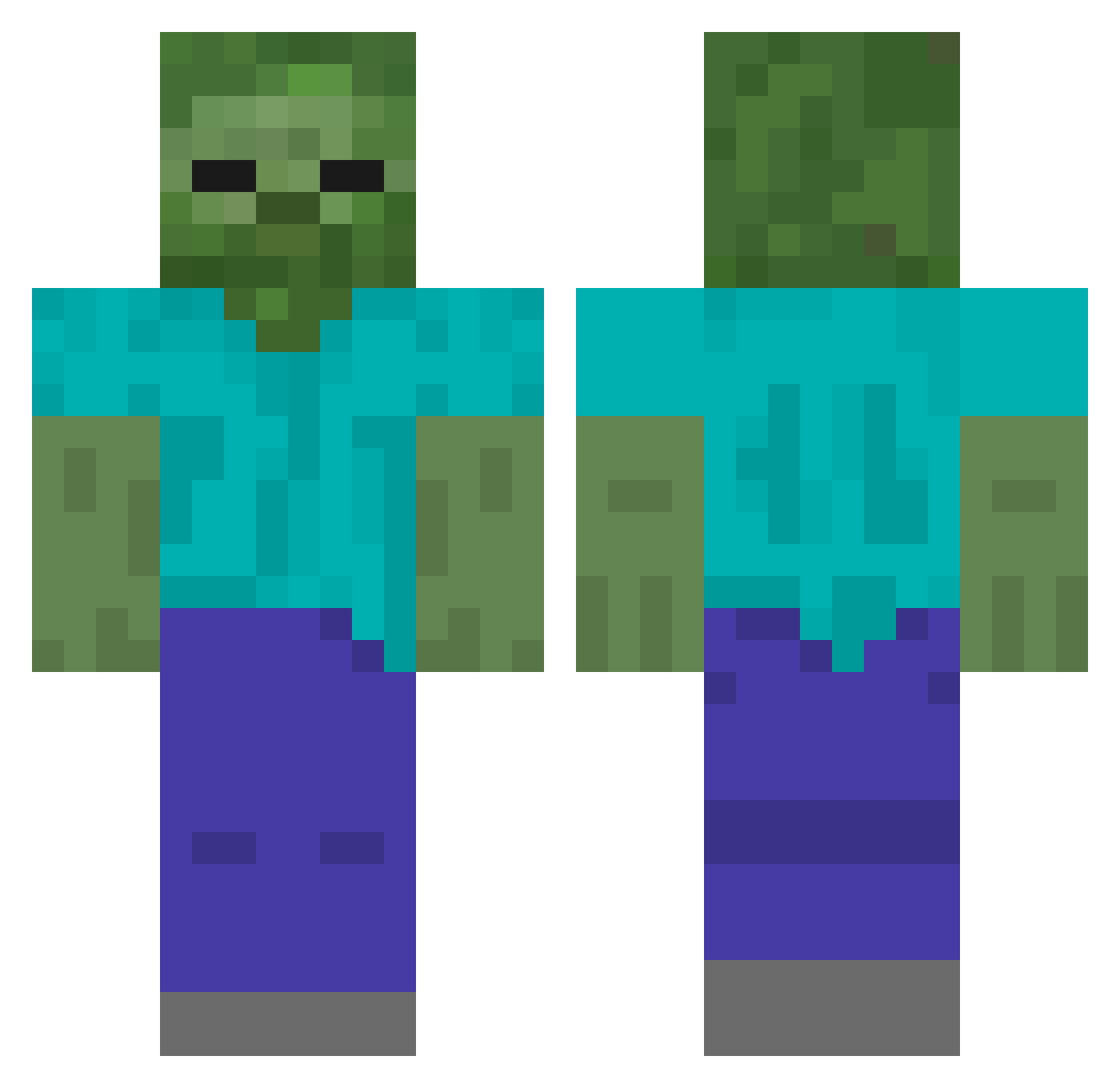
Current Minecraft skin of the player Raptorfou001, loaded from the official Mojang API. Rotate the 3D model with your mouse or finger, then download the skin as a PNG file and use it in Minecraft: Bedrock Edition or Java Edition for free. When Raptorfou001 changes their skin, this page updates automatically and the old skin stays in the history below.
Other players with this skin (434)
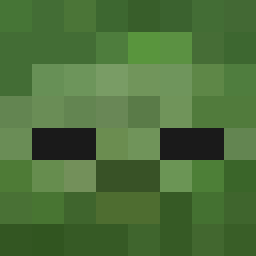
Raptorfou001 was the 191st player we have seen with this skin, first spotted on 14.09.2026. The same skin was seen on these players. Open a nickname to see their current skin and skin history.
 yuushi2023 123ravy PackManProGamer YTDB666 Trapper71 mrpiggy7 bbapaya Adamkoo32 sxmpaio Maxissupercool12 STEALTH04 nekosoma2 Eye96 bittou123 sonjiwoo1 kuku002 Panthers54 S3nzation OwenGradyTrainer Picklez0fPower Poison_Spegetti HenriGames10 NiceAsp48337531 bakuretu55 isa_2017 LogicalImpulse aryawiqaxe sorapipi Reech1 Kokouu Drpocky KeveTNT BeanEnjoyer69 OesCa waka0826 limetime7 Gogo_neko maxsmando Barabolika pappatacklarebre benj236 bigseakill hotwheel04 Yu_a47 nathan90514 namehereb LonelyLucifer666 DJ_chachar nikkie Jimbo128 Arda88888 shark3235 Andyblast Zinneti pLayer382769451 Erick_1029 DiabloKY_ tomoki1020 Aard2 georgenigel
More Undead Minecraft skins
How to install the Raptorfou001 skin
- Press the Download button above to save the skin as a PNG file.
- Minecraft: Bedrock Edition (PE): open the Dressing Room from the main menu (or tap your character → Edit Character), go to Classic Skins → Owned, press the + (new skin) button, choose the downloaded PNG and pick the Classic (Steve) model. Works on PC and mobile; consoles cannot import custom skins.
- Minecraft: Java Edition: open the Minecraft Launcher, go to the Skins tab, click New Skin, load the PNG, pick the Classic (Steve) model and press Save & Use. You can also upload it at minecraft.net → Profile → Change Skin.
The skin does not show up after import - what should I do?
Restart Minecraft and open the Dressing Room again - imported skins sometimes appear only after a restart. Also make sure you selected the imported skin and picked the Classic (Steve) model.
Which model should I choose, Classic or Slim?
This skin is designed for the Classic (Steve) model. If you pick the wrong model, the arms of the skin will look stretched or squeezed.
Is the skin of Raptorfou001 free to download?
Yes. Press Download, save the PNG file and use it in Minecraft: Bedrock Edition or Java Edition - no payment or registration needed. The skin also works on multiplayer servers and Realms.
More skins
Looking for more? Go back to all Minecraft skins and check the top skins of the week, month and all time, or find any player's skin by nickname.