
RandomDude10 - Minecraft Skins & Skin History
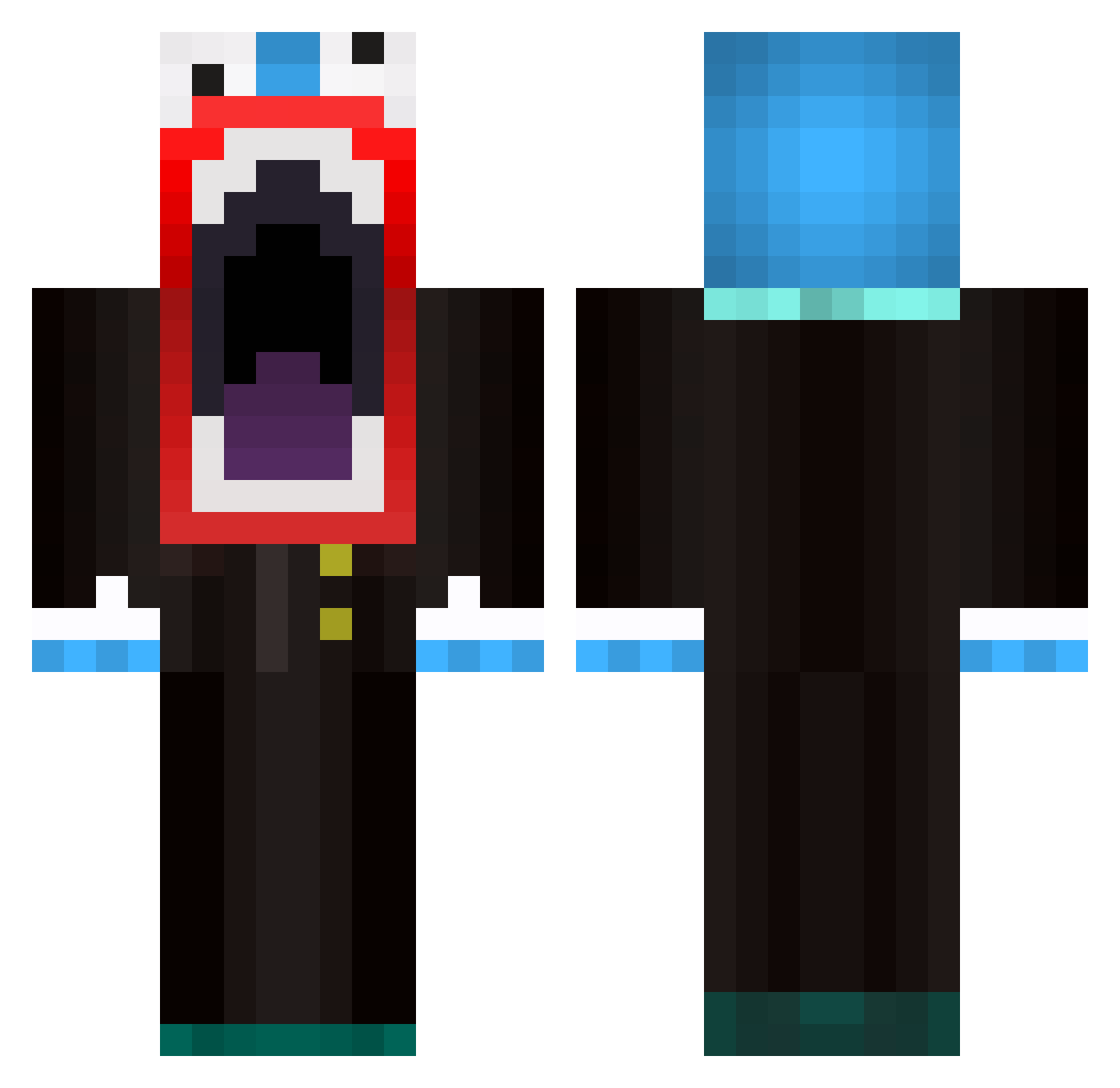
Current Minecraft skin of the player RandomDude10, loaded from the official Mojang API. Rotate the 3D model with your mouse or finger, then download the skin as a PNG file and use it in Minecraft: Bedrock Edition or Java Edition for free. When RandomDude10 changes their skin, this page updates automatically and the old skin stays in the history below.
Other players with this skin (595)
RandomDude10 was the 451st player we have seen with this skin, first spotted on 10.10.2026. The same skin was seen on these players. Open a nickname to see their current skin and skin history.
 ProtectSliver TCMP207 eliasb04 ElEmEnTaL_vOiD_ jena59 EthanBrody Kilby151 ornament0221 Marshpudding XxkorkxX REAL_YESSIN Mr_Klooz SoggyRed leonardo_700 Faiol SlipperyGhost208 Benno100 slapheaddash hattor01 swagDeAmOn21 littledady enalh Tricek40 rhinomobile19 iTz_Dakota BevBoy04 wgharland HaiVNightZ flipz_818 CamDaMan07 TempestTabuu ronnynl93 DaBomb226 DLG48 noah865 Hulksmash200 camo568 Nikowski_ LIL_MAN55 Zealow josef2304 Ucanywo tinribs8 START_ZZY DeadPanFlame CHA0SGG RuckingFetard_69 draco8564 Alzdem paulch13 enkizaur lsteinman12 DomPlaysMC_ QualityChickens GabrielGab harley2012 creeperdude115 HuberAlt2 suippo Cam_Bev
More The Amazing Digital Circus Caine Minecraft skins
See all 6 The Amazing Digital Circus Caine skins
How to install the RandomDude10 skin
- Press the Download button above to save the skin as a PNG file.
- Minecraft: Bedrock Edition (PE): open the Dressing Room from the main menu (or tap your character → Edit Character), go to Classic Skins → Owned, press the + (new skin) button, choose the downloaded PNG and pick the Classic (Steve) model. Works on PC and mobile; consoles cannot import custom skins.
- Minecraft: Java Edition: open the Minecraft Launcher, go to the Skins tab, click New Skin, load the PNG, pick the Classic (Steve) model and press Save & Use. You can also upload it at minecraft.net → Profile → Change Skin.
The skin does not show up after import - what should I do?
Restart Minecraft and open the Dressing Room again - imported skins sometimes appear only after a restart. Also make sure you selected the imported skin and picked the Classic (Steve) model.
Which model should I choose, Classic or Slim?
This skin is designed for the Classic (Steve) model. If you pick the wrong model, the arms of the skin will look stretched or squeezed.
Is the skin of RandomDude10 free to download?
Yes. Press Download, save the PNG file and use it in Minecraft: Bedrock Edition or Java Edition - no payment or registration needed. The skin also works on multiplayer servers and Realms.
More skins
Looking for more? Go back to all Minecraft skins and check the top skins of the week, month and all time, or find any player's skin by nickname.