
Raging_seal - Minecraft Skins & Skin History
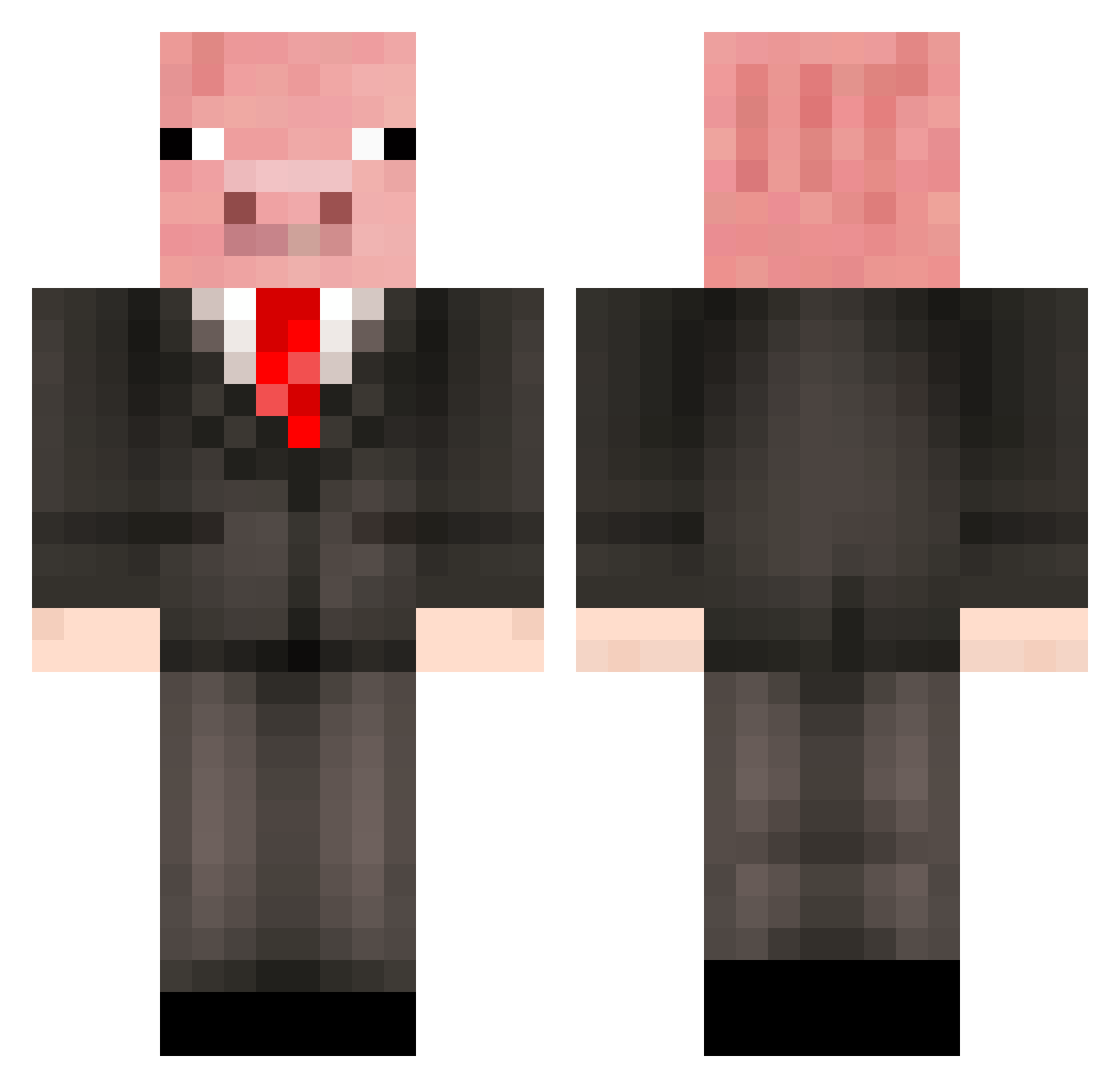
Current Minecraft skin of the player Raging_seal, loaded from the official Mojang API. Rotate the 3D model with your mouse or finger, then download the skin as a PNG file and use it in Minecraft: Bedrock Edition or Java Edition for free. When Raging_seal changes their skin, this page updates automatically and the old skin stays in the history below.
Other players with this skin (270)
Raging_seal was the 153rd player we have seen with this skin, first spotted on 27.09.2026. The same skin was seen on these players. Open a nickname to see their current skin and skin history.
 MrGuyman1 Ajoballer Joeberter Jelly_Belly72 trzx_0831 DixieDaPig thebigfalcon CantAim2029 ererb52 smasy m_etroo jinboong Jaybrrr_ Little_guy101 LumberPound drewbug18 Acrylic_acid paanic Paridoxs King_Kento ollili123 Aigliner Dizzysghost GiveMeYourHands Pumpernickel005 eulog0s Matiassnake itsHehe HumanStew123 Rahb1t poopydonkey Snofla motung2 Hamageddon15 Peterkanmad Stopie21 supertommy2006 Tamb00 88828 Porkchop68 Bakr_is_hot iHeme williamgrievous DoubleTalk promptworld bxbster champ_icy loppyfo MONGS74 Maxxe09 Ki76 Igabyx11 PIGtheSTEVE Hao_zhw rlxonix Thialvey EJALEE kmkyo AlienColors Leebodo
More Pig Minecraft skins
How to install the Raging_seal skin
- Press the Download button above to save the skin as a PNG file.
- Minecraft: Bedrock Edition (PE): open the Dressing Room from the main menu (or tap your character → Edit Character), go to Classic Skins → Owned, press the + (new skin) button, choose the downloaded PNG and pick the Classic (Steve) model. Works on PC and mobile; consoles cannot import custom skins.
- Minecraft: Java Edition: open the Minecraft Launcher, go to the Skins tab, click New Skin, load the PNG, pick the Classic (Steve) model and press Save & Use. You can also upload it at minecraft.net → Profile → Change Skin.
The skin does not show up after import - what should I do?
Restart Minecraft and open the Dressing Room again - imported skins sometimes appear only after a restart. Also make sure you selected the imported skin and picked the Classic (Steve) model.
Which model should I choose, Classic or Slim?
This skin is designed for the Classic (Steve) model. If you pick the wrong model, the arms of the skin will look stretched or squeezed.
Is the skin of Raging_seal free to download?
Yes. Press Download, save the PNG file and use it in Minecraft: Bedrock Edition or Java Edition - no payment or registration needed. The skin also works on multiplayer servers and Realms.
More skins
Looking for more? Go back to all Minecraft skins and check the top skins of the week, month and all time, or find any player's skin by nickname.