
R0ck_st4r - Minecraft Skins & Skin History
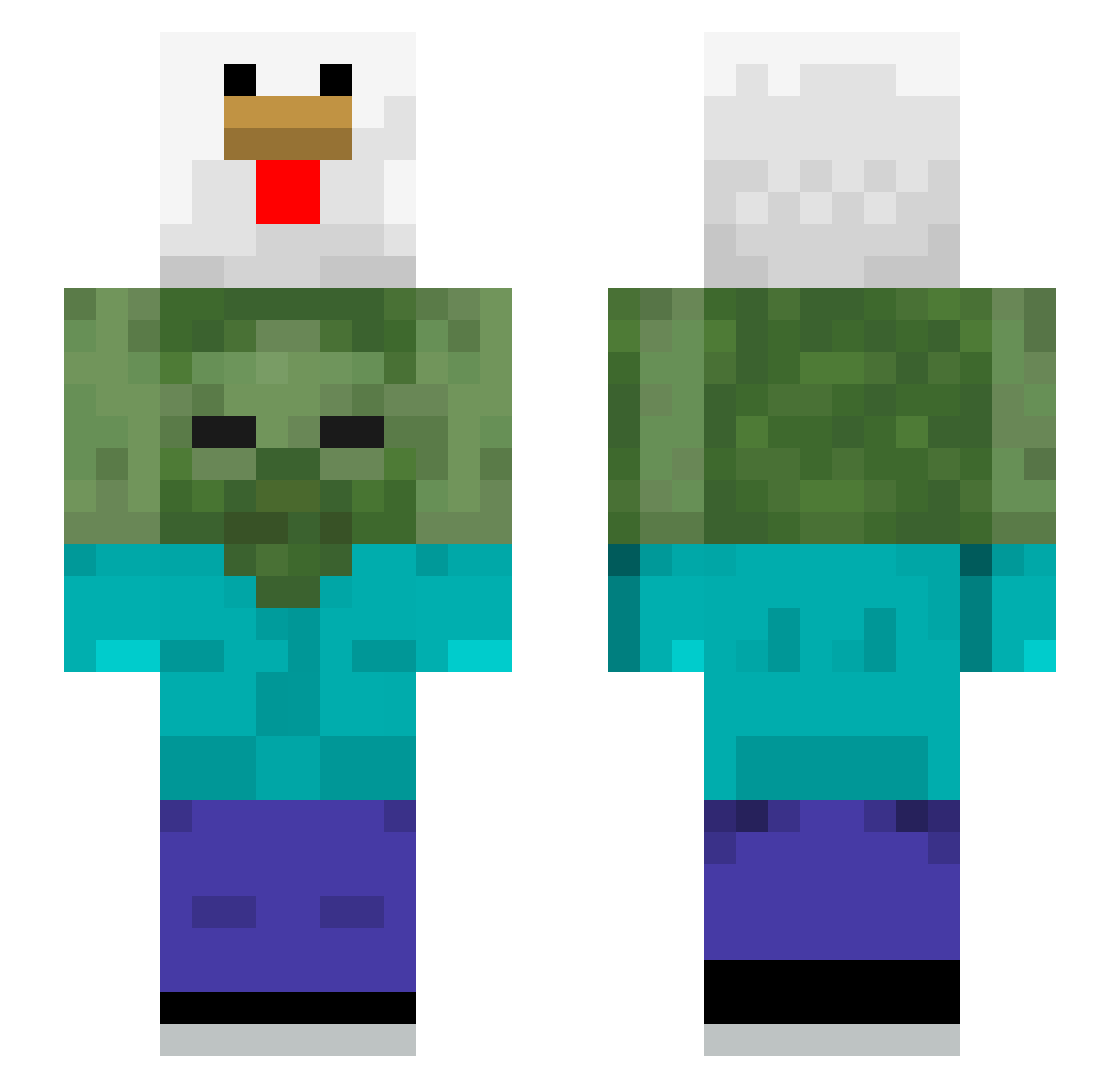
Current Minecraft skin of the player R0ck_st4r, loaded from the official Mojang API. Rotate the 3D model with your mouse or finger, then download the skin as a PNG file and use it in Minecraft: Bedrock Edition or Java Edition for free. When R0ck_st4r changes their skin, this page updates automatically and the old skin stays in the history below.
Other players with this skin (623)
R0ck_st4r was the 516th player we have seen with this skin, first spotted on 01.11.2026. The same skin was seen on these players. Open a nickname to see their current skin and skin history.
 GreatLev0720 tear_213 HanB0370 Maciek7067 13mr WestA562 ChiquitaCarol Digger2358 Lexuszilla Moherek shrinnp Lucky_1511 Tonga2k Frie_Link StenW sadamoo DamianeQQ0606 IfTrueThen GravityAssist42 seirigo mommysorry69 MICROSOFTSUCKS69 MegaMeat28 Beran_s0901 Jozin0z0Bazin WysSchade GooJM Syuung1 Samuel499 TangYuanPLUS maxone22 kipo_D Imperfectibility expect1916 Pystill yanivethemagnive Laura51015 Buktakus whcococo 2_jyu JoooooY_LiiiiiN Max_Stout sonic38764 kodtri Masapa Gr09t MrPato07E ALOHAOE A_S0me1 MuffHuffer pizzame67 OliTheSkoli unattempt pH_ingz allahwallah benrothman Cyclonely sleverith ___Nuguri___ Ch4nKaro
More Chicken Minecraft skins
How to install the R0ck_st4r skin
- Press the Download button above to save the skin as a PNG file.
- Minecraft: Bedrock Edition (PE): open the Dressing Room from the main menu (or tap your character → Edit Character), go to Classic Skins → Owned, press the + (new skin) button, choose the downloaded PNG and pick the Slim (Alex) model. Works on PC and mobile; consoles cannot import custom skins.
- Minecraft: Java Edition: open the Minecraft Launcher, go to the Skins tab, click New Skin, load the PNG, pick the Slim (Alex) model and press Save & Use. You can also upload it at minecraft.net → Profile → Change Skin.
The skin does not show up after import - what should I do?
Restart Minecraft and open the Dressing Room again - imported skins sometimes appear only after a restart. Also make sure you selected the imported skin and picked the Slim (Alex) model.
Which model should I choose, Classic or Slim?
This skin is designed for the Slim (Alex) model. If you pick the wrong model, the arms of the skin will look stretched or squeezed.
Is the skin of R0ck_st4r free to download?
Yes. Press Download, save the PNG file and use it in Minecraft: Bedrock Edition or Java Edition - no payment or registration needed. The skin also works on multiplayer servers and Realms.
More skins
Looking for more? Go back to all Minecraft skins and check the top skins of the week, month and all time, or find any player's skin by nickname.