
Qeyz_ - Minecraft Skins & Skin History
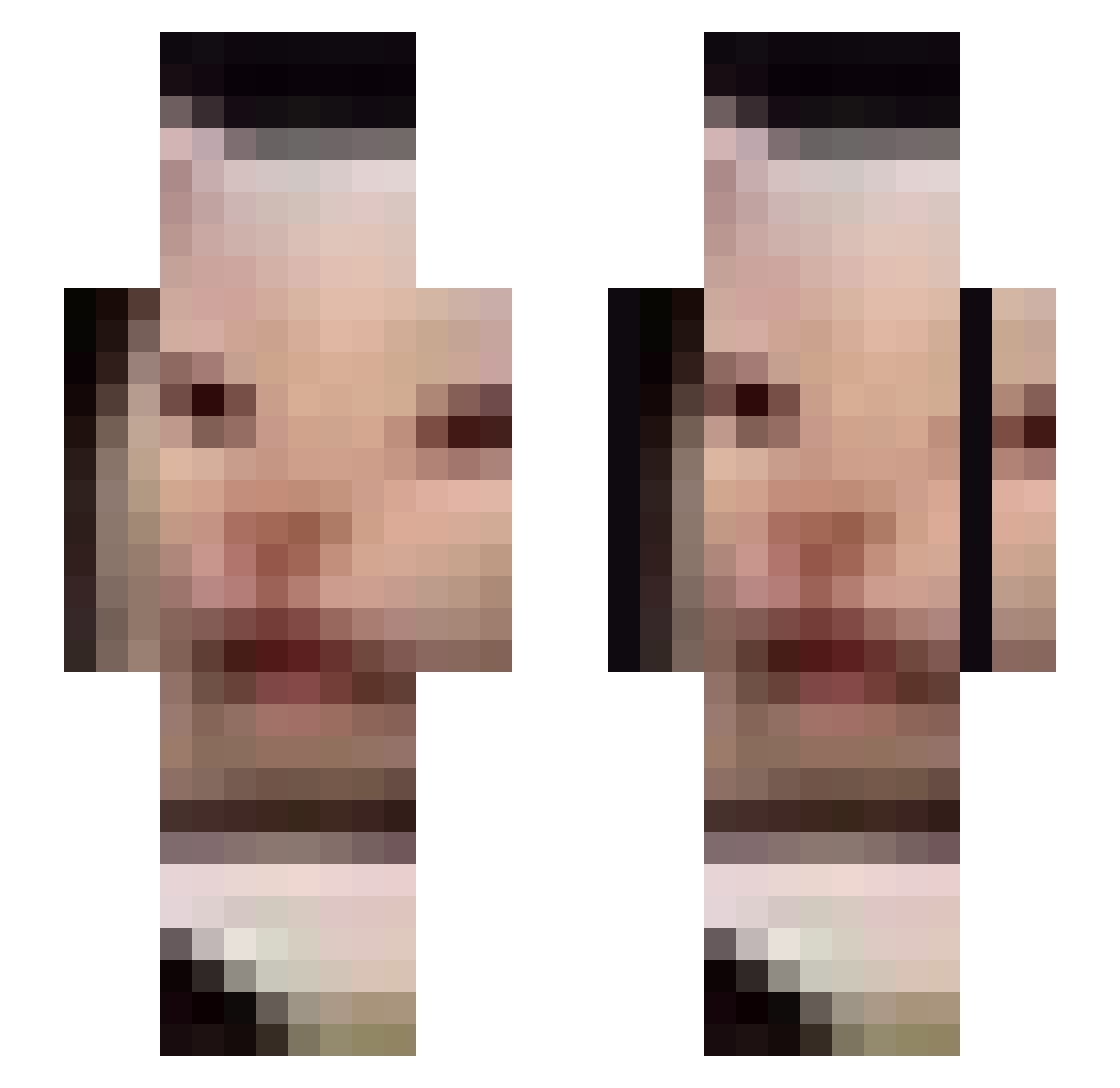
Current Minecraft skin of the player Qeyz_, loaded from the official Mojang API. Rotate the 3D model with your mouse or finger, then download the skin as a PNG file and use it in Minecraft: Bedrock Edition or Java Edition for free. When Qeyz_ changes their skin, this page updates automatically and the old skin stays in the history below.
Other players with this skin (675)
Qeyz_ was the 568th player we have seen with this skin, first spotted on 20.10.2026. The same skin was seen on these players. Open a nickname to see their current skin and skin history.
 LauWater t_latteboy FJames_ SleepinBooty royroy7474 sosweet_123 mattyh2 Fishman_York RealTodd_Howard Ryphil22 Xenon68 dodo6924 decoydroid ndketer dybek00 kwlvin Bwiiwii Olenaaa YukikoAmiina chuntaroyt _clavs NameGoesHere3 allchang_2 Raiz0 DanGerouSSSS Azshalora Timbone1343 iwillbrickyou iduwtea pipeepeep Alvajuegos cyberchad Patrigrad vampyre124 reiserly OkitaNia dongzak rodhariga_guzzen GammaTheBanana Gnoblin8 p0megu CodyIsGoated MumenRidah Schmangeetay melissaherself NicaB20 RoRomeo jexter2 Dreamxc tts4419 Kahvi22 NingYizhuo SuperDamp IDontNeedGearz Kohvimasin MediumRareDog iamNiskapus spiCyyeeyee ClashinKetchup ha_123
More Beluga Minecraft skins
How to install the Qeyz_ skin
- Press the Download button above to save the skin as a PNG file.
- Minecraft: Bedrock Edition (PE): open the Dressing Room from the main menu (or tap your character → Edit Character), go to Classic Skins → Owned, press the + (new skin) button, choose the downloaded PNG and pick the Slim (Alex) model. Works on PC and mobile; consoles cannot import custom skins.
- Minecraft: Java Edition: open the Minecraft Launcher, go to the Skins tab, click New Skin, load the PNG, pick the Slim (Alex) model and press Save & Use. You can also upload it at minecraft.net → Profile → Change Skin.
The skin does not show up after import - what should I do?
Restart Minecraft and open the Dressing Room again - imported skins sometimes appear only after a restart. Also make sure you selected the imported skin and picked the Slim (Alex) model.
Which model should I choose, Classic or Slim?
This skin is designed for the Slim (Alex) model. If you pick the wrong model, the arms of the skin will look stretched or squeezed.
Is the skin of Qeyz_ free to download?
Yes. Press Download, save the PNG file and use it in Minecraft: Bedrock Edition or Java Edition - no payment or registration needed. The skin also works on multiplayer servers and Realms.
More skins
Looking for more? Go back to all Minecraft skins and check the top skins of the week, month and all time, or find any player's skin by nickname.