
QHU249 - Minecraft Skins & Skin History
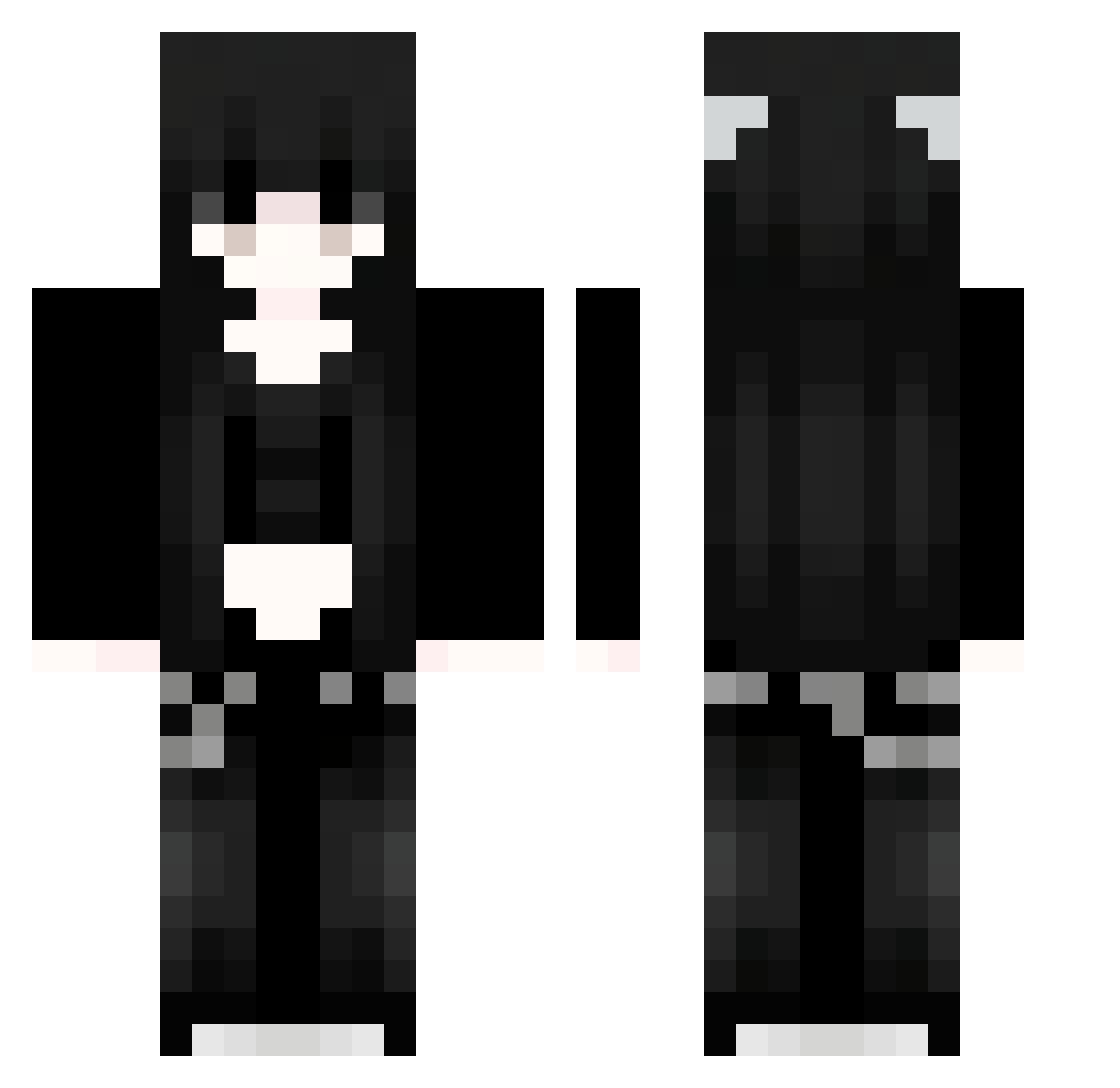
Current Minecraft skin of the player QHU249, loaded from the official Mojang API. Rotate the 3D model with your mouse or finger, then download the skin as a PNG file and use it in Minecraft: Bedrock Edition or Java Edition for free. When QHU249 changes their skin, this page updates automatically and the old skin stays in the history below.
Other players with this skin (1127)
QHU249 was the 701st player we have seen with this skin, first spotted on 04.10.2026. The same skin was seen on these players. Open a nickname to see their current skin and skin history.
 Sakura_ILiKcP193 91_qmbNWrScwE575 csx854 hZL174 gVW869 yDK416 asb333 BiJ994 uGBmtjVeBxRpM913 hhW779 ycU445 Sia723 CPS784 VaE154 sdtacid COAZec620 jCm59 kuP834 zlL577 yannabanana KatsuraXD 91_LOfNpOmhsB837 Shigure01 Sakura_QjkCYq250 MWH529 pOq397 91_nhYgzUFYsm217 qhV557 yjpj Sakura_nWYNfr729 IrC324 FnT880 Owt834 arJ338 orc843 DOR844 Tinnroth vzI656 EllisO_O MDB234 Aiyxna Sakura_CvHsEl138 Sakura_XwFppr331 rGP248 Sakura_ymRFQl104 Sakura_YrUBgL172 Sakura_TkKiMQ382 wGN629 91_zZDRdXRYDn331 iFs43 uAp59 Xls610 KFG165 MSb141 FFNATzz 91_MqztntELcs408 Sav817 Zkw463 guQ619 Sakura_tHcxpF552
More Emo Minecraft skins
How to install the QHU249 skin
- Press the Download button above to save the skin as a PNG file.
- Minecraft: Bedrock Edition (PE): open the Dressing Room from the main menu (or tap your character → Edit Character), go to Classic Skins → Owned, press the + (new skin) button, choose the downloaded PNG and pick the Classic (Steve) model. Works on PC and mobile; consoles cannot import custom skins.
- Minecraft: Java Edition: open the Minecraft Launcher, go to the Skins tab, click New Skin, load the PNG, pick the Classic (Steve) model and press Save & Use. You can also upload it at minecraft.net → Profile → Change Skin.
The skin does not show up after import - what should I do?
Restart Minecraft and open the Dressing Room again - imported skins sometimes appear only after a restart. Also make sure you selected the imported skin and picked the Classic (Steve) model.
Which model should I choose, Classic or Slim?
This skin is designed for the Classic (Steve) model. If you pick the wrong model, the arms of the skin will look stretched or squeezed.
Is the skin of QHU249 free to download?
Yes. Press Download, save the PNG file and use it in Minecraft: Bedrock Edition or Java Edition - no payment or registration needed. The skin also works on multiplayer servers and Realms.
More skins
Looking for more? Go back to all Minecraft skins and check the top skins of the week, month and all time, or find any player's skin by nickname.