
Porkchop_44 - Minecraft Skins & Skin History
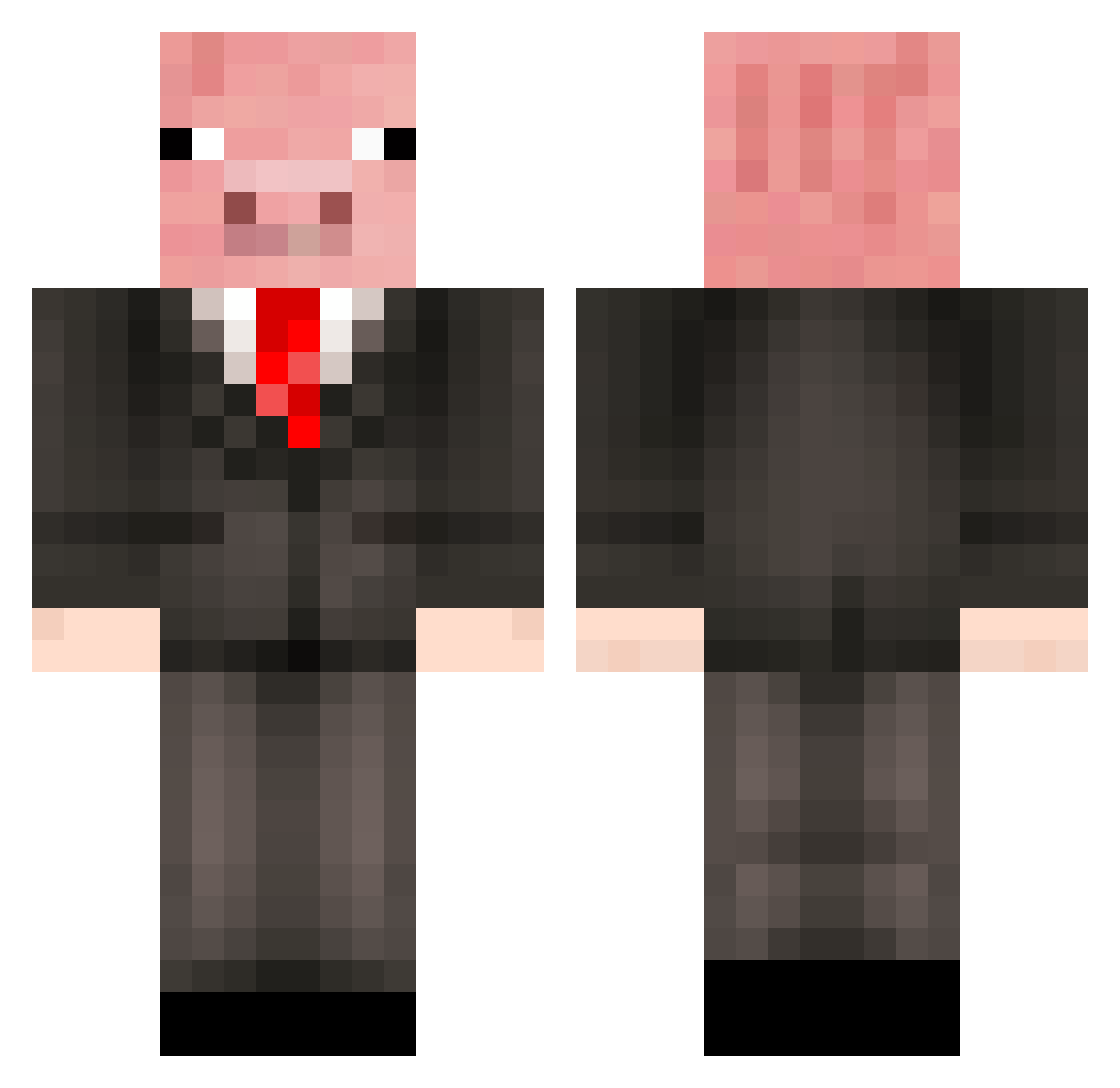
Current Minecraft skin of the player Porkchop_44, loaded from the official Mojang API. Rotate the 3D model with your mouse or finger, then download the skin as a PNG file and use it in Minecraft: Bedrock Edition or Java Edition for free. When Porkchop_44 changes their skin, this page updates automatically and the old skin stays in the history below.
Other players with this skin (500)
Porkchop_44 was the 129th player we have seen with this skin, first spotted on 27.08.2026. The same skin was seen on these players. Open a nickname to see their current skin and skin history.
 pigo4 NateNeight skullcrusher2986 Hyperspeed22 Pigeson Esketeske JKRG linus031 SupahDerpy angelviswi itsfloriz XQvistenX pokeapig65 CorytheITGuy JackSeli toffetom Stein2007 gurkanbob Anthonys_gay Tats_ SuBTrONiX420 True_Novaeax Zeebie22 samura12 MisterPanseyFace Zakbub Zanadude VeniiR _KOOLAID__ Fartapp 12baird12 vebjornwn ShineyPen HarryThePig123 Meteor_Dog JamesPrice96 jadria96 pilotpig99 philip01102004 Padvark sweduck04 Piggy33 Ballerusket flukieduckie216 SteveAnson abcentheadnus TheBoomers Mister_Burg keke_s PiggyTails56 rickshore Rotusk mini_magnus123 dabberus zahiah zoliver13 upwindsquid Schnitzel_Max uranusishere lordbooger123
More Pig Minecraft skins
How to install the Porkchop_44 skin
- Press the Download button above to save the skin as a PNG file.
- Minecraft: Bedrock Edition (PE): open the Dressing Room from the main menu (or tap your character → Edit Character), go to Classic Skins → Owned, press the + (new skin) button, choose the downloaded PNG and pick the Classic (Steve) model. Works on PC and mobile; consoles cannot import custom skins.
- Minecraft: Java Edition: open the Minecraft Launcher, go to the Skins tab, click New Skin, load the PNG, pick the Classic (Steve) model and press Save & Use. You can also upload it at minecraft.net → Profile → Change Skin.
The skin does not show up after import - what should I do?
Restart Minecraft and open the Dressing Room again - imported skins sometimes appear only after a restart. Also make sure you selected the imported skin and picked the Classic (Steve) model.
Which model should I choose, Classic or Slim?
This skin is designed for the Classic (Steve) model. If you pick the wrong model, the arms of the skin will look stretched or squeezed.
Is the skin of Porkchop_44 free to download?
Yes. Press Download, save the PNG file and use it in Minecraft: Bedrock Edition or Java Edition - no payment or registration needed. The skin also works on multiplayer servers and Realms.
More skins
Looking for more? Go back to all Minecraft skins and check the top skins of the week, month and all time, or find any player's skin by nickname.